Quick Verdict: Top Picks at a Glance
If you don't have time to read the full technical breakdown, here is the executive summary based on organizational needs:
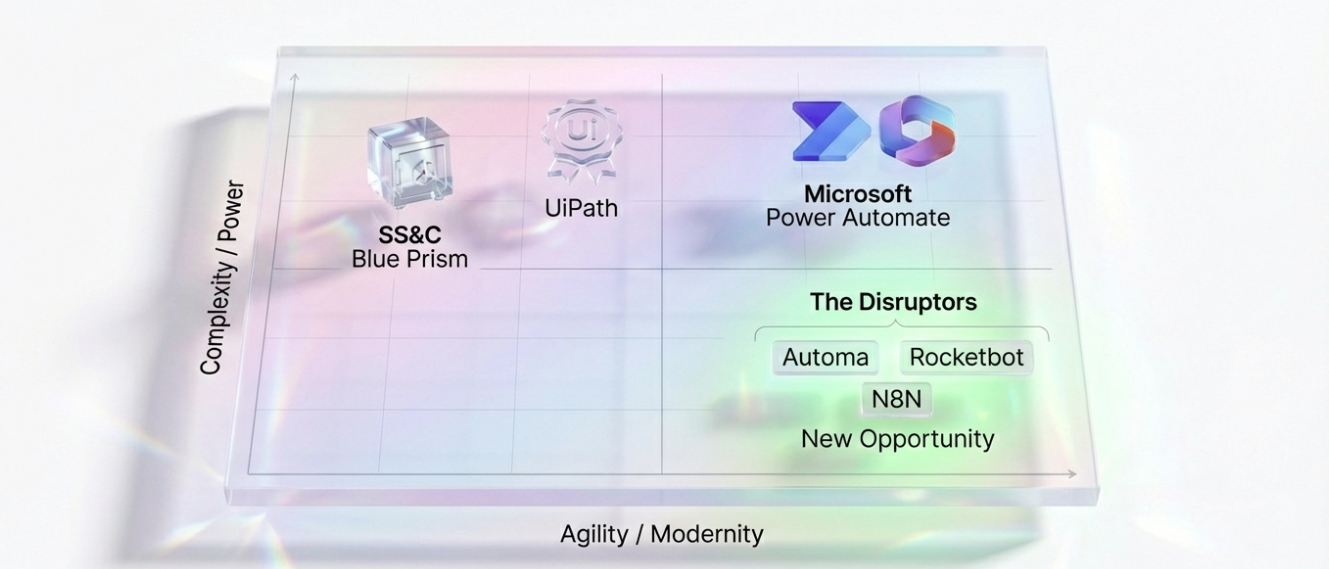
Best for Enterprise Stability & Complexity: UiPath. If you have the budget, it’s the safest landing spot for mission-critical processes.
Best for Microsoft 365 Shops: Microsoft Power Automate. Unbeatable integration with Excel, Teams, and SharePoint, though licensing gets tricky.
Best for Regulated Industries (Banking/Pharma): SS&C Blue Prism. Unmatched audit trails and object modularity.
Best for ROI & Cost Reduction: Automa. AI automation for every business build enterprise-grade AI agent & RPA workflows.
Best for Data Transfer (Non-UI): N8N. Stop using RPA for API tasks. Use this instead.
You just received the renewal quote from Automation Anywhere. The figure is up 30% from last year, yet your automation output hasn't grown to match it.
This isn’t just a budget issue. Iit’s a crisis of trust. The pain of the forced migration from v11 to Automation 360 (A360) hasn't fully subsided, and now you are stuck in an endless loop of unstable Bot Runner connections and cryptic Control Room errors. As an IT Director, you hold the budget, but you hesitate to sign. You need an architecture that is more stable, transparent, and perhaps lighter.
You are not alone. According to the 2023 Enterprise Automation Migration Report, over 58% of legacy RPA users are actively seeking alternatives.
This is not a generic software listicle. We have dissected the real-world pain points of migrating away from Automation Anywhere and, based on your tech stack and budget, curated the most viable Automation Anywhere alternatives for 2026.
Why Are Enterprises Looking for Automation Anywhere Alternatives in 2026?
Enterprises don't ditch a platform like Automation Anywhere on a whim. It is usually the explosion of long-term technical debt and commercial frustration. After speaking with hundreds of CIOs, the triggers for hitting the "eject" button are surprisingly consistent.
The Rising Cost of Bot Runners and Control Room
Automation Anywhere’s pricing model is becoming a black hole.
Previously, you largely paid for the bots you built. Now, the A360 architecture demands high licensing fees for every runtime environment (Bot Runner), every development seat (Bot Creator), and the core Control Room.
This creates an absurd scenario: To run a simple invoice processing flow that works 10 minutes a day, you might be paying thousands of dollars in infrastructure licensing. This "heavy asset" model destroys ROI for companies looking to scale dozens of medium-to-small processes.
Complexity in Scaling Unattended Automation
Unattended automation should be the crown jewel of RPA. In A360, configuring a stable unattended environment is often a nightmare.
Teams are forced to juggle complex device credentials, RDP session management, and WebSocket connections that disconnect without cause. Many CoE teams report spending more time "restarting Bot Agents" than developing new flows. When your scale hits 50+ bots, this maintenance overhead grows exponentially, burying your Ops team.
Lack of Native Integration with Microsoft Ecosystem
Most enterprises are transitioning fully to Microsoft 365.
While Automation Anywhere offers Excel and Outlook plugins, they feel like external appendages. In contrast, when your team lives in Teams, SharePoint, and Power BI, AA feels clunky. You often have to write extra scripts to handle SharePoint file uploads or use complex APIs just to interact with Teams. In 2026, this "bolt-on" experience is obsolete.
Compare: Automation Anywhere vs. Top Competitors
Before diving into the details, use this decision matrix to evaluate how the alternatives stack up against AA in key dimensions.
Feature / Tool | Automation Anywhere | UiPath | MS Power Automate | Blue Prism | Automa |
Primary Use Case | General Enterprise RPA | Complex / Citrix Automation | M365 Ecosystem Automation | Banking / High-Audit Scenarios | High-Flexibility Cross-Platform Automation |
Pricing Model | High (Bot-based license) | High (Platform + Robot costs) | Medium (Per User / Per Flow) | High (Per Robot license) | Flexible (Unlimited seats/bots) |
Architecture | Cloud-Native (A360) | Hybrid / Cloud | Cloud + Desktop (PAD) | Legacy On-Prem / Cloud | Cloud-Native + Fully Private |
Migration Friction | N/A | High (Requires RPA Team) | High (Logic/Ecosystem shift) | High (Legacy object shift) | Low (Agile / Fast implementation) |
G2 Crowd Rating | 4.5 / 5.0 | 4.6 / 5.0 | 4.5 / 5.0 | 4.2 / 5.0 | 4.8 / 5.0 |
Dev Experience | Drag-and-Drop 20 | Visual + VB.NET | Low-Code Flows | Flowcharts / Business Objects | Visual Building Blocks |
The Big Three Enterprise Competitors
For large enterprises with hundreds of complex processes requiring strict auditing and attended vs. unattended orchestration, these three are the direct weight-class competitors to Automation Anywhere.
UiPath: The Market Leader for Complex Workflows
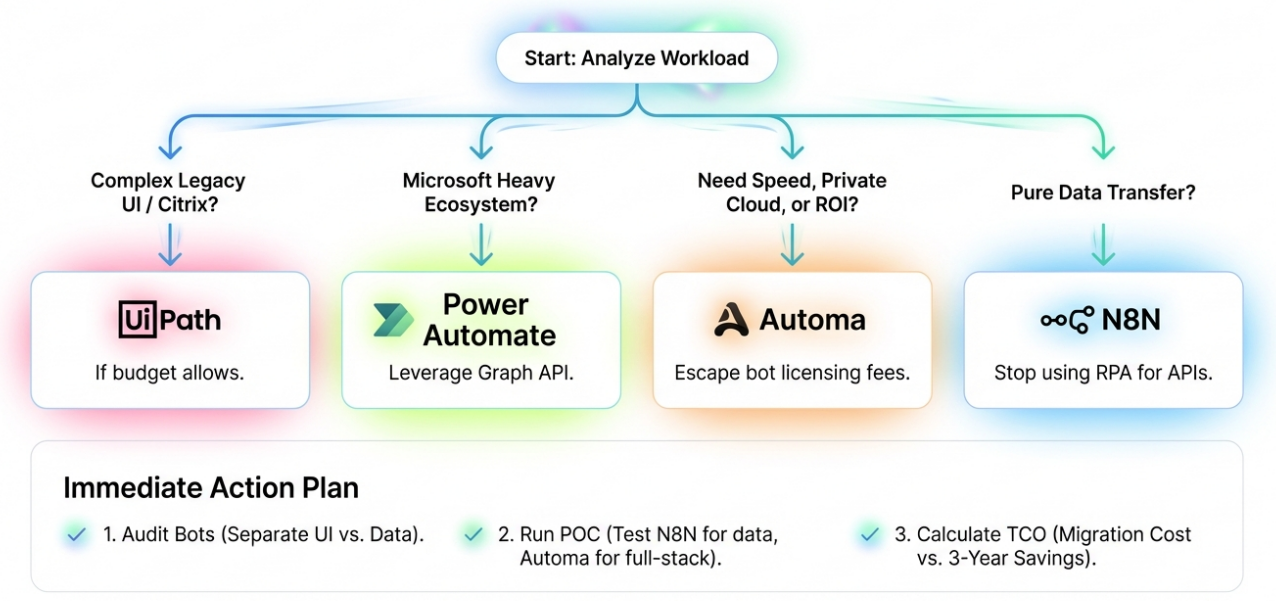
If your budget allows, and your business relies heavily on Citrix virtual environments or complex SAP automation, UiPath is the most mature alternative.
The Verdict: The "Apple" of RPA. Expensive, but it works seamlessly.
Why It Beats Automation Anywhere
UiPath wins on "Object Selector" stability. While AA's Object Cloning often fails with screen resolution changes or minor UI updates, UiPath’s AI Computer Vision intelligently identifies screen elements even in virtual desktops. Furthermore, while UiPath Orchestrator is complex, its granular control over Queues and Assets aligns better with Enterprise IT standards than AA's Control Room.
Developer Experience: UiPath Studio sets the benchmark for debugging. It allows developers to watch variable values change line-by-line and modify them in real-time at breakpoints. AA’s debugging often feels like a "black box"—you wait for the run to finish and check logs.
Pricing: Enterprise pricing is custom, generally starting around $15k - $20k/year for a starter pack, but scales rapidly.
G2 Sentiment: Users consistently rate UiPath #1 for "Computer Vision" capabilities.
Pros & Cons:
✅ Pros: Best-in-class Citrix/Virtual machine automation.
✅ Pros: Massive marketplace of pre-built components (UiPath Go).
✅ Pros: Deep AI integration (Document Understanding).
❌ Cons: Extremely high licensing costs (Orchestrator + Unattended Bots).
❌ Cons: Steep learning curve for non-technical users.
Microsoft Power Automate: The Ecosystem Play
This is the fastest-growing competitor and the most disruptive challenger to the legacy RPA throne.
The Verdict: The strategic choice for Microsoft-centric organizations.
The "Graph API" Advantage
Power Automate’s (PA) killer feature isn't its UI automation—it's the ecosystem. It calls the Microsoft Graph API directly. When processing Excel, Outlook, Teams, or SharePoint, PA doesn't "open the app and click buttons" like traditional RPA. It executes via backend APIs in milliseconds. This stability is something UI-based RPA can never match.
The Hidden Cost Warning
Don't be fooled by "Free." While Windows 10/11 includes Power Automate Desktop (PAD), it’s a standalone tool. Once you need Cloud Orchestration, Unattended execution, or Premium Connectors (SQL, Oracle), costs pile up.
Pricing: Starts at $15/user/month, but the "Hosted RPA" (Unattended) add-on is $150/bot/month.
Risk: Scaling unattended bots can get as expensive as UiPath if not managed correctly.
Pros & Cons:
✅ Pros: Native, unbreakable integration with Office 365.
✅ Pros: "Process Advisor" (Process Mining) is included in many tiers.
✅ Pros: No infrastructure setup required (SaaS).
❌ Cons: Desktop automation (legacy apps) is less robust than UiPath.
❌ Cons: Complex licensing (Per User vs. Per Flow vs. Hosted RPA).
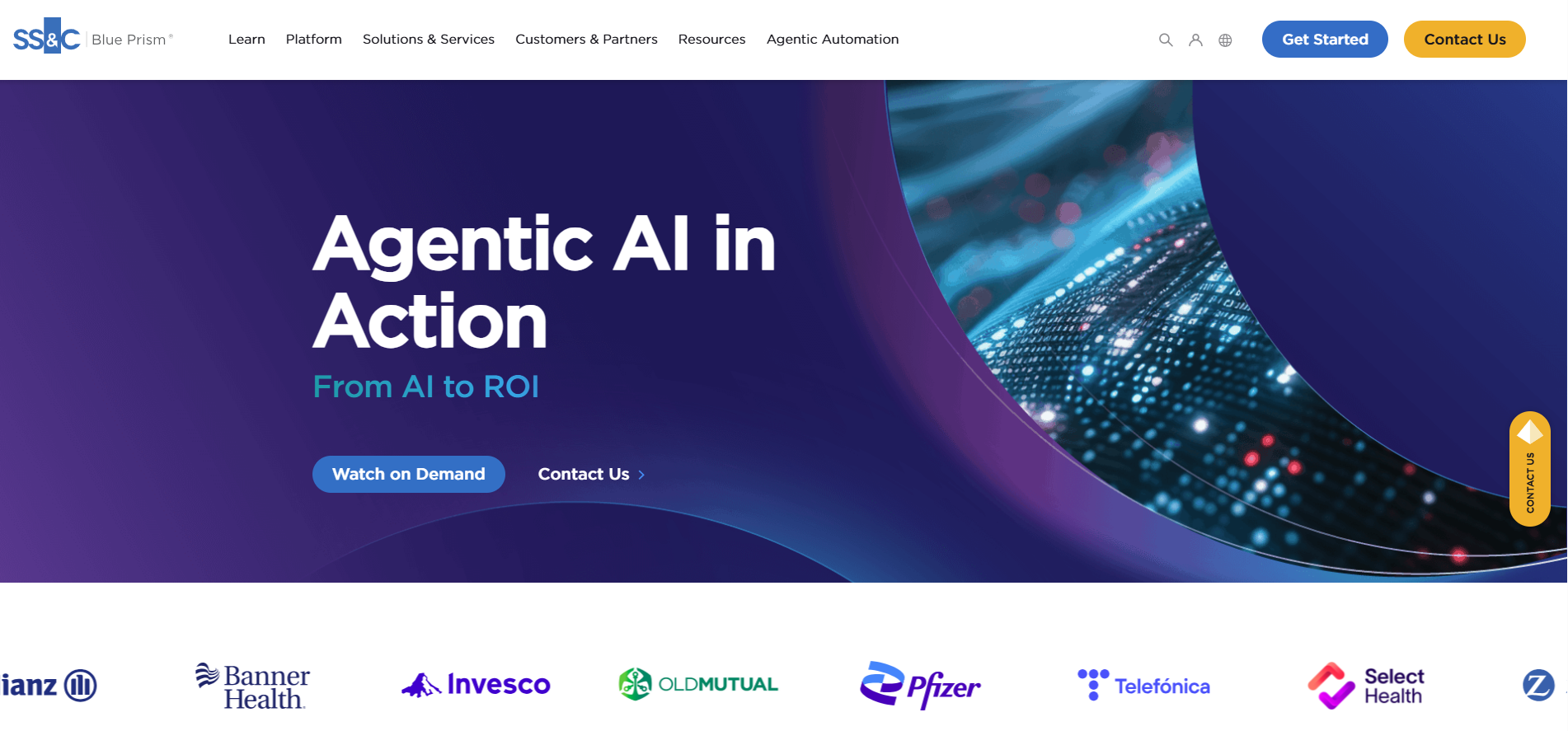
SS&C Blue Prism: Security First
Blue Prism (BP) is the "grandfather" of RPA, favored by banks and healthcare providers who prioritize control over speed.
The Verdict: The Fort Knox of RPA.
Audit Trails & Compliance
Blue Prism doesn't chase "ease of use". It chases "control." Its separation of Object Studio (components) and Process Studio (logic) forces modularity and code reuse. More importantly, BP has the industry's most rigorous, tamper-proof audit logs. Every bot start, stop, modification, and variable change is permanently recorded. For SOX or HIPAA compliance, BP is the safest bet.
Pricing: Traditionally sells "Digital Workers" (concurrent runtimes) at approx $8,000 - $10,000 per year, inclusive of dev tools.
Pros & Cons:
✅ Pros: Unmatched security and audit capabilities.
✅ Pros: Object-oriented design forces clean code architecture.
✅ Pros: High stability for unattended scaling.
❌ Cons: No "Recorder" for quick bot building. Everything is manually mapped.
❌ Cons: UI looks dated compared to modern SaaS tools.
Best Low-Cost and Lightweight Alternatives
Often, Automation Anywhere is "overkill." You don't need a massive Control Room, you just need a few processes to run reliably.
Automa: The Agile Full-Stack Disruptor
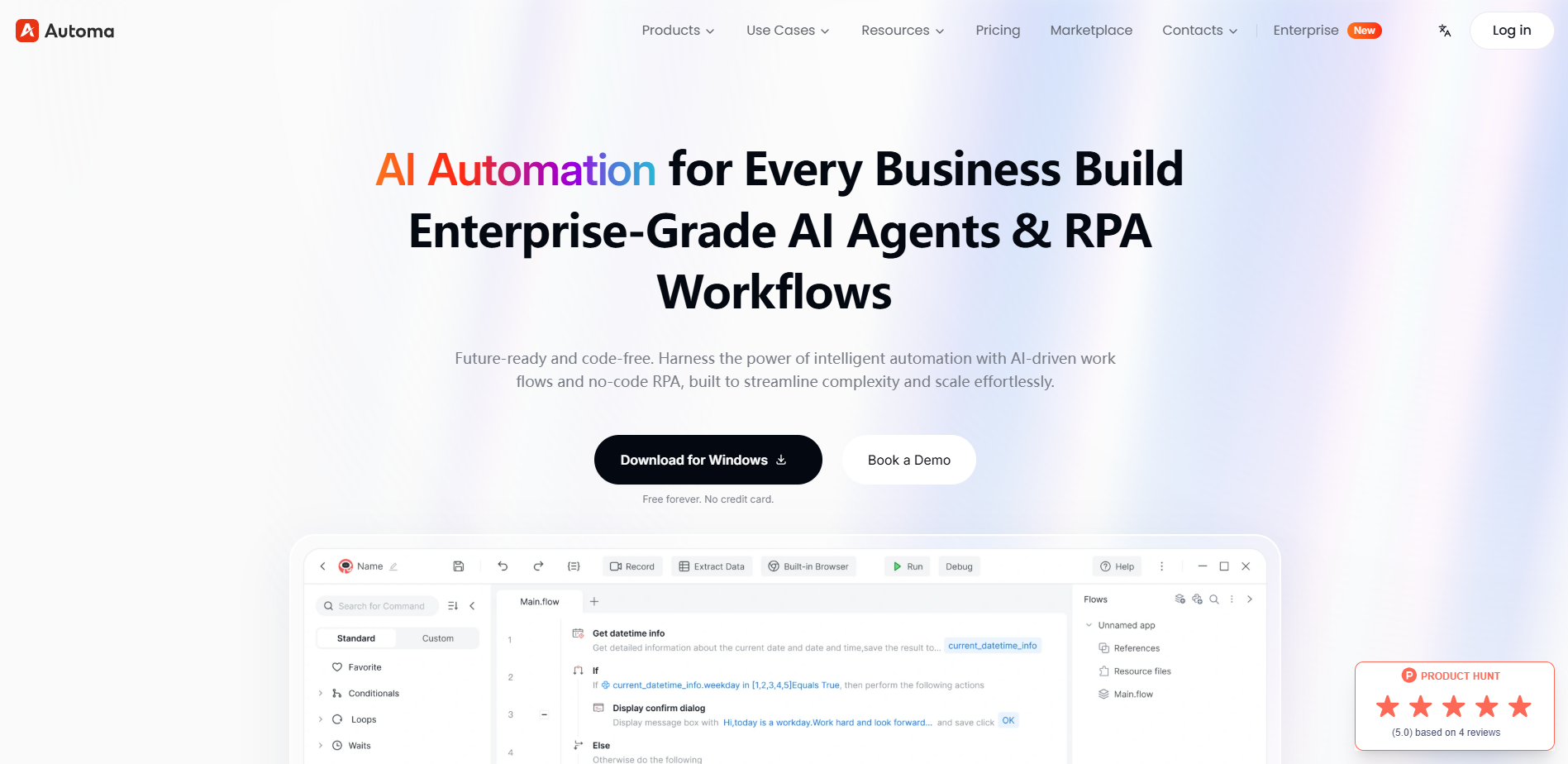
Automa is the "Swiss Army Knife" of modern automation, designed for enterprises that need to move fast without maintaining heavy, specialized RPA teams. It bridges the gap between simple SaaS integrators and complex enterprise RPA by offering a hybrid approach that spans desktop, browser, and API.
The Verdict: The High-Speed, No-Tax Alternative to Traditional RPA.
Deployment Speed & Deployment Freedom
Automa rejects the "heavy" implementation cycles of traditional tools. While legacy competitors often require 1 to 6 months for a single project, Automa can be fully deployed in as little as one hour. It is uniquely "Cloud-Native" while also offering a fully private, on-premise version that can run in secure, air-gapped zones—a critical requirement for government, medical, and financial sectors. Because it requires only a single VM for private environments, the operational cost and technical barriers remain significantly lower than the enterprise "Big Three".
Pricing: Flexible licensing model with no "Bot-based" restrictions, allowing automated scripts to scale infinitely without increasing license costs.
Pros & Cons:
✅ Pros: Full-stack capability covering Desktop, Browser, and SaaS/API in one platform.
✅ Pros: Rapid ROI with deployment in 1 hour rather than months.
✅ Pros: Vendor-neutral architecture. No forced lock-in to Microsoft, AWS, or specific clouds.
✅ Pros: Secure private deployment for high-compliance environments.
❌ Cons: Lacks the deep, native-level M365 ecosystem integration (Teams/SharePoint) found in Power Automate.
❌ Cons: Newer to the market compared to "legacy" tools like Blue Prism or UiPath.
Rocketbot: Budget-Conscious Scalability
Rocketbot is surging in Latin America and Europe by attacking the pricing model of legacy RPA.
The Verdict: The ROI Champion.
Why Switch: Rocketbot breaks the "ransomware" model of charging per bot. You pay for the development environment. The runtime is often free or negligible. Built on Python, it is lightweight, fast, and cross-platform (Windows, Mac, Linux).
Pricing: Approx $800 - $3,000/year depending on the tier, with unlimited runtimes in some packages.
Best For: Mid-sized companies needing to run 50+ bots without a $200k bill.
Pros & Cons:
✅ Pros: Drastically lower TCO (Total Cost of Ownership).
✅ Pros: Python-based (easy for devs to extend).
❌ Cons: Smaller community and support ecosystem than UiPath.
❌ Cons: Less advanced "Computer Vision" for Citrix.
N8N: The Self-Hosted Workflow Architect
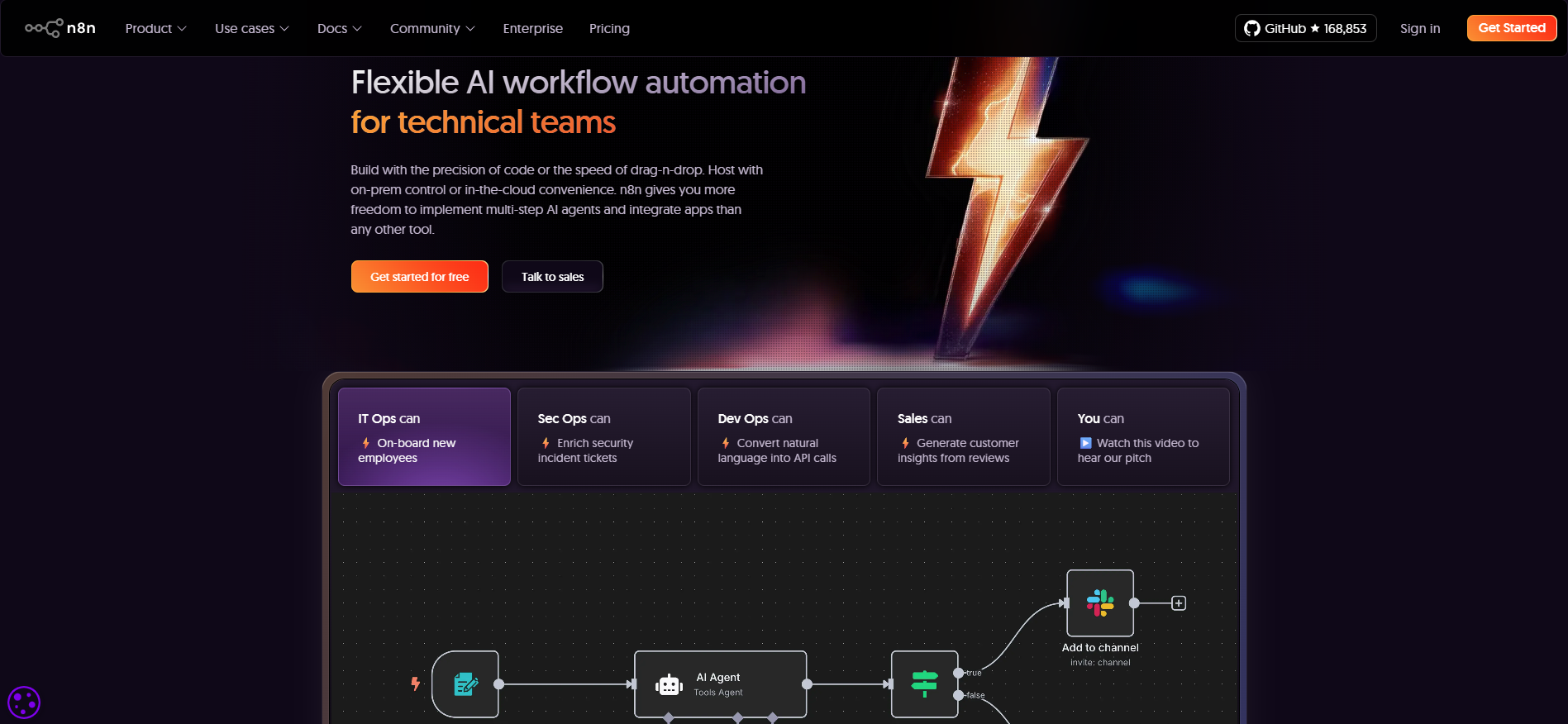
This is a non-typical "RPA" alternative, but often the correct one. n8n is a node-based, low-code workflow tool primarily designed for SaaS and Web API integration. It serves as a powerful alternative for organizations that want to avoid the "human simulation" errors of traditional RPA by using rock-solid API communication instead.
The Verdict: The Developer’s Favorite for API-First Automation.
API Efficiency vs. Legacy Limitations
n8n is the go-to choice when 80% of a process involves moving data between modern SaaS tools (like HubSpot or Slack) via APIs. Unlike cloud-only integrators, n8n can be self-hosted, meaning sensitive data never leaves your private infrastructure, effectively solving core security and privacy concerns. However, its primary weakness lies in "Full-Stack" reach. It lacks native, built-in Desktop and Browser RPA capabilities, often requiring complex external plugins or scripts to handle legacy systems that do not have APIs.
Pricing: Offers a fair-code/open-source model for self-hosting, though managing the environment requires significant technical expertise.
Pros & Cons:
✅ Pros: High security and data sovereignty through self-hosting.
✅ Pros: Extremely efficient for SaaS-to-SaaS API workflows.
✅ Pros: Flexible, node-based visual interface preferred by developers.
❌ Cons: Significant technical barrier. Unfriendly for non-technical users to set up and maintain.
❌ Cons: Very limited Browser and Desktop automation capabilities compared to Automa.
❌ Cons: Fragmented management when trying to combine API flows with UI-based tasks
Considerations Before You Switch
Deciding to switch is step one. The real challenge is migration. As experts who have overseen countless platform shifts, here is the truth vendors won't tell you.
Can You Migrate Automation Anywhere Bots Directly?
Absolutely not.
Any tool claiming "One-Click Conversion" from AA to UiPath/Power Automate is marketing vaporware.
Automation Anywhere: Based on XML/MXML logic.
UiPath: Based on XAML (Microsoft Workflow Foundation).
Power Automate: Based on JSON / Cloud Flows.
Automa: Based on Hybrid Visual Logic and Scripting()()().
The Reality: Migration equals Rewriting. However, treat this as an opportunity. Use this time to refactor "spaghetti code," remove redundant steps, and replace unstable UI clicks with API calls.
Assessing the Developer Learning Curve
AA to UiPath: Relatively easy. Concepts (Variables, Loops, Selectors) are similar.
AA to Power Automate: Requires a mindset shift. PA is about "Logic Flows" and data payloads, not just linear steps. If your team is used to AA's imperative scripting, allow 1-2 months for them to adapt to PA's declarative logic and expression language.
AA to Automa: Extremely Fast. Because Automa uses a "SaaS-like" hybrid UX similar to Zapier or n8n, developers often find it more intuitive than legacy RPA. It significantly lowers the technical threshold for cross-departmental use.
Vendor Lock-in Risks
You are leaving AA because you feel locked in. Don't repeat the mistake.
Proprietary: UiPath, Blue Prism (Hard to move away from).
Open Standard: Rocketbot (Python), N8N (JSON/JS). If long-term flexibility is your goal, lean towards tools that use standard programming languages.
Open & Flexible: Automa and n8n. Automa is "DevOps-friendly" and designed for high portability, supporting both Cloud and full Private/On-premise deployment without being tethered to a specific cloud vendor.
Conclusion
Leaving Automation Anywhere is a tough decision, but often the necessary one to stop the bleeding of budget and technical debt.
Go UiPath if you need absolute stability for complex legacy Citrix environments and have the budget.
Go Power Automate if you want to leverage your existing Microsoft investment and don't need deep browser automation.
Go Automa if you want to escape "Bot License" fees, need to scale infinitely, or require a secure private deployment that legacy tools can't match in agility.
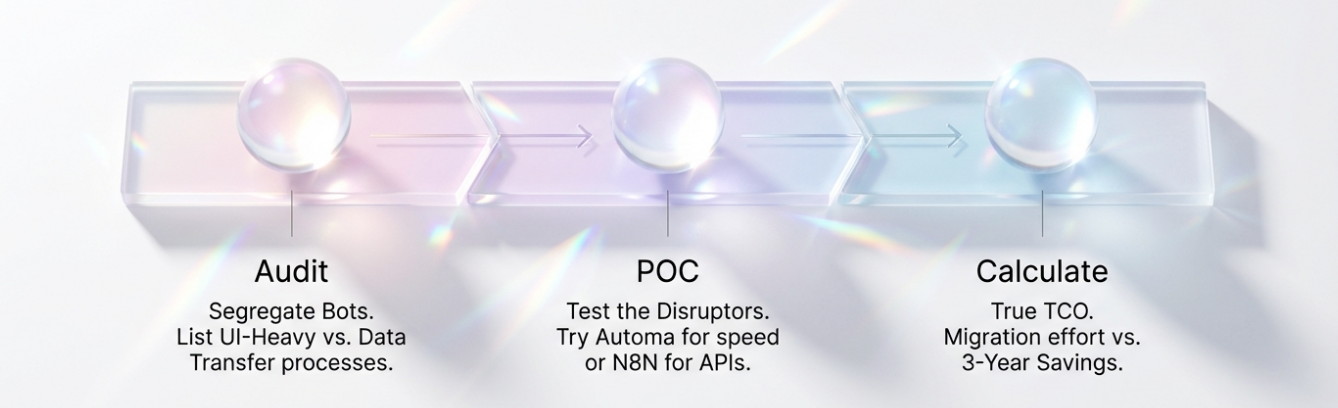
Your Next Move
Audit: List your current AA bots. Separate them into "UI Heavy" vs. "Data Transfer."
POC:
For Data Transfer, test n8n.
For Full-Stack Flexibility (Desktop + Browser + SaaS) or Private Cloud, test Automa.
For Complex Legacy UI, pick UiPath.
Calculate: Don't just look at the license price. Calculate the Total Cost of Migration vs. the 3-Year Savings. Note that Automa’s deployment takes roughly 1 hour compared to 1–3 months for traditional RPA.
Automation is meant to liberate productivity, not shackle you to a vendor. Choose the platform that lets you sleep at night.
FAQs
Is RPA still relevant in 2026, or is it being replaced by AI automation?
Yes. RPA is still relevant in 2026, but its role has become more specialized rather than universal. Traditional RPA remains effective for automating legacy desktop applications and UI-based workflows where APIs are unavailable. In practice, modern automation strategies combine RPA, APIs, and AI agents rather than relying on a single approach.
What should enterprises evaluate before switching from Automation Anywhere to another platform?
Before switching from Automation Anywhere, enterprises should evaluate process types, security requirements, team capabilities, and long-term cost structure.
Can low-code workflow tools fully replace enterprise RPA platforms?
Low-code workflow tools cannot fully replace enterprise RPA platforms in all scenarios. They excel at API-based integrations, SaaS-to-SaaS data flows, and cloud-native automation, but lack robust desktop and legacy system automation.
What is the difference between unattended RPA and API-based automation?
Unattended RPA automates processes by simulating human interaction with user interfaces, while API-based automation executes tasks through direct system-to-system communication. Unattended RPA is useful when no APIs exist but is more sensitive to UI changes and infrastructure stability. API-based automation is faster, more reliable, and easier to scale, making it preferable whenever direct integrations are available.