Does your team wait months just to deploy a simple bot? Many companies feel trapped by expensive automation software that requires heavy coding skills and massive IT server setups. You bought an RPA tool to save time. Instead, you spend hours fixing broken logic and paying high license fees. If slow delivery and complex IT setups hurt your business operations, you must make a change. Finding the right blue prism alternative can lower your costs and help business users build workflows instantly. This guide compares the top 10 platforms in 2026 to help you choose the perfect match.
Why People Look for Blue Prism Alternatives?
Organizations look for Blue Prism alternatives due to the following reasons:
High Total Cost of Ownership: Blue Prism charges expensive enterprise license fees. You also pay a lot for the required servers and databases. Small and medium teams cannot afford these high costs.
Needs Developer Skills: Business users cannot easily build bots in Blue Prism. The software requires developers who know C# or VB.NET coding. This blocks non-technical staff from automating their own daily work.
Slow Delivery Speed: Building a bot in Blue Prism takes a long time. Developers must manually map every application screen and separate objects from processes. This rigid system delays automation projects by weeks or months.
Heavy IT Infrastructure: Blue Prism is not a true cloud-native tool. You must install and maintain complex Windows servers, SQL databases, and virtual machines. This creates extra work and headaches for your IT department.
Missing Built-In AI: The platform treats artificial intelligence as a separate piece. You must buy and connect outside cognitive tools to read documents. Modern alternatives like Automa include AI agents directly in the platform from day one.
Blue Prism Alternatives Quick Comparison Table
This table gives you a fast answer.
Platform | Best For | Deployment | Key Strengths | Key Limits | Who Should NOT Pick It |
Automa | Fast deployment | Cloud, Mac, Linux, Windows | No-code AI, transparent pricing | Newer to the enterprise market | Teams needing mainframe tools |
UiPath | Enterprise scale | Cloud / On-prem | Orchestration, testing | High cost, hard to learn | Small teams with tight budgets |
Automation Anywhere | Cloud-first programs | Cloud / On-prem | Web architecture, analytics | Balances IT control poorly | Teams wanting full offline isolation |
Power Automate | Microsoft 365 shops | Cloud / Desktop | Quick wins, Office connection | High cost for unattended bots | Companies using legacy apps |
Appian | Low-code apps | Cloud / On-prem | Process apps, data layer | Basic RPA depth | Teams wanting a dedicated RPA tool |
ServiceNow | IT workflows | Cloud | ITSM integration | Weak outside ServiceNow | Non-IT focused departments |
WorkFusion | Document ops | Cloud / On-prem | AI document extraction | Depends on data quality | Teams with low document volume |
NICE | Contact centers | Cloud / On-prem | Attended automation | Weak unattended scale | Back-office only operations |
IBM RPA | IBM stacks | Cloud / On-prem | Fits IBM environments | Small community | Non-IBM enterprise customers |
SAP Build | SAP shops | Cloud | Deep SAP integration | Weak cross-app automation | Companies not using SAP |
The 12 Best Blue Prism Alternatives
Automa (Best for fast deployment + built-in AI workflows)
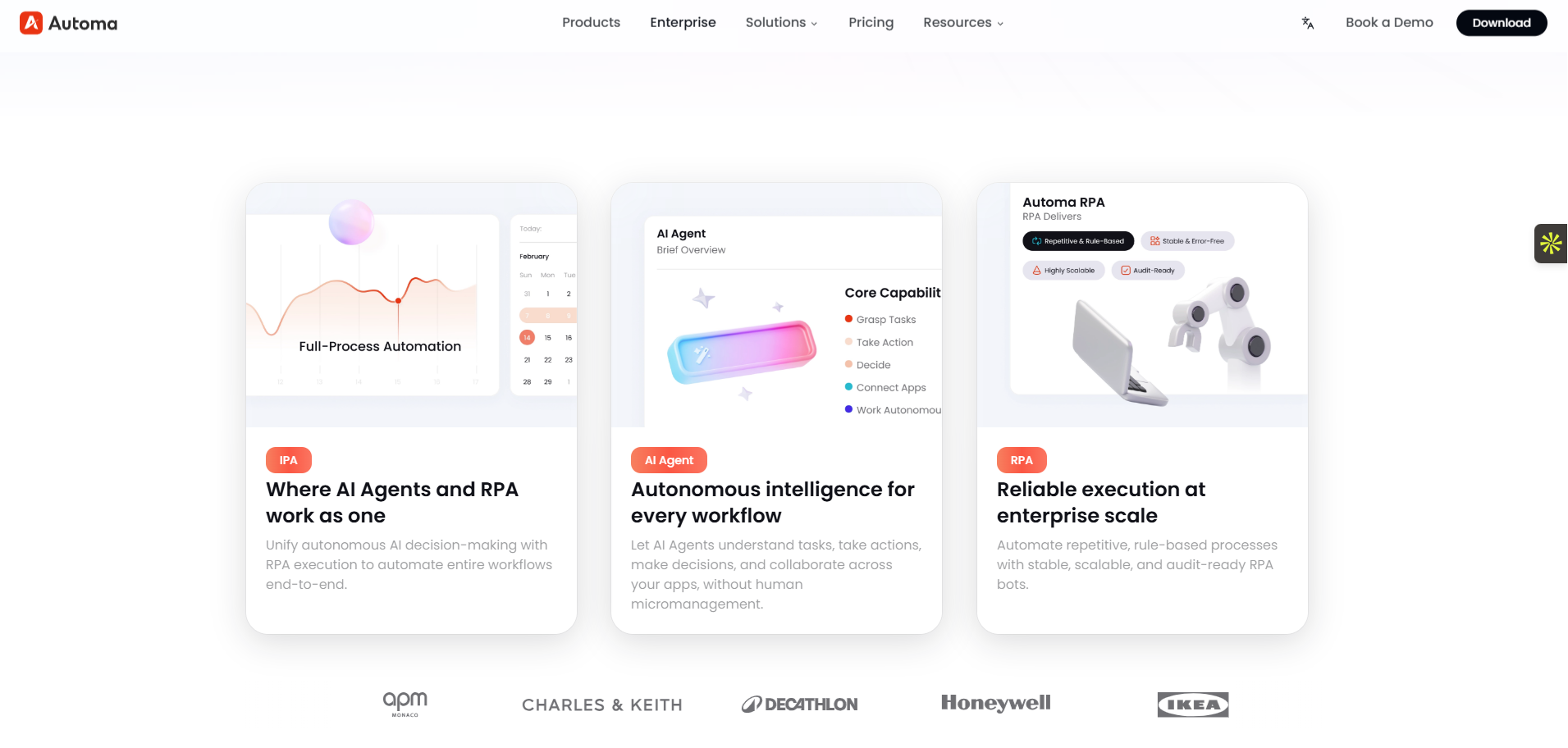
Automa is an Intelligent Process Automation (IPA) platform. It combines artificial intelligence with standard robotic tools. This system helps business teams build workflows quickly without writing code. At the same time, IT managers keep strict control over security and system access.
The platform packs a drag-and-drop builder, a process recorder, and AI brainpower into one complete system. This single tool helps different departments automate their daily tasks accurately and fast. You do not need to buy separate modules to make the system think.
We designed Automa for businesses of all sizes. It delivers secure automation and connects directly to your current software. This setup speeds up your core business operations without the usual IT headaches.
Key features
No-code drag-and-drop builder for creating automated processes easily.
Built-in AI Agents and GPT/LLM models for reading documents and making smart decisions.
Process recorder that instantly turns your manual screen clicks into a ready-to-use bot.
More than 1,000 direct integrations with tools like Salesforce, Google Workspace, and Microsoft Office.
Cross-platform deployment that runs perfectly on Cloud, Windows, Mac, and Linux systems.
Strong enterprise governance tools, including version control, encryption, and role-based access.
Pros
Allows non-technical users to build bots easily. You can deploy it on Windows, Mac, or Linux with zero IT overhead.
Business users build bots in minutes using the AI Magic Command instead of waiting weeks for IT.
Requires zero complex IT infrastructure or heavy server setup, saving massive installation time.
Merges AI reasoning with strict execution rules, so workflows adapt to data changes in real time.
Eliminates technical roadblocks by connecting your entire software ecosystem out-of-the-box.
Offers a very gentle learning curve, making it the perfect starting point for beginners.
Cons
Has a smaller market share than legacy tools like UiPath.
Best for: Beginners and teams wanting a no-code platform with intelligent AI agents.
Pricing notes: Offers clear, modular pricing based on what you use. No hidden fees.
Integrations: Connects directly to over 1,000 apps, including Salesforce, Google Suite, and custom APIs.
Governance & security: Includes version control, encryption, and role-based access.
Migration notes: You can rebuild processes quickly using the process recorder and AI commands.
UiPath (Best for enterprise scale + strong ecosystem)
UiPath is a large enterprise RPA platform that automates tasks across many different departments. It uses computer vision to read screens and a central orchestrator to manage thousands of bots. Large companies use it to connect old and new software systems safely.
Key features
Advanced computer vision for screen reading
Central Orchestrator for bot management
Built-in testing suite
Large marketplace for pre-built automation parts
Pros
Handles massive scale easily
Reads application screens very accurately
Connects with almost every major enterprise system
Cons
Costs add up quickly as you scale
Setting up user roles takes a lot of time
The learning curve is steep for beginners
Best for: Large enterprises needing full automation across many departments.
Pricing notes: Charges per bot and per user. Add-ons cost extra.
Integrations: Connects with almost every major enterprise system.
Governance & security: Offers deep role controls, but the learning curve is steep.
Migration notes: You must rebuild Blue Prism objects as UiPath sequences.
Automation Anywhere (Best for cloud-first RPA programs)
Automation Anywhere is a web-based platform built for cloud-first automation programs. It allows teams to build, manage, and track bots entirely through a web browser. Companies choose it to avoid heavy local server installations while keeping strong central control.
Key features
Web-based bot building interface
Cloud-native architecture
Centralized control room
Real-time analytics dashboard
Pros
Very easy to deploy via the cloud
Provides excellent analytics and reporting
Strong API connections for web applications
Cons
Struggles to balance freedom for business users with IT control
Rebuilding existing logic takes dedicated time
Best for: Companies wanting a web-based automation tool.
Pricing notes: Offers cloud starter packs and enterprise tiers.
Integrations: Strong API connections and web application support.
Governance & security: Centralized control room manages all bots easily.
Migration notes: Rebuilding logic in their web interface takes dedicated time.
Microsoft Power Automate (Best for Microsoft 365 + low-code teams)
Microsoft Power Automate helps teams connect Microsoft 365 apps and automate daily tasks quickly. It combines cloud flows for web apps and desktop flows for local software. Businesses use it when they already rely heavily on Office, Teams, and Dynamics.
Key features
Hundreds of pre-built connectors
Cloud flows and desktop flows
Deep integration with Microsoft 365
Microsoft Entra ID for access control
Pros
Very easy for business users to learn
Delivers quick wins for simple tasks
Integrates perfectly with Microsoft products
Cons
Unattended bots cost a lot of money
Desktop flows struggle with complex, non-Microsoft apps
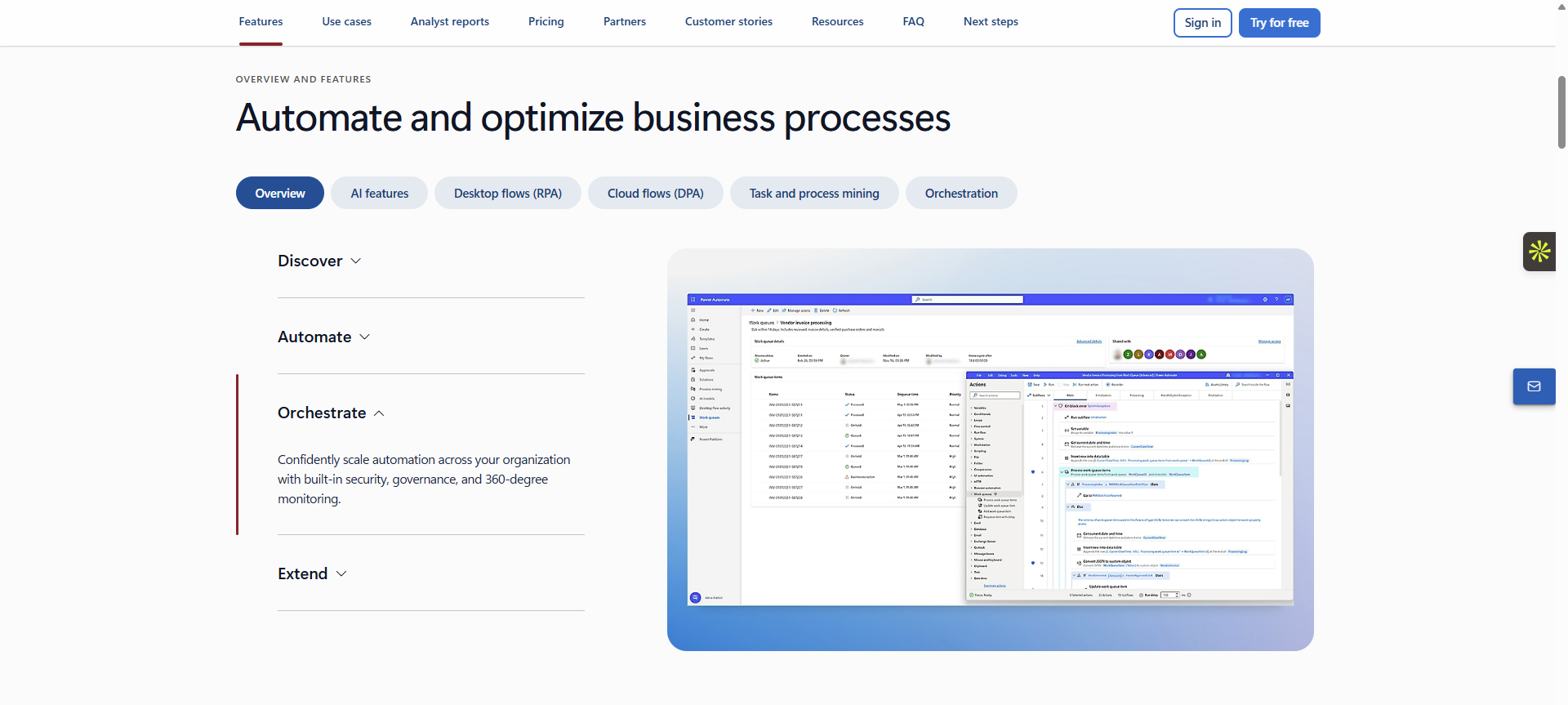
Best for: Teams already using Office, Teams, and Dynamics heavily.
Pricing notes: Included in some Microsoft plans. Unattended RPA requires expensive add-ons.
Integrations: Perfect for Microsoft products.
Governance & security: Uses Microsoft Entra ID for solid access control.
Migration notes: Best for simple tasks. Do not move complex Blue Prism queues here directly.
Appian (Best for low-code process apps + automation)
Appian is a low-code platform that builds custom internal applications and automates the processes behind them. It combines forms, data management, and human approvals with standard RPA. Teams use it when human workers and bots must pass tasks back and forth constantly.
Key features
Low-code process applications
Data fabric layer
Custom forms and human-in-the-loop routing
Built-in process mining
Pros
Great for managing tasks that require human approval
Manages complex data securely
Meets high security standards for government and finance
Cons
The standalone RPA features lack deep functionality
Priced per user and per application, which gets expensive
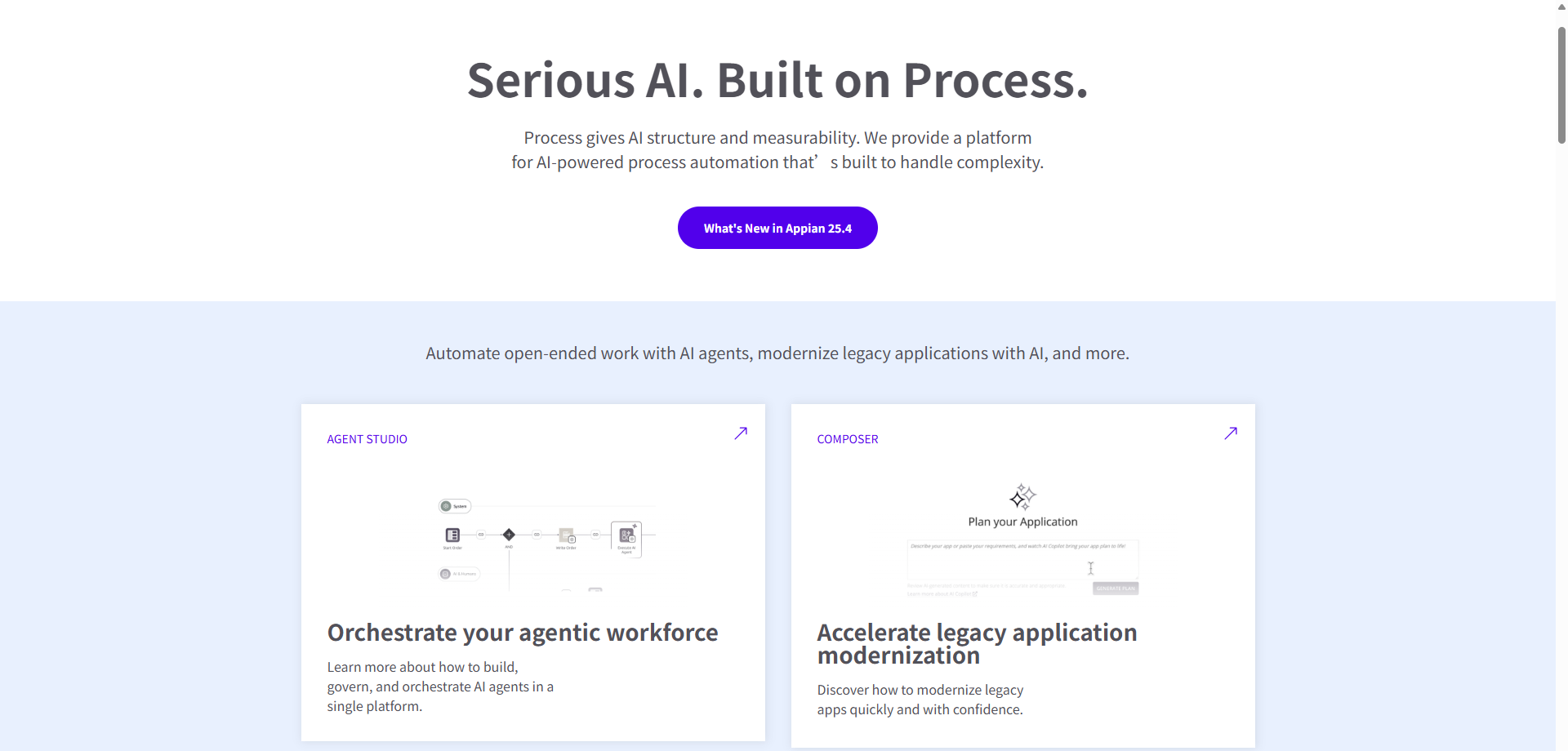
Best for: Teams building custom internal apps that need automation features.
Pricing notes: Priced per user and per application.
Integrations: Strong API and database connections.
Governance & security: High security standards for government and finance.
Migration notes: Move processes here if human approval steps cause delays.
ServiceNow Automation / RPA (Best for IT and service workflows)
ServiceNow Automation connects directly into the ServiceNow IT Service Management (ITSM) system. It keeps all audit trails, approvals, and bot actions in one central location. IT departments use it to automate helpdesk tickets, password resets, and system alerts.
Key features
Native ITSM workflow integration
Approval routing
Central RPA Hub
Uses existing ServiceNow roles
Pros
Keeps all IT operations in one system
Uses existing user roles and permissions
Perfect for IT helpdesk tasks
Cons
Only makes sense if ServiceNow is your core system
Weak integration for outside systems
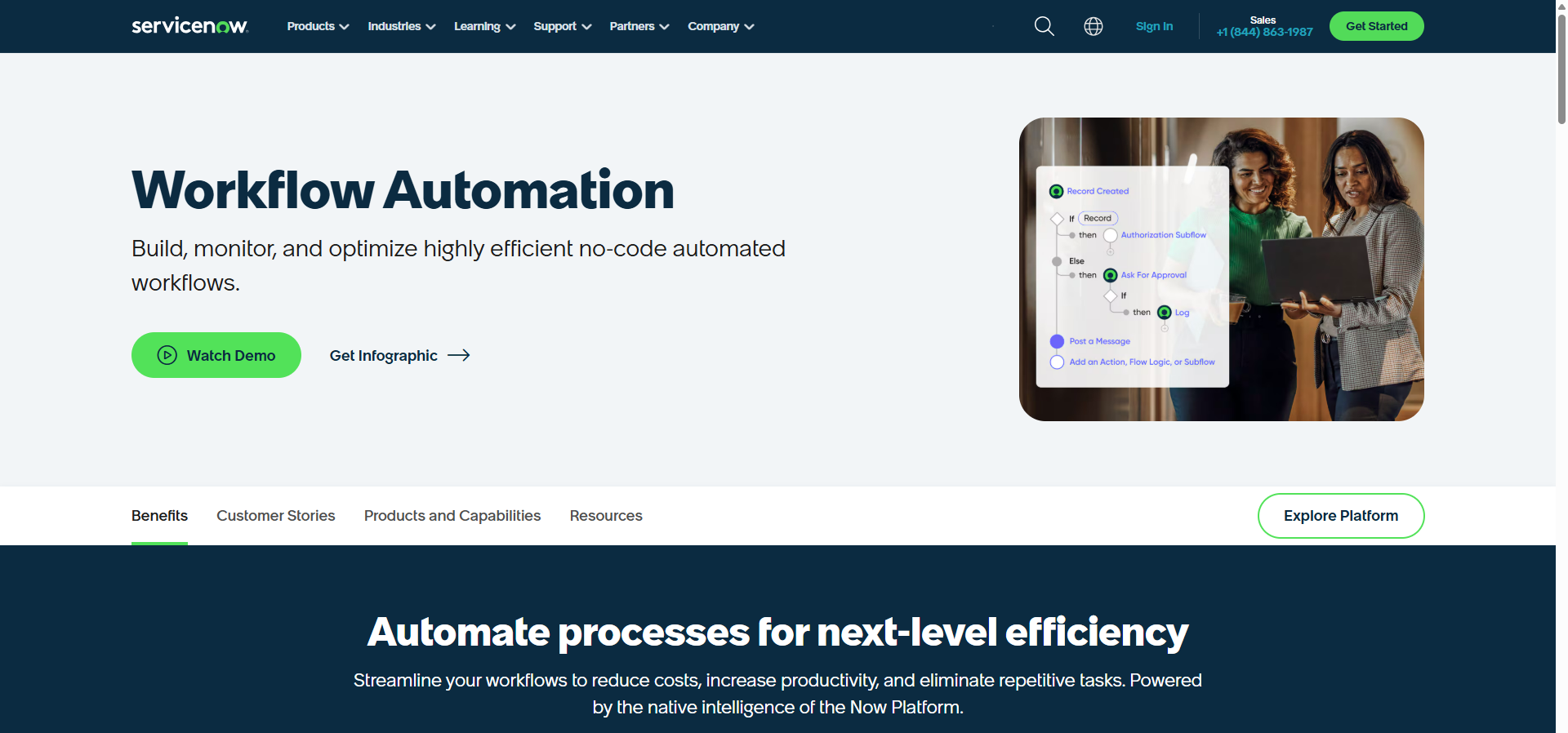
Best for: IT departments using ServiceNow as their main system.
Pricing notes: Bundled with specific ServiceNow ITOM workflows.
Integrations: Native to ServiceNow; average for outside systems.
Governance & security: Uses existing ServiceNow roles and permissions.
Migration notes: Move IT helpdesk and password reset bots here first.
WorkFusion (Best for document-heavy and AI-assisted ops)
WorkFusion automates operations that involve thousands of complex documents. It uses pre-trained AI models to read, extract, and sort data from invoices and insurance claims. Banks and insurance companies use it to speed up manual paperwork.
Key features
Pre-trained AI models
Intelligent document extraction
Human-in-the-loop routing
Strong audit trails for AI decisions
Pros
Reads complex documents better than standard RPA
Speeds up heavy invoice and claims processing
Connects directly with core banking platforms
Cons
Success depends entirely on your document quality
Prices often base on document volume, which can vary
Best for: Banks and insurance companies processing thousands of documents.
Pricing notes: Prices often base on document volume.
Integrations: Connects with core banking and insurance platforms.
Governance & security: Strong audit trails for AI decisions.
Migration notes: Move your invoice and claims processing bots here.
NICE (Best for contact center automation)
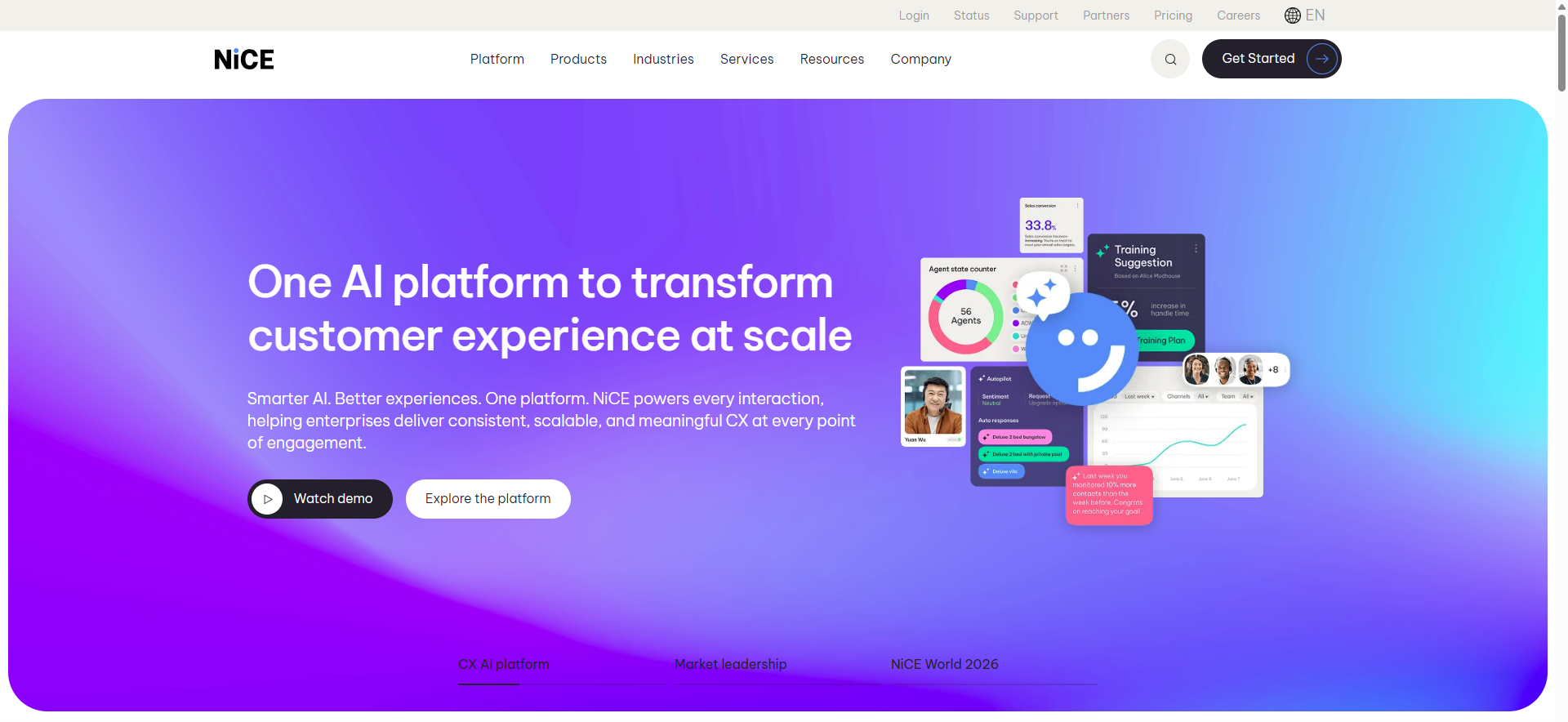
NICE focuses on attended automation for customer service contact centers. Its bots run on the agent's desktop to provide step-by-step guidance and pull data during live calls. Support teams use it to shorten call times and improve customer satisfaction.
Key features
Attended desktop automation
Agent assist guidance
Deep voice and telephony integration
Desktop analytics
Pros
Speeds up live call handling times
Guides agents step-by-step to reduce errors
Integrates deeply with CRM systems
Cons
Not ideal for back-office unattended automation
Prices per agent seat, which scales poorly for large teams
Best for: Customer service teams needing attended bots to help human agents.
Pricing notes: Prices per agent seat.
Integrations: Integrates deeply with telephony and CRM systems.
Governance & security: Monitors agent desktops securely.
Migration notes: Focus on customer service processes only.
IBM Robotic Process Automation (Best for IBM-focused stacks)
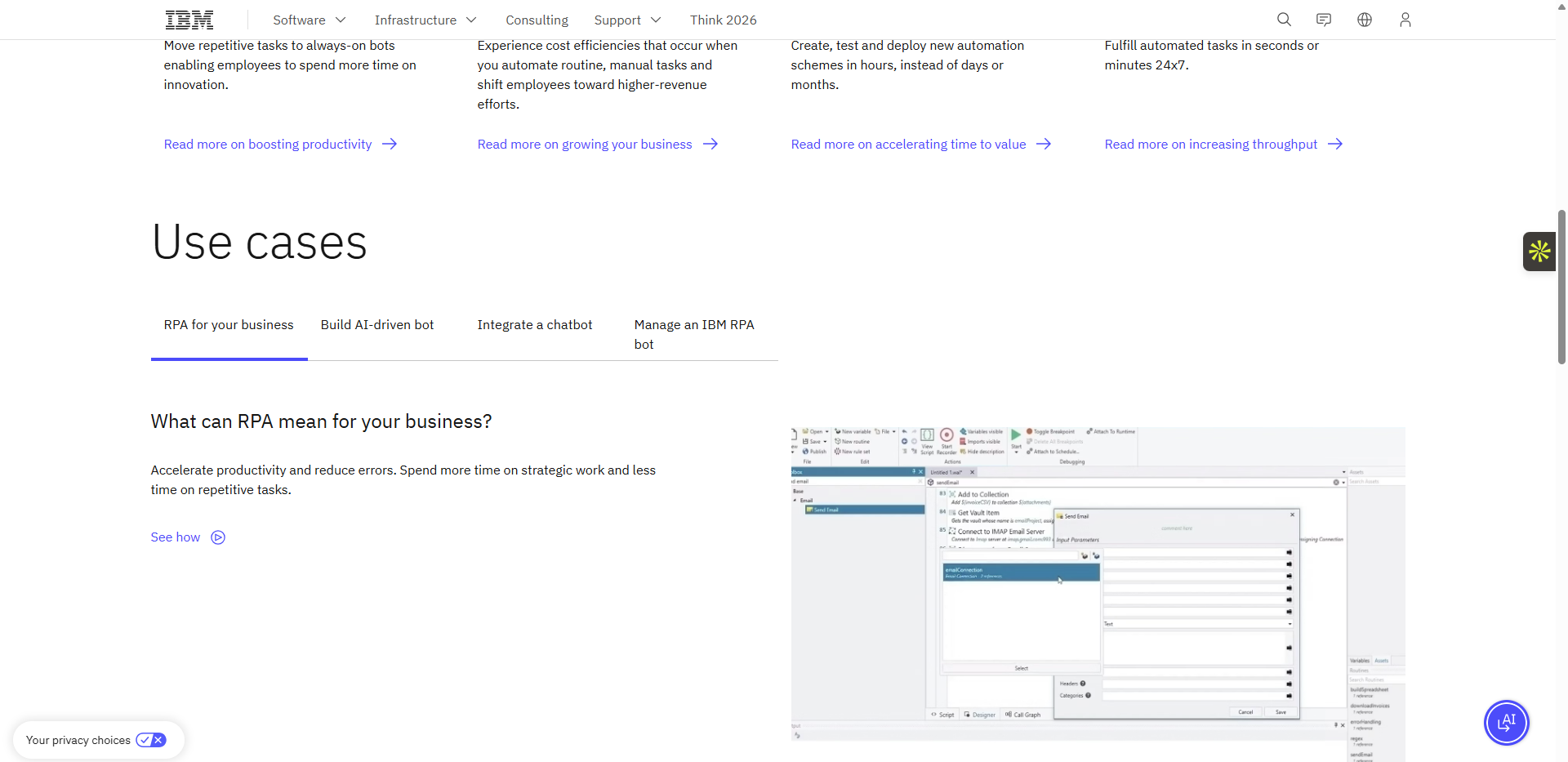
IBM RPA fits directly into companies that already invest heavily in IBM infrastructure. It runs multiple bots on a single machine to save hardware costs. IT teams use it to manage heavy workloads securely within the IBM Cloud Pak system.
Key features
Concurrent bot execution
Built-in chatbots
Workload management
Enterprise-grade IBM security
Pros
Fits perfectly into existing IBM environments
Saves money by running multiple bots on one machine
Provides native IBM connections
Cons
The user community is very small
Finding online help is hard
Requires a check of their long-term roadmap before buying
Best for: Companies heavily invested in IBM infrastructure.
Pricing notes: Often bundled with IBM Cloud Pak.
Integrations: Native IBM connections.
Governance & security: Enterprise-grade security matching IBM standards.
Migration notes: Check their long-term roadmap before committing.
SAP Build Process Automation (Best for SAP shops)
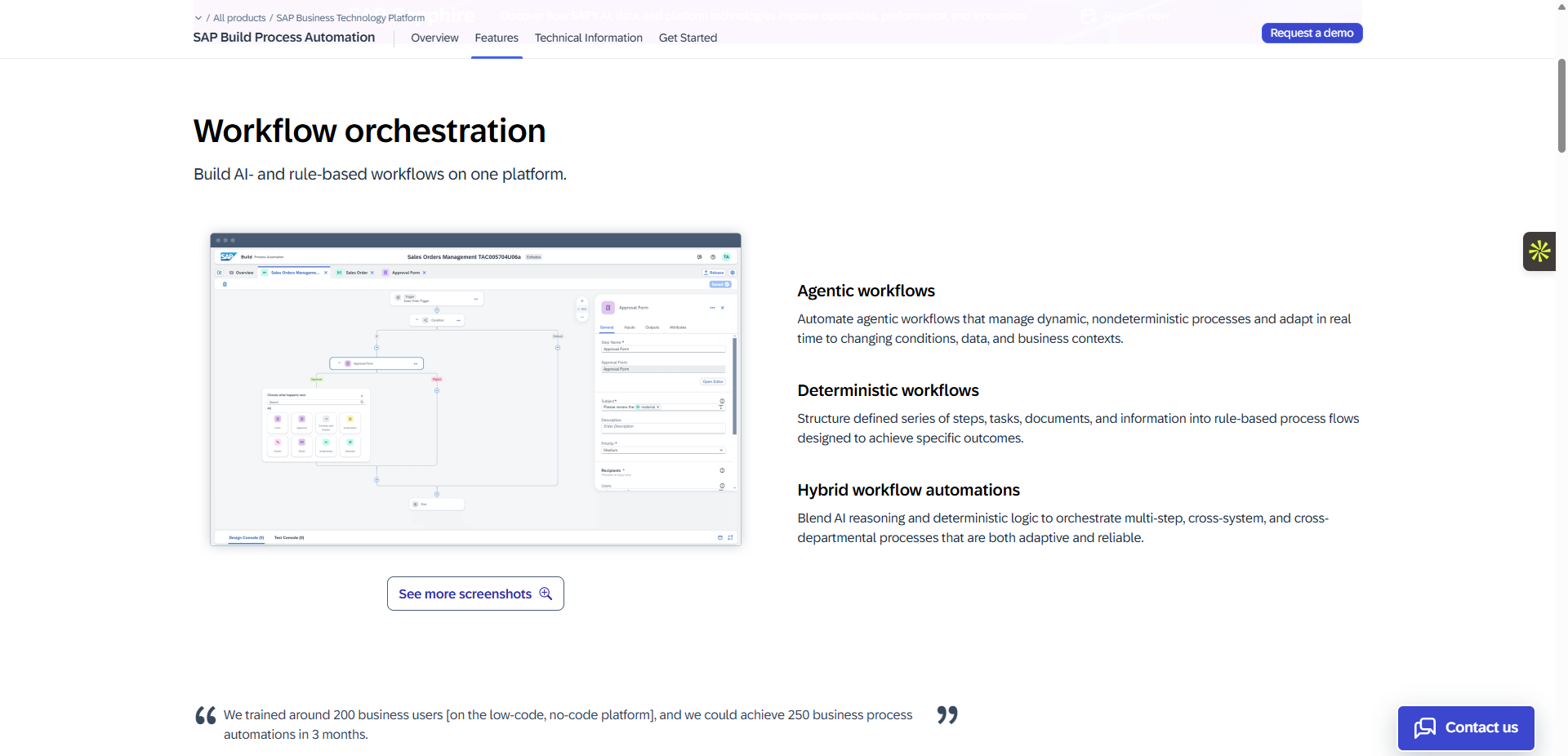
SAP Build automates workflows for businesses where SAP acts as the absolute center of operations. It allows business users to create automations using pre-built SAP rules and templates. Companies use it to move data quickly and safely between different SAP modules.
Key features
Pre-built SAP workflows
Embedded RPA
SAP business rules engine
SAP identity and access management
Pros
Integrates natively and perfectly with SAP
Allows business users to build workflows easily
Uses existing SAP security roles
Cons
Struggles to automate complex non-SAP applications
Uses a complex cloud credit pricing model
Best for: Businesses where SAP is the absolute center of operations.
Pricing notes: Uses cloud credits within the SAP platform.
Integrations: Perfect for SAP; weak for others.
Governance & security: Uses SAP identity and access management.
Migration notes: Only migrate bots that interact strictly with SAP screens.
Automa vs Blue Prism
Blue Prism is a powerful legacy tool, but it requires deep IT knowledge and a large budget. Automa offers a modern approach. It combines AI with a simple no-code design. Let us look at how they compare directly across key business areas.
Smarter AI vs Bolted-On AI
Blue Prism treats AI as an extra tool. You must buy it and connect it separately. Automa builds AI directly into its core. It uses native AI agents and GPT models to read data and make decisions at every step. This creates an intelligent workflow that adapts to changes instantly.
No-Code Speed vs Developer Complexity
Blue Prism needs skilled developers. Learning the platform takes months. Automa allows business users to build bots without writing code. You simply drag and drop steps onto the screen. It also features an AI Magic Command and a process recorder to turn manual clicks into automated tasks in minutes.
Zero IT Overhead vs Complex Setup
Blue Prism relies heavily on Windows. Setting it up on servers takes heavy IT work. Automa deploys anywhere instantly. You can run it on Cloud, Windows, Mac, or Linux. Furthermore, Automa connects directly to over 1,000 apps like Salesforce, Slack, and Google Suite without needing custom API code.
Transparent Pricing vs Hidden Fees
Blue Prism charges complex enterprise fees. Scaling up requires expensive server upgrades and infrastructure costs. Automa uses a clear, usage-based model. You pay only for what you actually use. You can add new workflows without facing unexpected software costs.
Feature Showdown Table
Feature | Automa | Blue Prism |
Ease of Use | No-code builder, drag-and-drop, AI Magic Command | Developer-heavy, steep learning curve |
AI Integration | Built-in AI Agents, GPT/LLM, OCR | Requires separate add-ons and setup |
Deployment | Cloud, Hybrid, On-Premise, Windows, Mac, Linux | Windows-centric, complex setup |
Integrations | 1,000+ out-of-the-box connectors | Requires technical integration |
Pricing | Clear, predictable | Complex enterprise pricing, hidden fees |
Scalability | Scale easily, pay only for what you use | Scaling requires additional infrastructure cost |
Governance | Version control, role-based access built-in | Limited without additional modules |
How to Choose the Right Blue Prism Alternative?
Different companies need different tools. Small businesses usually need fast setup and low costs. Large enterprises need heavy governance and scale. Regulated industries demand strict security.
Use this simple 1–5 scoring model to evaluate your shortlist. Rate each tool on: Cost, Build speed, Scale, Security, Integrations, and Support. Decide clearly what features you must have versus what features are just nice to have. Do not let a vendor's feature list distract you from your core needs.
Key Questions to Ask in Demos
Ask these 10 questions during software demos to get real answers:
How do you schedule bots and handle failure retries?
Can you show me your version control and rollback process?
Are logs searchable, exportable, and easy to keep for audits?
Does your system separate duties for makers, reviewers, and admins?
How exactly do you bill for unattended bots?
Do extra testing environments cost more money?
Do we pay extra for AI, computer vision, or OCR add-ons?
How does your tool handle unexpected pop-up windows?
Can multiple bots share the same work queue easily?
How do you securely store passwords and credentials?
Conclusion
Companies look for Blue Prism alternatives to escape high costs and slow bot development. You have many options in 2026, from enterprise giants like UiPath to no-code platforms like Automa. To find the right fit, you must compare total costs, security, and ease of use. Do not buy based on feature lists alone. Instead, run a strict Proof of Concept (POC) on your actual workflows. When you switch platforms, run both systems at the same time to prevent business downtime. If you want fast deployment and built-in AI, download Automa today to test its drag-and-drop builder.
FAQs
Can I automatically convert my Blue Prism bots to another tool?
No. You cannot automatically copy and paste Blue Prism objects into a new platform. Different tools use different code structures. Think of it like translating a book from French to Japanese; you must rewrite the sentences. You have to rebuild the bots from scratch. However, using modern tools with process recorders, like Automa, speeds up this manual work.
How much does a full migration from Blue Prism cost?
The exact cost depends on how many bots you run. Industry data shows companies spend between $3,000 and $8,000 to migrate a single business process. Here is a rough estimate based on operation size:
Small Migration (10 to 20 processes): $30,000 to $100,000. Developers take two to three months to rebuild simple tasks.
Medium Migration (30 to 50 processes): $100,000 to $250,000. A dedicated team needs four to six months to test bots and connect systems.
Enterprise Migration (100+ processes): $300,000 to over $1,000,000. Large teams take six to twelve months to rebuild complex workflows and pass strict security audits.
Remember, this estimate covers only the labor to rebuild the bots. You must also add the annual software license fee for your new platform.
Do my current RPA developers need to learn new coding languages?
It depends on the tool you choose. If you pick a code-heavy platform, developers might need to learn Python or C#. If you switch to a no-code platform like Automa, anyone can build bots using drag-and-drop menus. This allows business users to help the IT team build automated workflows quickly.
How do we prevent business downtime during the software switch?
You must run both the old Blue Prism bots and the new bots at the same time. This is a parallel run. You compare the output of both systems. If the new bot makes a mistake, the old system still finishes the job. You only turn off Blue Prism after the new tool proves it works perfectly for two weeks.
Do new RPA tools handle AI better than Blue Prism?
Legacy platforms like Blue Prism usually treat AI as an extra feature. You have to buy it and connect it separately. Modern tools build AI directly into the platform. They use native AI agents to read documents, suggest steps, and make decisions. This makes intelligent automation much easier to set up and manage.