Robotic Process Automation (RPA) software enables enterprises to automate repetitive, rule-based tasks across legacy and modern systems using software bots.Robotic Process Automation (RPA) software enables enterprises to automate repetitive, rule-based tasks across legacy and modern systems using software bots.
Most enterprise leaders are currently staring at an "Automation Plateau." You likely deployed a handful of bots in 2023 or 2024, saw some initial wins in back-office data entry, but are now struggling to scale without the maintenance costs swallowing your ROI. The reality is that the market has shifted: we are no longer just talking about "bots" that mimic clicks, we are entering the era of Agentic Automation, where generative AI provides the reasoning and RPA provides the execution.
If you are evaluating vendors today, you aren't just buying a tool, you are choosing a long-term technical debt profile. The wrong choice leads to "fragile automation"—scripts that break every time a web UI changes—while the right choice serves as the connective tissue for your entire digital stack. This guide analyzes the vendors that actually deliver in a 2026 production environment.
The Evolution of Robotic Process Automation Software
RPA is undergoing its most significant architectural shift since its inception. In 2026, the industry moved away from "fixed-path" automation toward "dynamic-intent" execution. Traditional RPA was brittle. If a button moved three pixels to the left, the bot failed. Today’s leading platforms use Computer Vision (CV) and Large Language Models (LLMs) to understand the context of a screen rather than just the coordinates of a click.
Attended vs. Unattended Automation
Attended Automation
These bots live on a user's workstation. They are "digital assistants" triggered by a human. As of 2026, the focus here is on Real-Time Guidance, where the bot suggests actions to a customer service rep based on the conversation context.
Benefit: Lower security risk because a human is in the loop.
Drawback: Harder to scale because it's tied to human headcount.
Unattended Automation
These bots run on back-office servers with no human intervention. They handle high-volume, batch-processing tasks like invoice reconciliation.
Benefit: 24/7 productivity and maximum ROI.
Drawback: Requires a robust "Orchestrator" and significant infrastructure oversight to prevent "silent failures."
The Rise of Intelligent Automation
The buzzword for 2026 is Agentic Automation. Unlike traditional RPA that follows a linear script (Step 1 to Step 2), Agentic systems use AI to determine the best path to an outcome. For example, if an invoice is missing a tax ID, a 2024 bot would simply error out. A 2026 Agentic bot will autonomously search the vendor portal, find the document, extract the ID, and continue the process. We are moving from "doing" to "thinking and doing."
Top 10 RPA Companies and Market Leaders in 2026
The RPA vendor landscape has consolidated. While dozens of niche players exist, these leaders command the majority of enterprise spend because they offer the Governance and Security that CIOs require.
Automa
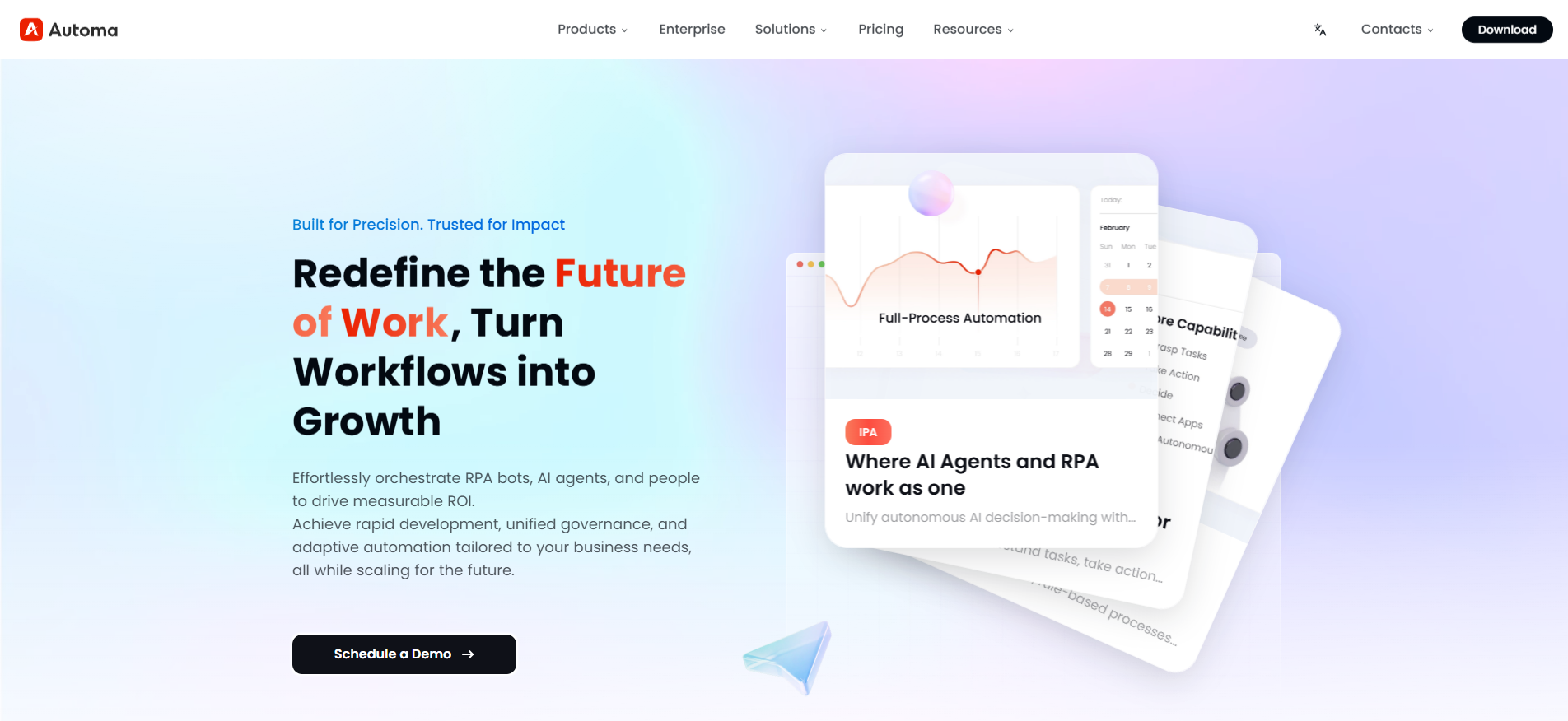
Founded in 2025 by a team of veterans from Alibaba, Google, and Oracle, Automa has rapidly scaled into a near-unicorn serving over 30,000 enterprises globally. The platform is built on the philosophy that RPA represents the "hands and feet" of an organization, while AI acts as the "brain," creating a synergistic "autonomous digital worker". Its product ecosystem—comprising Automa RPA, AI Power, and DataConnect—is designed to dismantle the "efficiency dilemma" of repetitive tasks in sectors ranging from e-commerce to heavy manufacturing. By shifting the focus from labor-heavy services to a product-centric model, Automa aims to democratize high-end automation for the broader market.
Pros
Innovative 3-in-1 Architecture: The industry-first integration of the Designer, Robot, and Console into a single platform significantly reduces the complexity of the development chain.
Low-Code Democratization: Exceptional ease of use allows non-technical business users to master the tool and deploy automations within 1–2 weeks.
True Cross-Platform Support: Offers full-scene automation compatible with Windows, Mac, and Linux, alongside a dual-engine approach for sophisticated mobile automation.
AI-Native Capabilities: Features Magic Commands 3.0 for natural-language workflow generation and Intelligent Repair to resolve process exceptions with a single click.
Non-Intrusive Security: Simulates human interactions without modifying underlying system data, ensuring compliance for sensitive industries like finance and healthcare.
Cons
Self-Driving Learning Curve: As a product-based solution (the "buying a car" model), it requires internal teams to invest time in learning the tool rather than relying on external turn-key services.
Evolutionary Stage Limits: Currently positioned in Stage 2 ("AI-Driven RPA"); while it assists in creation and healing, the vision of a fully autonomous "Stage 3 Agent" is still a work in progress.
Best For: Large and mid-sized enterprises in fast-iterating sectors like e-commerce, retail, and pharmaceuticals that want to build a self-evolving Center of Excellence (CoE).
Pricing: Positioned as a market "redefiner," Automa significantly lowered traditional enterprise entry costs from the million-dollar level to under $100,000. The Individual Pro plan is $14.50/month (billed annually) for developers and entrepreneurs. Enterprise tiers are typically quoted at $4,000/year per account, providing 24/7 dedicated support and full-scale AI integration. A Free plan is available for basic cross-platform automation.
UiPath
UiPath Inc. (NYSE: PATH). Based in New York, UiPath remains the pure-play market leader. As a public company, they have aggressively reinvested in "Agentic Orchestration" to maintain their moat against Microsoft’s ecosystem growth.
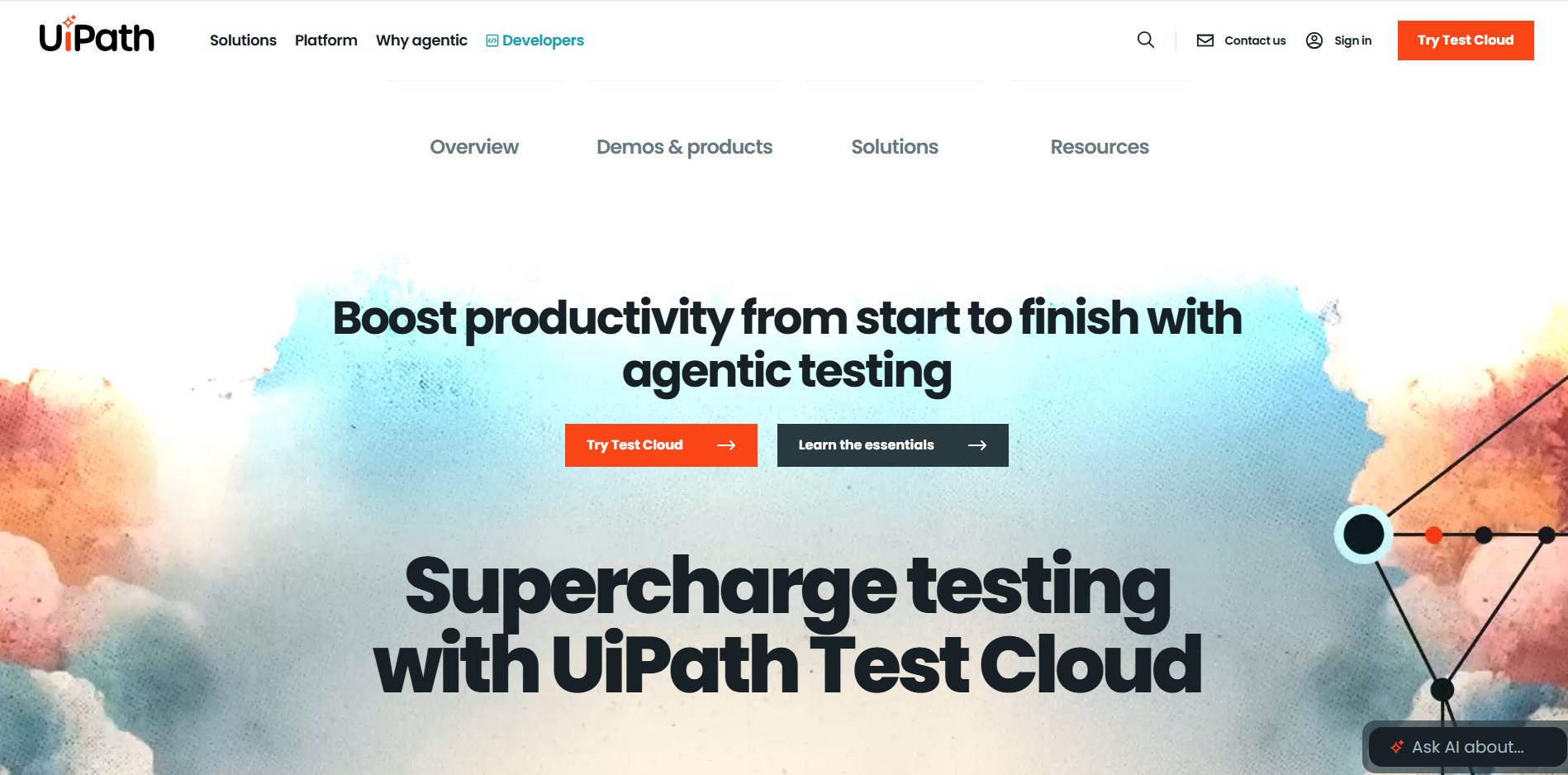
It's a full-lifecycle platform that covers everything from Process Mining (finding what to automate) to Test Suite (ensuring bots don't break). UiPath remains the market leader because it has successfully transitioned from a "bot tool" to a full-stack "Automation Platform." Their 2025 updates heavily emphasize the UiPath AI Clipboard and Autopilot, which allow non-technical users to describe a task in plain English to generate a workflow.
Pros
Most advanced Computer Vision in the industry
Massive developer community
Unmatched ability to handle highly complex, fragmented legacy environments
Cons
Highest total cost of ownership (TCO)
Steep learning curve for the full platform
Licensing can be notoriously complex
Best For: Large-scale global enterprises requiring a "Center of Excellence" (CoE) to manage thousands of diverse bots.
Pricing: Enterprise tiers typically start at $40,000 - $60,000/year as a base, with additional costs per bot, user, or "Automation Unit" consumption.
Automation Anywhere
Automation Anywhere, Inc. (Private). Headquartered in San Jose, California, this firm was a pioneer in cloud-native RPA. They have secured significant venture backing to pivot their entire architecture toward "AI-First" automation.
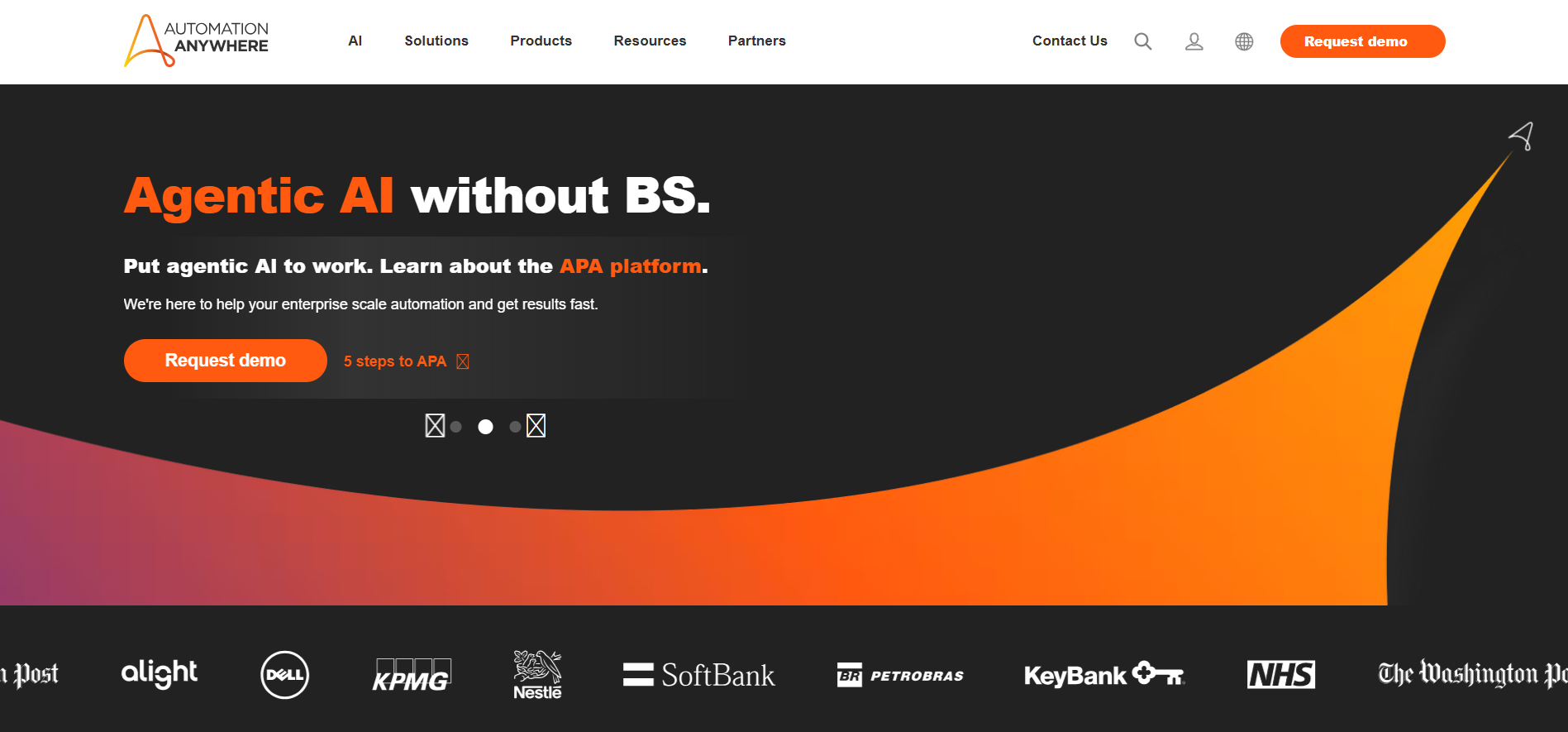
Their Automation Success Platform (A360) is designed to be entirely web-based, removing the need for heavy local installs. In 2026, their standout feature is the "AI Agent Service," which allows developers to build agents that use Large Language Models (LLMs) to handle unstructured data, such as legal contracts or messy emails, directly within a process flow.
Pros
100% cloud-native architecture with zero-footprint deployment
Built-in Intelligent Document Processing (IDP) through Document Automation
Intuitive, user-friendly interface for business analysts
Cons
Community support and third-party marketplace are smaller than UiPath's
Some users report versioning friction when moving from legacy v11 to A360
Can struggle with deeply buried "thick-client" legacy applications
Best For: Cloud-forward organizations that want to minimize infrastructure management while scaling AI-driven document processing.
Pricing: Typically mid-range enterprise packages start around $15,000 - $25,000/year, often utilizing a consumption-based "pay-as-you-go" model for AI services.
SS&C Blue Prism
SS&C Technologies Holdings, Inc. (Nasdaq: SSNC). After acquiring Blue Prism in 2022, SS&C integrated the tool into its vast financial services software stack. They maintain a reputation as the "Gold Standard" for high-security automation.
Blue Prism focuses on the concept of the "Digital Workforce," where bots are treated as virtual employees with strict permissions. Their platform is highly structured and favors professional IT developers over "citizen" developers. Their recent focus is on "Desktop Automation" and "Chorus" (BPM) integration to provide end-to-end orchestration in banking and insurance.
Pros
Unrivaled audit trails, security, and compliance logging
Highly reusable "Visual Business Objects" (VBOs) that simplify maintenance
Extremely stable in high-volume, unattended back-office scenarios
Cons
Not "Citizen Developer" friendly; requires professional coding skills
Slower to release "low-code" AI features compared to Microsoft or UiPath
Higher barrier to entry for small-to-mid-sized businesses
Best For: Banking, Insurance, and Healthcare sectors where security and auditability are non-negotiable.
Pricing: Historically priced per "Digital Worker" (simultaneous execution thread), starting at approximately $12,000 - $18,000 per worker/year.
Microsoft Power Automate
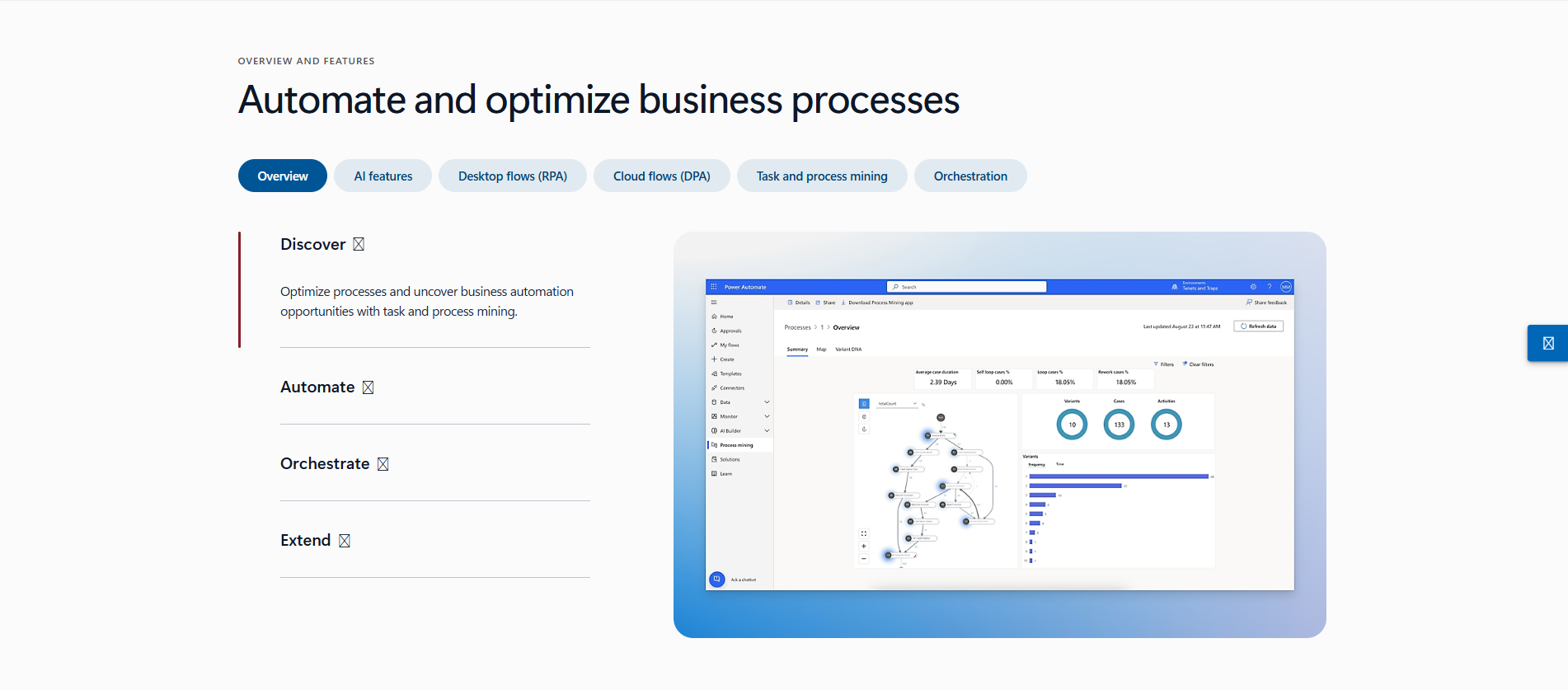
Microsoft Corporation (Nasdaq: MSFT). Microsoft has disrupted the market by bundling basic automation into its M365 (Office) ecosystem, effectively turning RPA into a commodity for Windows users.
The platform thrives on its "Copilot" integration, allowing users to build flows using natural language. While it started as a cloud-to-cloud API tool, the acquisition of Softomotive gave it "UI Flow" capabilities (RPA). In 2026, its deep integration with Azure OpenAI allows for seamless "Agentic" workflows within Teams and Excel.
Pros
Near-zero barrier to entry for existing Microsoft E3/E5 license holders
Massive library of pre-built connectors for SaaS applications
Best-in-class integration with Teams, SharePoint, and Azure
Cons
Governance is a significant challenge; easy for users to create "Shadow IT"
Struggles with complex, non-Microsoft legacy environments (e.g., old Java apps)
"Hidden" costs emerge quickly when moving from personal flows to enterprise RPA
Best For: Mid-market firms or enterprises already locked into the Microsoft stack looking for "grassroots" automation.
Pricing: Starts as low as $15/user/month, but unattended RPA "Process" licenses typically cost $150/month per bot.
SAP Build Process Automation
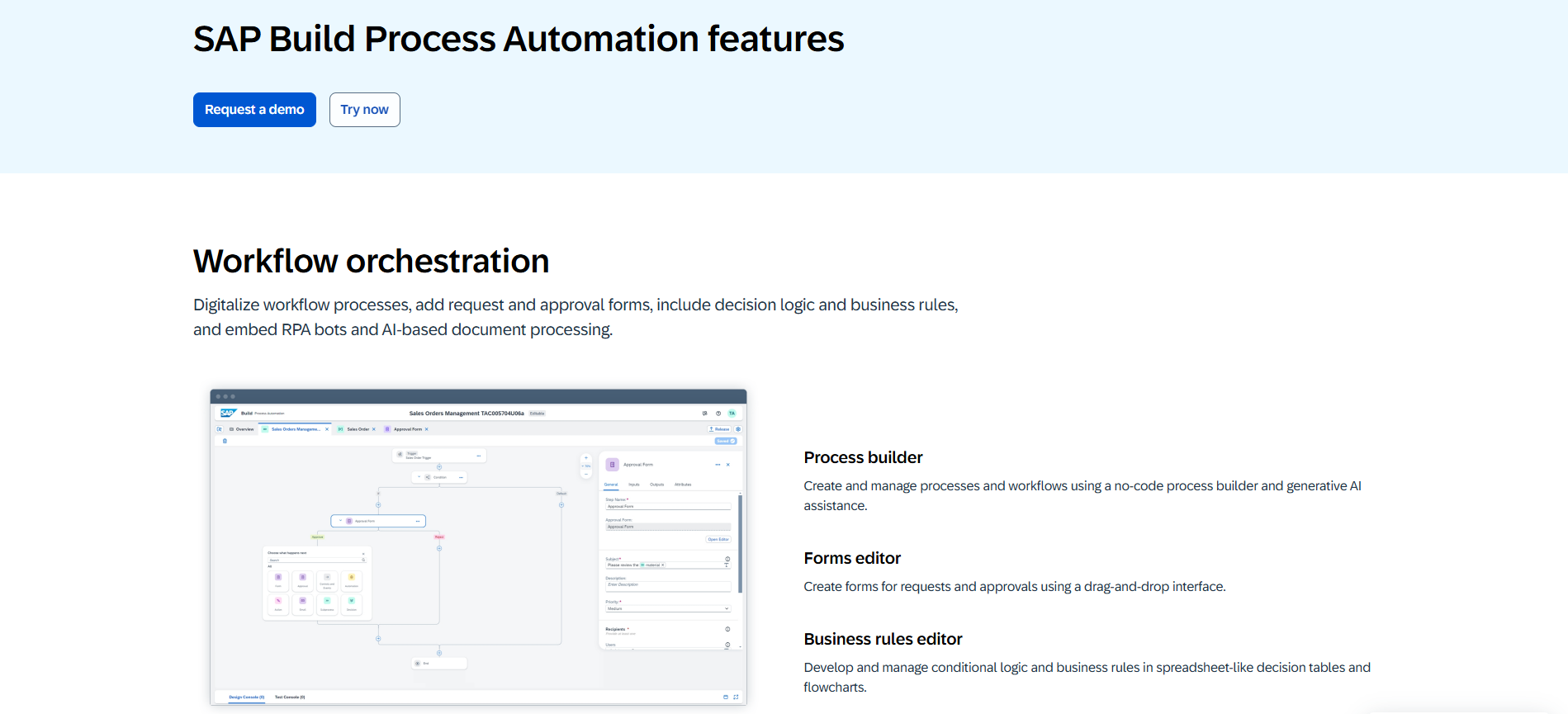
SAP SE (NYSE: SAP). As the world leader in ERP, SAP consolidated its iRPA and AppGyver tools into "SAP Build." Their goal is to keep automation "clean" within the SAP S/4HANA core.
The platform provides thousands of pre-built "Content Packages" specifically designed for SAP workflows like Invoice-to-Pay or Hire-to-Retire. It avoids the "screen scraping" fragility of other tools by using deep API-level integrations with the SAP data layer.
Pros
Native, high-performance integration with SAP modules
Single-vendor support for ERP and automation needs
Includes "Low-Code" app development and workflow management in one license
Cons
Very limited utility for non-SAP applications
Developer experience is less polished than native RPA leaders
Limited third-party community compared to UiPath
Best For: Organizations where 80%+ of the automation volume occurs within the SAP ecosystem.
Pricing: Often included in "RISE with SAP" packages or available via Cloud Platform Enterprise Agreement (CPEA) credits based on usage.
Pega Platform
Pegasystems Inc. (Nasdaq: PEGA). Based in Massachusetts, Pega views RPA as just one tool in a massive "Business Process Management" (BPM) toolbox. They focus on the "Autonomous Enterprise."
Pega doesn't just "bot" a task; it wraps it in a "Case Management" framework. This means the robot is just one step in a larger human-bot journey. Their 2026 updates focus on "Pega GenAI," which provides "Next-Best-Action" recommendations for customer service agents.
Pros
Best-in-class for complex, long-running processes involving human-in-the-loop
Highly scalable for Global 2000 organizations
Superior decision-making logic and CRM integration
Cons
Extremely expensive; the total cost often hits six or seven figures
Very heavy architecture; not a "quick win" tool
Requires highly specialized developers (Pega Certified)
Best For: Strategic digital transformation where you want to replace old processes rather than just "band-aid" them.
Pricing: High-entry pricing, often structured as enterprise site licenses or per-user/per-case, usually exceeding $100,000/year for enterprise entry.
IBM Robotic Process Automation
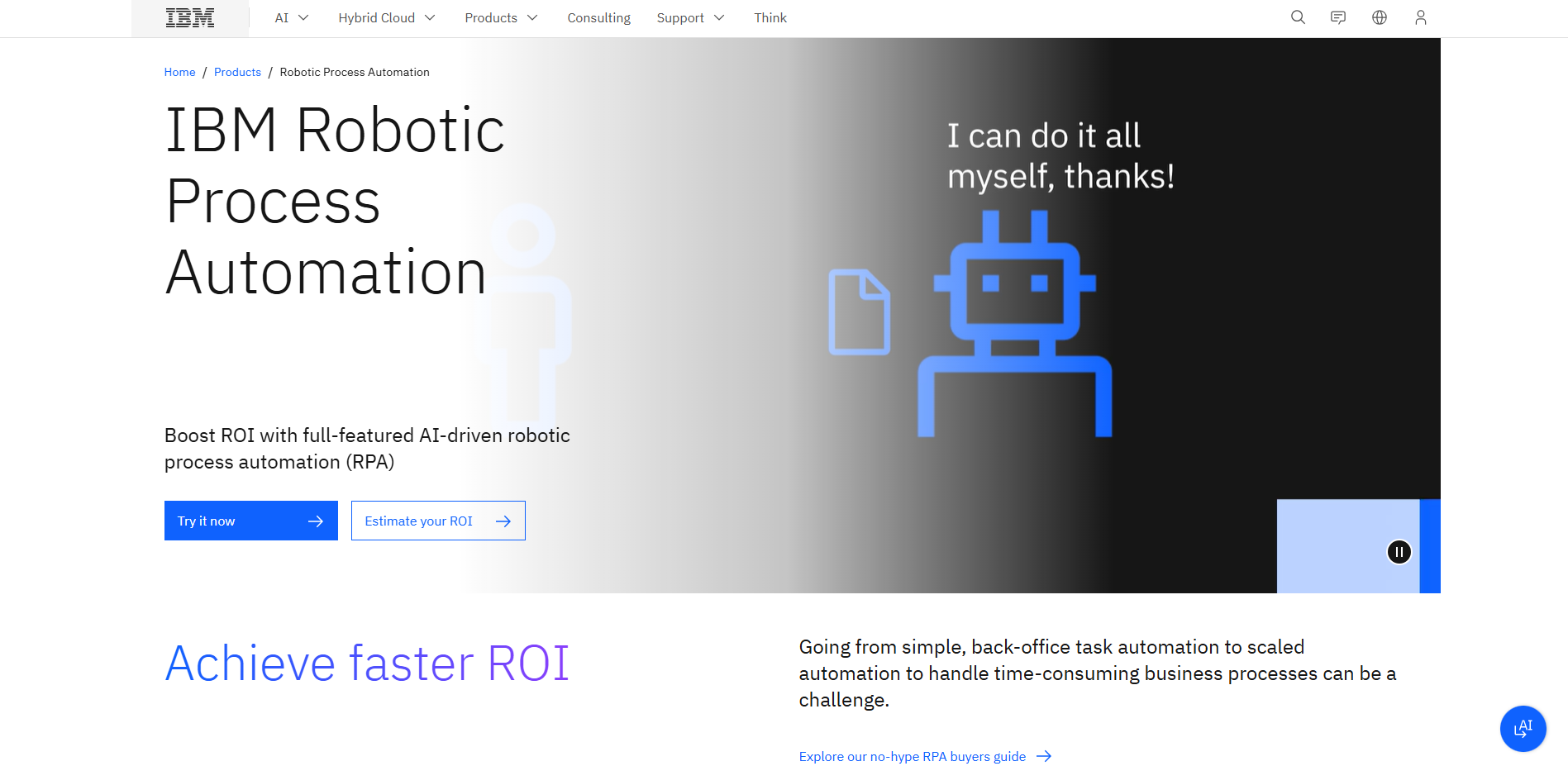
International Business Machines Corporation (NYSE: IBM). IBM's strategy centers on "Watsonx Orchestrate," using RPA as the execution arm for its AI "skills" library.
IBM RPA (formerly WDG Automation) is designed for high-density bot execution. Unlike competitors who require one VM per bot, IBM allows multiple bots to run on a single host, significantly reducing infrastructure costs. It is primarily sold as part of the "Cloud Pak for Business Automation."
Pros
Lowest infrastructure footprint (multi-tenant bots)
Strong "Chatbot" and AI skill integration via Watsonx
Competitive "unlimited" bot pricing tiers for large-scale operations
Cons
Market share is smaller, making it harder to find experienced developers
The development interface is less intuitive than UiPath or AA
Some advanced computer vision features lag behind the market leader
Best For: Existing IBM clients who want to integrate bots into a broader "Hybrid Cloud" and AI data strategy.
Pricing: Flexible licensing often based on "FlexPoints" or starting around $15,000 - $20,000 for a starter pack.
Appian
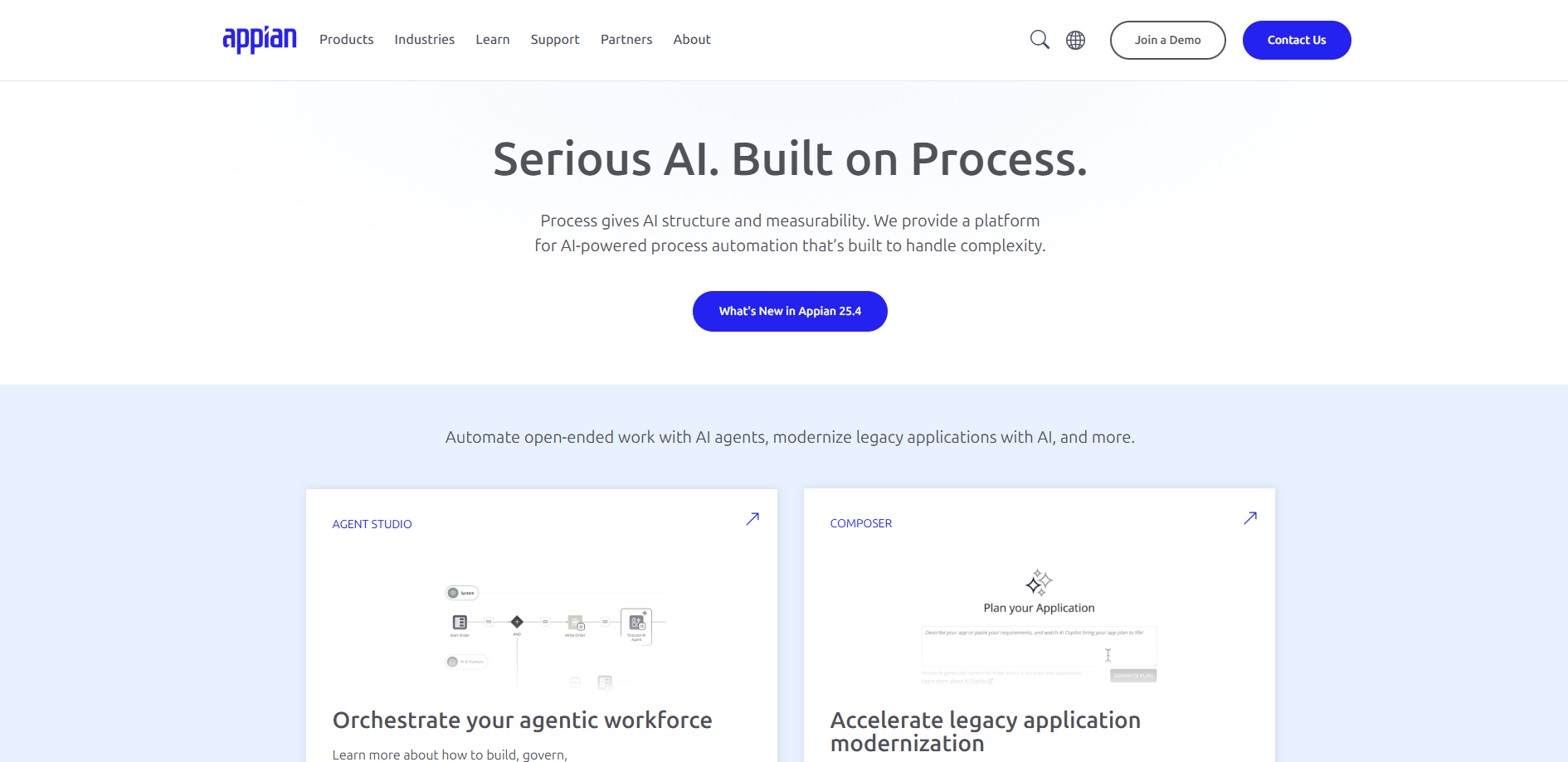
Appian Corporation (Nasdaq: APPN). Appian is a leader in "Low-Code" development that views RPA as a critical "connector" for its Data Fabric.
The platform emphasizes "orchestration." Appian’s RPA (formerly Jidoka) is Java-based, making it more robust than script-based tools. It excels at unifying data from siloed systems into a single "Low-Code" interface for employees to use.
Pros
Excellent "Human-in-the-Loop" capabilities
Unified platform for building apps, bots, and AI processes
Fast deployment for case management workflows
Cons
standalone RPA capabilities are not as feature-rich as UiPath
Java-based bot development can be more complex than "drag-and-drop"
Pricing can be high for simple task-automation needs
Best For: Companies building custom internal applications that need to bridge the gap between modern APIs and legacy screens.
Pricing: Generally priced per user for the platform, with standard enterprise tiers starting around $50,000 - $75,000/year.
NICE
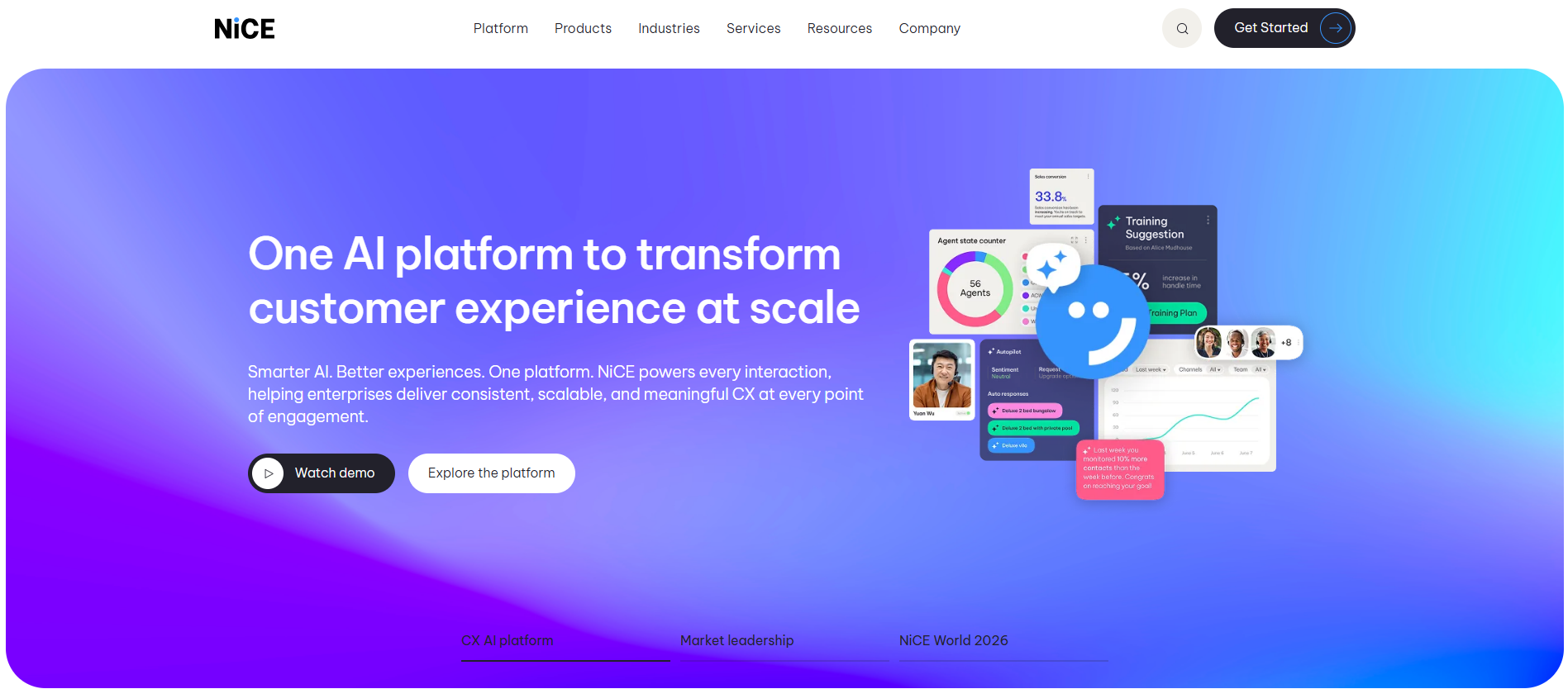
NICE Ltd. (Nasdaq: NICE). Headquartered in Israel, NICE is the undisputed leader in the Contact Center (CX) market.
They are the pioneers of "Attended RPA." Their bot, NEVA (NICE Employee Virtual Attendant), sits on the desktop of thousands of call center agents, providing real-time prompts, handling data lookups, and ensuring compliance while the agent speaks to the customer.
Pros
Best-in-class "Attended" automation and desktop analytics
Seamless integration with telephony and CRM systems
Real-time "Next-Best-Action" guidance for service agents
Cons
Not the first choice for "Unattended" back-office batch processing
Very niche focus on Customer Experience (CX) and BPOs
Expensive use cases outside the contact center
Best For: Large Customer Service and BPO operations looking to boost agent productivity and compliance.
Pricing: Primarily seat-based or agent-based, often bundled with NICE CXone cloud contracts.
RPA Software Solutions Comparison Table
Company | Primary Strength | Market Status | Target User | Pricing Model | Best For |
UiPath | End-to-End Platform / AI Computer Vision | Native Leader | Pro & Citizen Developers | High (Per Bot / Automation Unit) | Large-scale global enterprises & CoE scaling |
Automation Anywhere | Cloud-Native / AI Agent Services | Cloud Specialist | IT & Business Users | Mid (Consumption-based / SaaS) | Cloud-first firms & complex IDP needs |
SS&C Blue Prism | Security / Governance / Auditability | Industry Specialist | Professional Developers | High (Per "Digital Worker") | Regulated Finance, Banking, & Healthcare |
Microsoft Power Automate | Ecosystem Integration / Low-Code Copilot | Ecosystem Giant | Citizen Developers | Low (Bundled / Per User / Per Process) | Microsoft-centric shops & quick task wins |
SAP Build Process Automation | Native ERP Integration / Clean Core | Ecosystem Specialist | SAP Users & Analysts | Consumption (Credits / RISE with SAP) | Organizations focused on SAP-heavy workflows |
Pega Platform | Unified BPM + RPA / Case Management | Transformation Leader | IT Architects & Pro Developers | Very High (Platform / Case-based) | Strategic long-term digital transformation |
IBM RPA | Hybrid Cloud / AI Data Fabric (Watsonx) | AI & Data Specialist | IT Professionals | Flexible (FlexPoints / Subscription) | Existing IBM clients & hybrid cloud strategy |
Appian | Low-Code App Dev / Data Fabric | Unified Platform | Application Teams | Platform-based (Per User / Bot Tiers) | Integrated custom internal applications |
NICE | Attended RPA / Contact Center Analytics | CX Market Leader | Customer Service Agents | Seat-based / Per Agent | Contact Centers, BPOs, & CX operations |
Automa | AI-Driven 3-in-1 Architecture | Emerging AI Leader | Business Teams & Developers | $14.50/mo (Pro) / $4,000/yr per account (Enterprise) | Fast-iterating firms & Internal CoE building |
Key Features to Look for in RPA Tools
When evaluating a vendor, do not get distracted by the "drag-and-drop" demos. Any tool can automate a simple login. The real value is found in the Supportability of the solution.
Advanced Workflow Orchestration Capabilities
An "Orchestrator" is the brain of your RPA operation. It manages bot scheduling, credential vaulting, and resource allocation. Ensure the platform supports Dynamic Scaling. In 2026, you shouldn't be paying for a VM that sits idle. Your orchestrator should spin up cloud instances only when the work queue is full.
Legacy System Integration and API Support
The most resilient automations use a "Hybrid Approach": they use APIs where possible and UI Automation only where necessary. If a vendor doesn't have a robust API connector library (for Salesforce, SAP, Oracle), you will end up with "UI-heavy" bots that break every time the software updates.
Security and Compliance Governance
In regulated industries, "Bot Identity" is a major audit point.
RBAC (Role-Based Access Control): Can you limit who can trigger a bot?
Credential Vaulting: Does the tool integrate with CyberArk or Azure Key Vault?
Audit Trails: Does it log every click and every data field accessed?
Intelligent Document Processing (IDP) Features
RPA is "dumb" without IDP. You need a tool that can handle Unstructured Data—like a PDF invoice where the "Total Due" is in a different place on every page. Look for vendors using LLM-based extraction, which is 40% more accurate than old OCR (Optical Character Recognition) templates.
How to Choose the Right RPA Software?
The biggest mistake I see is companies choosing the "best" tool instead of the "right" tool for their specific Technical Debt.
Assessing Your Technical Infrastructure
If your company is 90% cloud-based (SaaS tools like Slack, Zoom, Salesforce), you don't need a heavy-duty RPA tool like Blue Prism. A "Low-Code" API-first tool like Automa or Power Automate is better. However, if you are a bank running on a COBOL Mainframe, you need a tool with deep "Surface Automation" capabilities like UiPath.
Calculating Total Cost of Ownership (TCO)
Licensing is usually only 30% of the total cost. The "hidden" costs of RPA include:
Infrastructure: Hosting VMs, SQL databases for the Orchestrator, and dev/test environments.
Maintenance: Expect to spend 15-20% of your development time "fixing" bots when underlying systems change.
Governance: The cost of a "Center of Excellence" (CoE) team to manage security and standards.
Evaluating Vendor Support and Partner Networks
RPA is rarely a DIY project. Look at the SI (System Integrator) Ecosystem. Does the vendor have certified partners in your region? If you choose a niche vendor, you will struggle to find talent to hire, which drives up your internal labor costs.
Benefits of Robotic Process Automation Software
When implemented correctly, RPA isn't just about "saving time"; it's about Data Integrity.
Eliminating Human Error: A bot doesn't "fat-finger" a $1,000,000 wire transfer. If the logic is correct, the execution is 100% accurate.
Reducing Operational Costs: A "Digital Worker" typically costs 1/3 the price of a full-time employee and works 3x the hours.
Improving Employee Experience: By automating "Soul-Crushing" data entry, you allow your staff to focus on high-value cognitive tasks. According to 2025 industry surveys, companies with high automation rates report 22% higher employee retention in administrative roles.
Common Problems and Solutions in Implementation
"The Bot Broke" is the most common phrase in the RPA world. Here is how to avoid it.
Overcoming Organizational Resistance
Middle management often fears RPA because they see it as a threat to their headcount (and thus their power).
Solution: Reframe RPA as "Capacity Creation." Show how the bot allows the team to clear a 6-month backlog without working overtime.
Managing Technical Debt in Bot Architecture
Many teams "hard-code" logic into their bots. This is a recipe for disaster.
The 2026 Standard: Use a Modular Design. Keep the "Login" logic separate from the "Data Entry" logic. If the login screen changes, you only fix one file, not 50 different bots.
Scaling from Pilot to Center of Excellence (CoE)
Most companies get stuck at 5-10 bots. To get to 100+, you need a CoE.
Establish Standards: No bot goes to production without a peer code review.
Value Tracking: Use a dashboard to track actual hours saved vs. projected hours. If a bot costs more to maintain than the value it creates, kill it.
Conclusion
If you are a global enterprise with a massive budget and a "Mission Critical" need, UiPath is your partner. If you are a small bussiness looking for quick wins and low-code accessibility, Automa is the winner. For those in highly regulated finance or insurance sectors who value stability over "shiny features," Blue Prism remains the safest bet.
The "Winning" Strategy for 2026:
Start with the Process, not the Tool. Use Process Mining to prove a task is worth automating before buying a single license.
Prioritize Resilience. A bot that works 90% of the time but is easy to fix is better than a "complex" bot that works 99% of the time but takes a week to repair.
Frequently Asked Questions About RPA Vendors
What is the difference between RPA and Intelligent Automation?
RPA is the "arms and legs" (moving data). Intelligent Automation (IA) is the "brain" (deciding what to do). IA adds AI, Machine Learning, and IDP to the RPA core.
Which RPA tool is best for small businesses?
Automa or Zapier Central. They offer the lowest entry price and don't require expensive server infrastructure to start.
How secure are RPA software platforms?
Modern platforms are extremely secure, using AES-256 encryption and integrating with Enterprise Identity Providers (Okta/AD). The risk is usually not the software, but poorly managed bot credentials.
Can I migrate bots between different RPA vendors?
No. There is no "universal bot language." Moving from Blue Prism to UiPath essentially requires a total rewrite of the code. This is why the initial vendor selection is so critical—you are effectively "locked in" for 3-5 years.