You have a mandate to cut costs. You have a team tired of copy-pasting data between Excel and your ERP. Now you need the best RPA tools to fix the mess without creating a new one.
Buying enterprise software is a minefield. Pick the wrong platform, and you end up with "shelf-ware"—expensive licenses that sit unused because the learning curve is too steep or the bots break every time Windows updates. You don't need marketing fluff about "digital transformation." You need to know which tool fits your tech stack, your budget, and your security compliance standards.
This guide cuts through the vendor noise. We analyze the top Robotic Process Automation software based on total cost of ownership (TCO), scalability, and the new reality of AI Agents.
The Evolution of Robotic Process Automation Software
RPA is no longer just about recording macros. It has evolved into the backbone of enterprise efficiency. To understand which tool to buy, you must understand where the technology is going.
From Screen Scraping to Intelligent Automation
Ten years ago, RPA was simple screen scraping. It was brittle. If a button on a website moved three pixels to the right, the bot crashed. Today, modern platforms use computer vision and object recognition. They don't just "see" pixels, they understand the DOM structure of web apps and the UI elements of desktop software.
We view this evolution through a simple analogy: RPA is the hands and feet, while AI is the brain. Traditional RPA excels at "execution-oriented work"—tasks with clear rules and high repetition. It clicks the mouse and types the keys. But without intelligence, it cannot handle exceptions.
How AI Agents Are Transforming Robotic Process Automation?
The market is shifting from "Manual-Driven" automation to "AI-Driven" execution. In the past, you had to map every single step using rigid if/then logic. Now, Generative AI allows for AI Agents.
We are moving toward "Stage 3: Autonomous Agents," akin to Level 4 autonomous driving. In this model, the AI leads decision-making, and human intervention is only required for critical checkpoints. This isn't just about following a script. It's about an agent that can read an email, understand the sentiment, decide which workflow to trigger, and execute it across three different systems without a hard-coded rule for every variable.
Top RPA Tools at a Glance
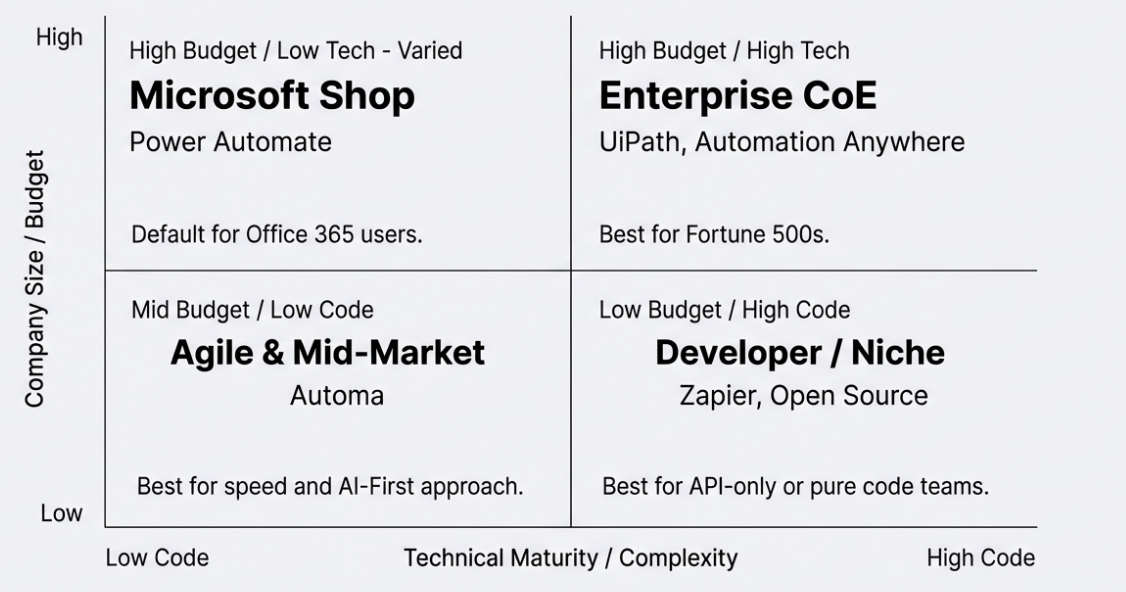
Before diving deep, use this matrix to orient your shortlist based on your company size and technical maturity.
Tool | Best For | Pricing Model | Key Strength | Primary Weakness | G2 Rating (Est.) |
UiPath | Enterprise (Fortune 500) | Per Bot / Per User | Massive ecosystem & governance | High TCO & steep learning curve | 4.6/5 |
Automation Anywhere | Cloud-First Enterprise | Subscription / Cloud | Web-based "Cloud Native" architecture | Hidden costs for unattended scale | 4.5/5 |
Microsoft Power Automate | Microsoft Shops (O365) | Per User / Per Flow | Native Windows/Office integration | Weak on legacy/non-Microsoft apps | 4.5/5 |
Automa | SMB & Mid-Market | Product-Based (Per Node) | AI-Native (No-Code) & Low Maintenance | Smaller community than UiPath | 4.8/5 |
Blue Prism | Banking & Regulated | License + Support | Rigid security & audit trails | Slow development cycle | 4.2/5 |
Top RPA Tools Comparison
Best Enterprise RPA Tools
If you are a Fortune 500 company with a dedicated Center of Excellence (CoE) and a budget exceeding $100k/year, these are the heavy hitters you will likely shortlist.
UiPath
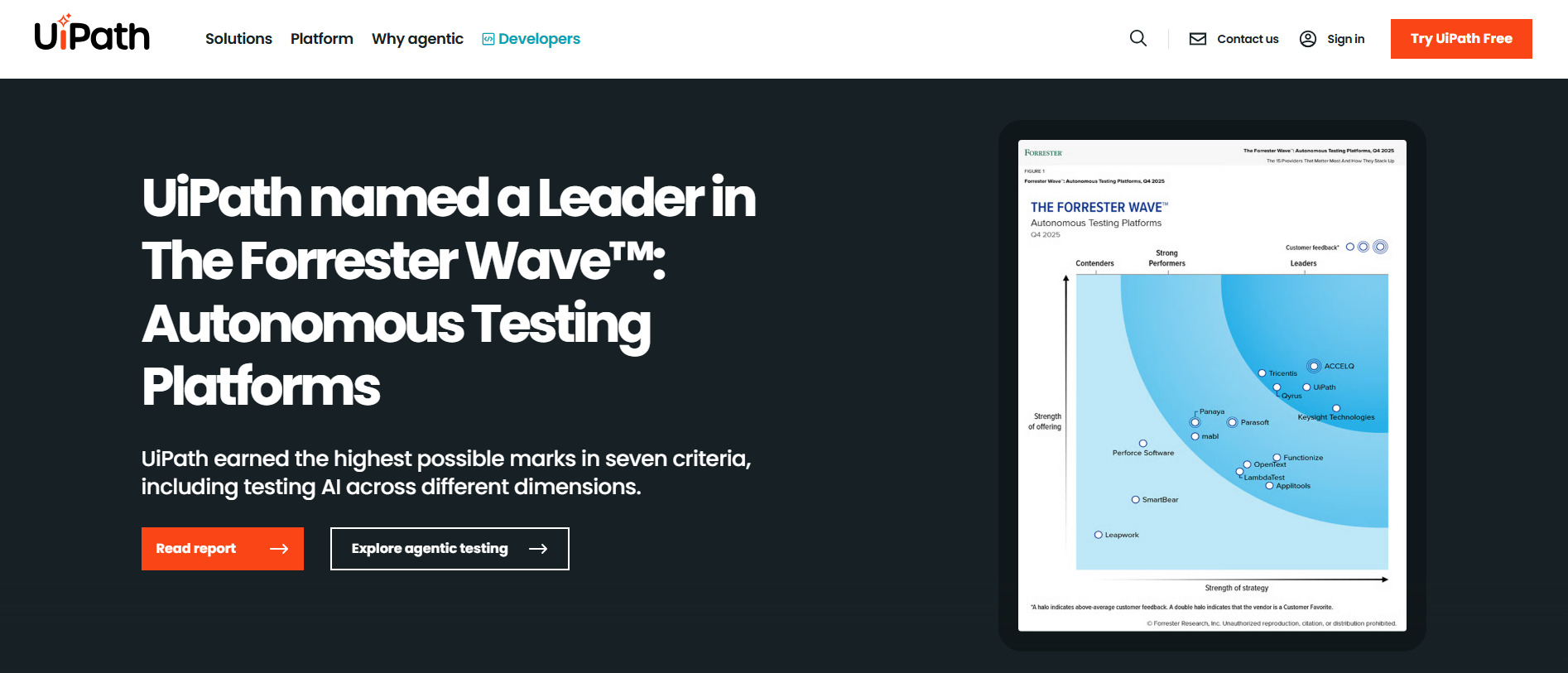
UiPath remains the market leader, consistently topping the Gartner Magic Quadrant. It offers the most comprehensive ecosystem, from process mining to testing suites.
Under the Hood: UiPath relies on a proprietary .xaml workflow format. Its "Studio" is a powerful IDE that resembles Visual Studio, allowing developers to inject C# or VB.NET code directly into automations.
Pros:
Granular Control: Ideal for complex, high-density environments where governance is paramount.
Marketplace: Access to thousands of pre-built connectors.
Citrix Automation: Best-in-class computer vision for virtualized environments.
Cons:
Cost: Licensing is complex (Orchestrator + Studio + Unattended Bots + Action Center). Costs spiral quickly.
Complexity: Requires a "Developer Mindset." Business analysts often struggle without significant training.
Automation Anywhere
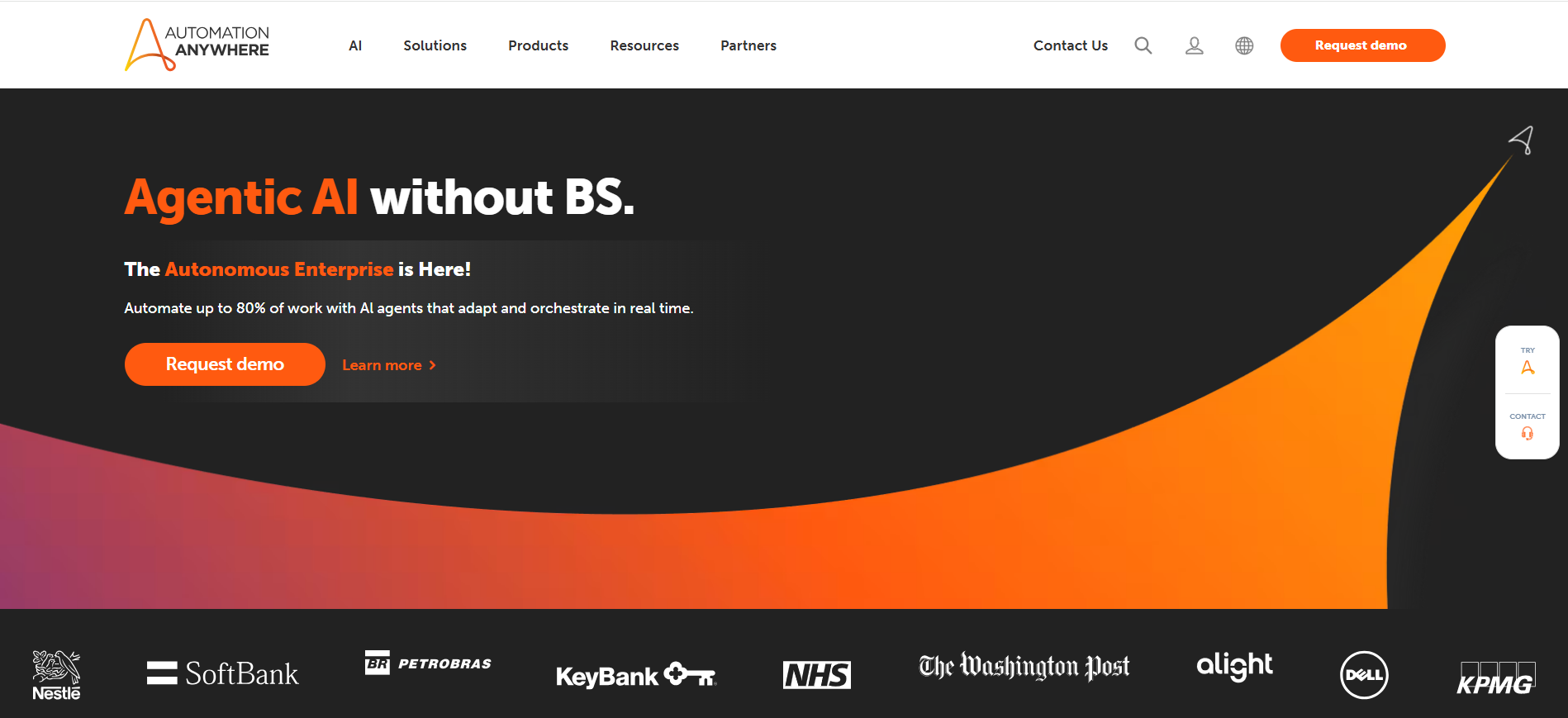
Automation Anywhere pushed the "cloud-native" narrative early. Their Automation 360 platform is web-based, which simplifies deployment compared to desktop-heavy legacy tools.
Under the Hood: Unlike UiPath's desktop IDE, AA360 runs entirely in the browser. The "Bot Agent" is a lightweight service installed on the local machine that communicates with the cloud Control Room via WebSockets.
Pros:
Deployment: Faster rollout since the control plane is SaaS.
Discovery Bot: Strong features for recording user actions to suggest automation opportunities.
Cons:
Version Control: Web-based editing can feel clunky for developers used to Git-based workflows.
Licensing Traps: While entry is easy, scaling "unattended" bots often triggers significant price jumps.
Blue Prism
Blue Prism is the "old guard." It is known for rigid security and governance, making it a favorite in banking and healthcare. It treats automations like software development projects—nothing goes into production without a gatekeeper.
Pros:
Security: Unmatched audit logs and object-level security.
Stability: Designed for "Unattended" execution first, bots rarely crash once stable.
Cons:
Agility: Terrible for quick wins. You won't find "citizen developers" spinning up quick bots here.
UI/UX: The interface feels dated compared to modern SaaS competitors.
Best RPA Tools for Microsoft Ecosystem
If your organization runs entirely on Office 365, Azure, and Dynamics, Microsoft forces its way into the conversation.
Power Automate Desktop
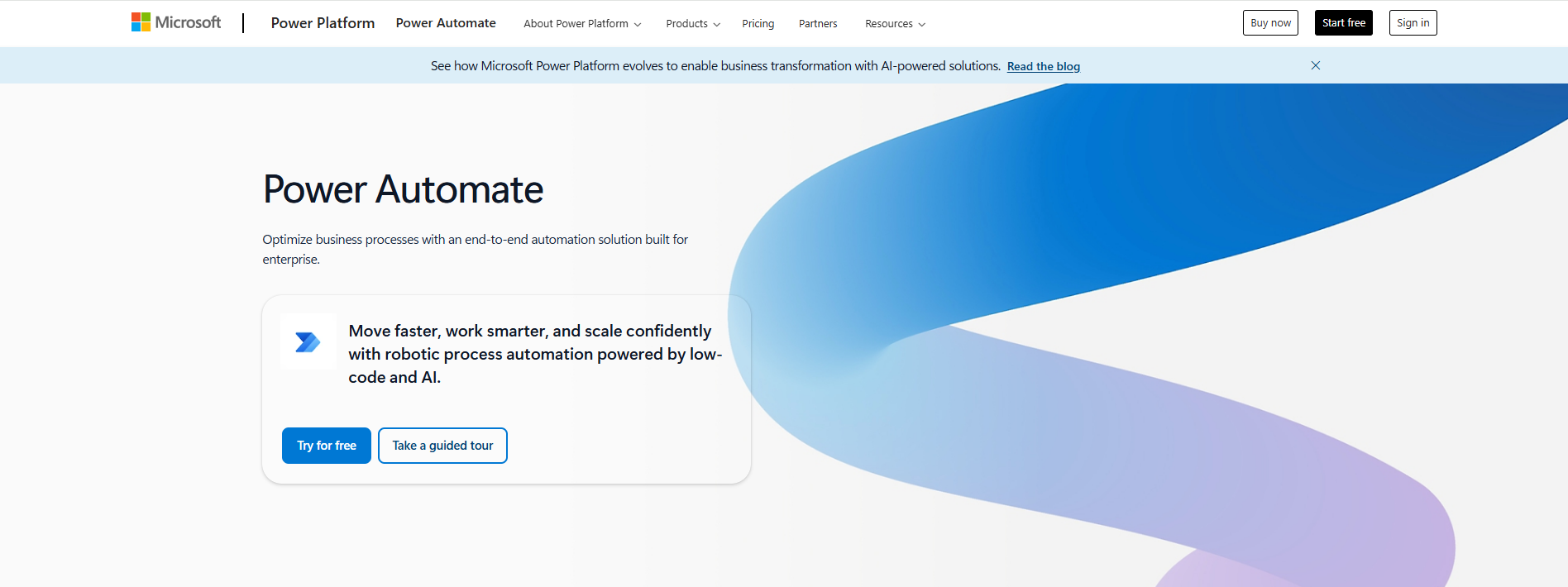
Microsoft creates friction for competitors by bundling Power Automate with Windows 11. It is accessible and integrates natively with Excel and Outlook.
Under the Hood: Power Automate Desktop (PAD) is built on the legacy "WinAutomation" architecture Microsoft acquired. It uses "Flows" that connect deeply into the Microsoft Graph API.
Pros:
Accessibility: It’s likely already installed on your PC.
Copilot Integration: You can ask Copilot to draft a flow, which lowers the barrier to entry.
Cons:
The "Free" Trap: Attended automation is cheap/free, but Unattended RPA (running on a server) requires expensive add-ons.
Legacy Issues: Automating mainframe apps (green screen) or non-Microsoft ERPs often requires premium connectors or clumsy workarounds.
Best RPA Software for Small Business
Small businesses and mid-market teams need agility. You cannot afford a six-month implementation cycle or a $50,000 consulting fee. You need the "Low Code" promise to actually be true.
Automa
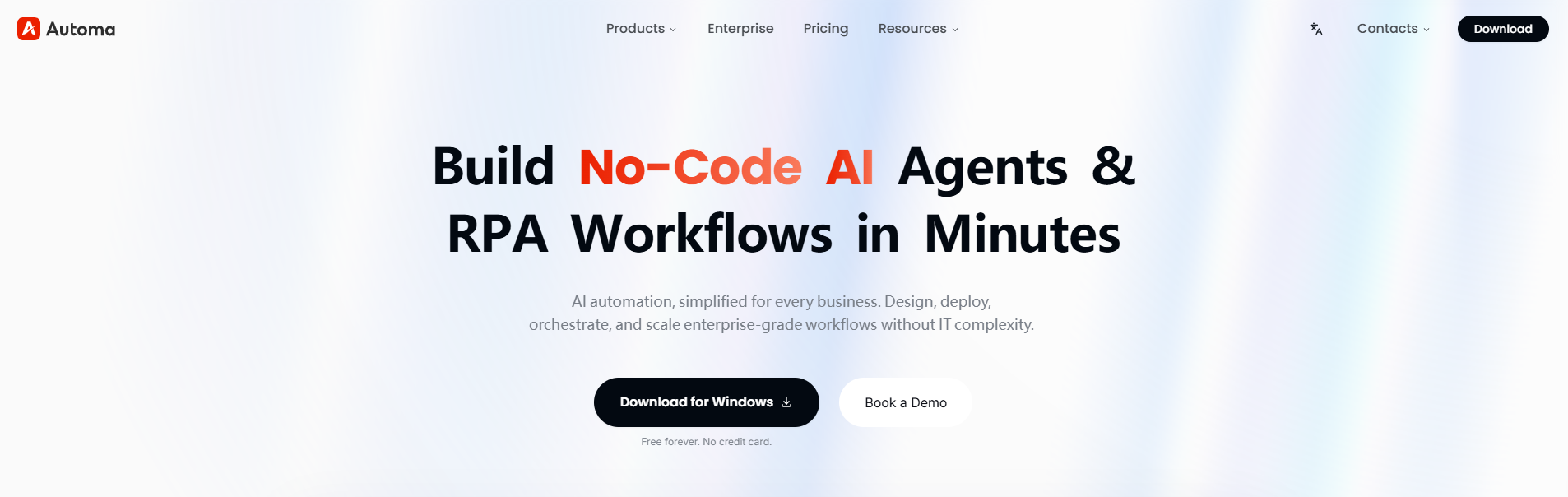
For teams that need enterprise power without the enterprise headache, Automa is best suited for mid-market teams that need unattended RPA, IDP, and AI workflows without enterprise licensing complexity. Unlike legacy vendors that rely on service fees, Automa uses a product-first approach.
Under the Hood: Automa utilizes a "Designer + Robot + Console" three-in-one architecture. This single-binary design reduces the development chain. You don't need a separate license for the design tool and the runner.
AI Integration: Features like Magic Commands 3.0 allow users to generate automation workflows through natural language. The system translates "Save this invoice to Excel" into executable Python/JSON logic instantly.
Self-Healing: Automa includes Intelligent Repair, which detects exceptions (e.g., a pop-up window blocking a click) and offers one-click fixes.
Pros:
Speed: Business users can deploy their first bot in <48 hours.
Pricing: Transparent node-based pricing. No hidden "Orchestrator" fees.
IDP Built-in: Includes AI document processing without extra "AI Unit" costs.
Cons:
Community: Smaller user forum compared to UiPath’s massive community.
Real-World Impact: A mid-sized logistics firm in California recently switched to Automa for Bill of Lading processing. They reduced processing time by 80% (from 12 mins to 2 mins per doc) and saved an estimated $42,000 in labor costs in Q1 alone.
Zapier (API Automation)
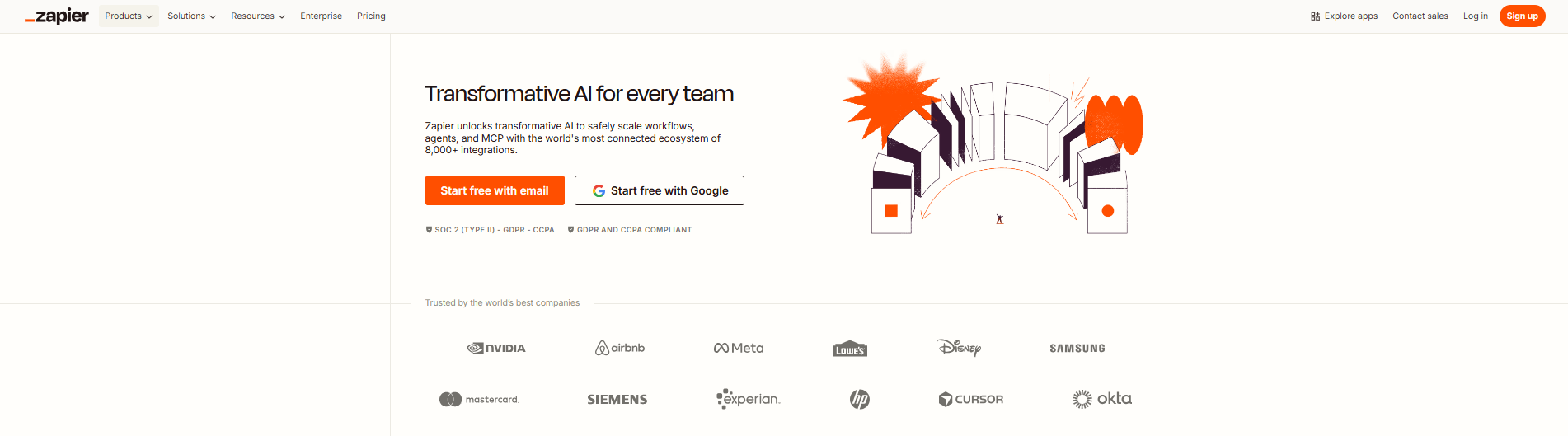
Zapier is the king of API automation. It connects Gmail to Slack to Trello. But it is not RPA.
Pros:
Ease of Use: If an app has an API, Zapier connects it in seconds.
Extensive app ecosystem: Supports thousands of SaaS applications out of the box.
Low maintenance: API-based automations are generally stable and less affected by UI changes.
Cons:
UI Limitations: It cannot click buttons on a desktop application or scrape a legacy website. If your process involves software without a modern API, Zapier is useless.
Cost at scale: Pricing scales with task volume, which can become expensive for high-frequency automations.
Zapier is best viewed as a complement to RPA, not a replacement. It excels at cloud-to-cloud integrations but falls short when automation requires interacting with user interfaces or legacy software.
Best Open Source RPA Softwares for Developers
If you have zero budget but a team of skilled Python developers, open source is an option.
TagUI
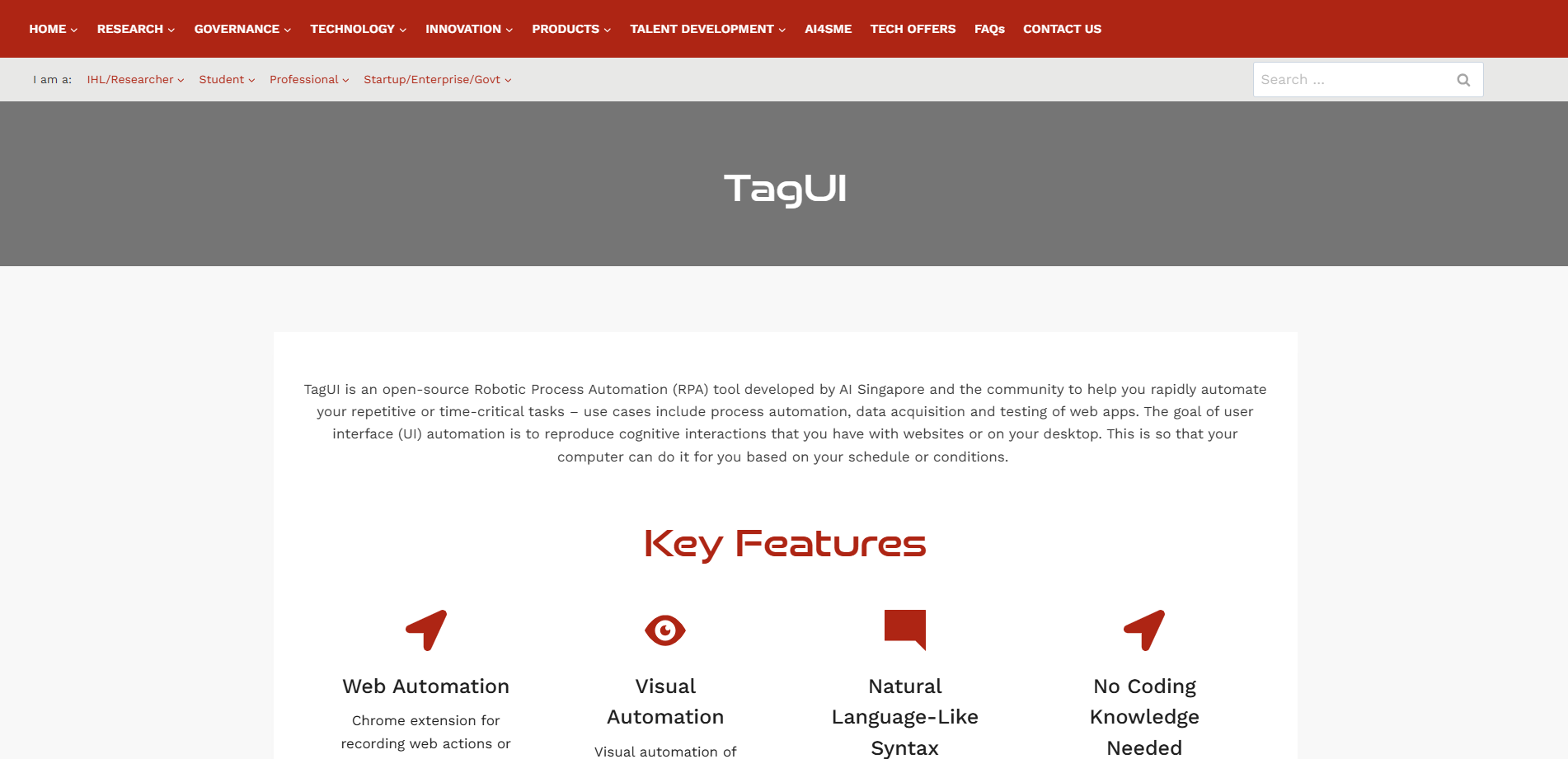
Maintained by AI Singapore, TagUI is a command-line tool. It reads code-like syntax to automate web interactions.
Pros:
Free and open source: No licensing costs, suitable for experimentation or small internal projects.
Lightweight footprint: Minimal system requirements compared to enterprise RPA platforms.
Cons:
No visual designer: Automation development is entirely code-driven, increasing the learning curve.
High maintenance burden: UI changes require manual script updates with no self-healing mechanisms.
No enterprise support: Community-driven development with no guaranteed SLAs or compliance features.
Robot Framework
Originally built for testing, Robot Framework is often repurposed for RPA.
Pros:
Rich library ecosystem: Supports web, desktop, API, and system-level automation through plugins.
Readable syntax: Keyword-driven format improves readability compared to traditional scripts.
Active open-source community: Continuous contributions and third-party extensions.
Cons:
Lacks the "Orchestrator" features needed to manage hundreds of bots. You will have to build your own scheduling and logging infrastructure.
Critical Features to Look for in RPA Tools
Don't look at the marketing video. Look at the spec sheet. Use this checklist to audit your vendors.
Attended vs. Unattended Automation
Attended: The bot runs on your PC while you watch. It acts as a digital assistant.
Unattended: The bot runs on a server 24/7. The Trap: Many tools charge 5x more for Unattended licenses. Ensure your vendor offers transparent pricing for both.
Low-Code Builders vs. Scripting Capabilities
The industry is moving toward the "Gray Engineer"—a business user who understands the process and learns enough tech to build the bot. Automa supports this with Magic Commands. Nearly 10,000 commands are generated daily via natural language on the platform. This lowers the barrier so that an HR manager can build an onboarding bot without waiting for IT.
Intelligent Document Processing (IDP)
RPA is useless if it can't read. Your tool must have built-in OCR (Optical Character Recognition). Look for tools that can handle "unstructured data"—like a PDF invoice where the total amount moves around. AI capabilities allow it to extract data from complex documents without rigid templates.
Security and Governance
If you are in finance or healthcare, security is non-negotiable.
Encryption: Look for AES-256 encryption for data at rest and in transit.
Compliance: Does the vendor support SOC2 Type II and HIPAA guidelines?
Deployment: Does the vendor offer Private Cloud or On-Premise options? Many "modern" tools are Public Cloud only, which is a dealbreaker for strict GDPR compliance. Automa offers full flexibility: Public, Private, Hybrid, or fully On-Premise.
How to Choose the Best RPA Software for you?
Step 1: Identify High-ROI Automation Use Cases
Before you demo software, audit your processes.
Identify High Volume Repetitive Tasks
Focus on the "Top-Right Quadrant": tasks that are highly repetitive and highly complex.
Finance: Invoice reconciliation, tax reporting.
HR: Employee onboarding (syncing data between ATS and Payroll).
E-Commerce: Updating inventory across Amazon, Shopify, and eBay.
Calculate Potential ROI Before Buying
Use the "Conscience Metric": User engagement. The value of a tool is defined by how much it is used. If a bot saves 2 minutes per transaction and you do 10,000 transactions a month, the math is simple. Benchmark: Automa clients typically see a 600+ hour/month saving in e-commerce catalog automation alone.
Step 2: Compare RPA Pricing and Licensing Models
Understanding Upfront vs. Recurring Costs
Legacy RPA uses a "Service-Based" pricing model. It’s like taking a taxi: you pay a high premium for the service, and every route change costs extra. Modern RPA uses a "Product-Based" model. It’s like buying a car. You pay for the tool, the cost is lower, and you drive it yourself.
The Hidden Cost of Orchestrators and Maintenance
Ask the vendor: "Does the license price include the Orchestrator/Console?" Often, the bot is $5,000, but the management console is $20,000. Also, factor in maintenance. If the bot breaks when Chrome updates, who fixes it?
Step 3: Evaluate Vendor Support and Implementation Options
Evaluating Vendor Support and Community
Support makes or breaks RPA. UiPath charges a premium for support tiers. Automa adopts a "White-Glove Concierge" service model. This includes a dual-consultant approach:
Customer Success Consultant: Handles planning and requirements.
Technical Support Consultant: Handles troubleshooting and training. This ensures you aren't just given a login and ignored.
When to Hire an External RPA Consultant?
Apply the First Principle of Efficiency: The most efficient way to solve a problem is for the business team to solve it directly. Only hire external consultants if the process is too technical for your internal "Gray Engineers." The goal is internal capability, not external dependency.
Conclusion
You have the data. Now you need to act. Do not let "analysis paralysis" delay your ROI.
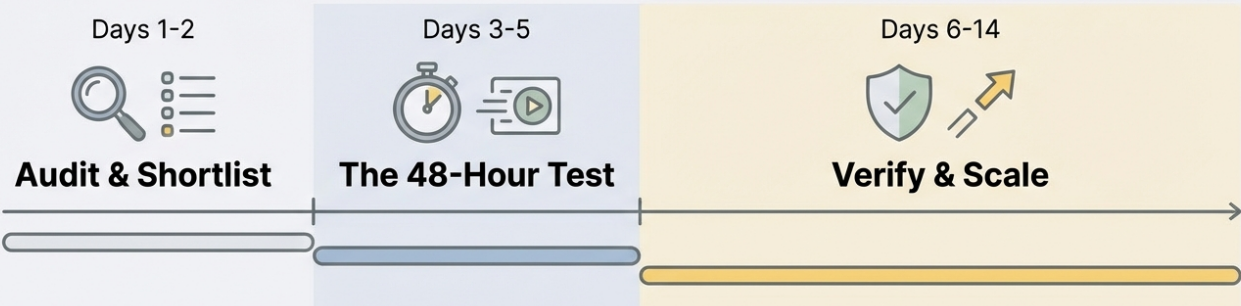
Audit: Identify one high-volume process (e.g., Invoice Processing) this week.
Shortlist: Pick three vendors. Include one "Heavy Hitter" (like UiPath) and one "Agile Disruptor" (like Automa).
Test: Run a 14-day trial. Can your non-technical team build a bot in the first 48 hours?
Verify: Check the security specs. Ensure they offer the Private Cloud or On-Premise deployment your CISO demands.
Efficiency defeats inefficiency. The tools exist to liberate your team from "robot work." Ready to see what AI-Driven RPA looks like? Request a Custom Demo of Automa and see how you can automate your first workflow in minutes, not months.
FAQs
Which RPA tool is easiest to learn for beginners?
Tools with "No-Code" architectures and AI-assisted building are the easiest. Automa allows users to generate workflows using natural language (Magic Commands), making it accessible to business users within 1-2 weeks.
Is RPA software worth the investment for small teams?
Yes, if the tool is priced correctly. Avoid enterprise-heavy tools with minimum purchase requirements. Look for "Product-Based" pricing models that allow you to start small and scale.
Can RPA tools work with legacy systems?
Absolutely. This is RPA's superpower. It works on the UI layer, so it can interact with mainframes, Citrix, or old ERPs that lack APIs, acting exactly like a human user.
What is the difference between RPA and AI?
RPA is the "hands and feet", it executes rules. AI is the "brain", it makes decisions and processes unstructured data. The best RPA tools combine both to create intelligent, autonomous agents.