Manual data entry and repetitive tasks slow down modern companies. In 2026, many employees still spend hours moving information between different apps. This manual work creates errors and makes business growth difficult. Automation software solves these problems by handling routine jobs without human help. This guide explains how to choose the right tools to speed up your work.
Why enterprises are buying automation software in 2026?
Enterprises face a huge problem with manual steps across ERP and CRM systems. People often copy data from emails into spreadsheets or ticketing tools. These repetitive actions lead to slow cycle times and high costs for the business. They also cause employee burnout because the work is boring and repetitive.
IT teams and business leaders often have different goals. Business teams want speed to finish tasks. IT teams want security and clear audit trails to protect the company. Automation software provides a balance between these two needs. It allows the business to run faster while keeping data safe.
What is enterprise task automation?
Enterprise task automation uses software to handle jobs that follow clear rules. You can automate tasks like data sync, report pulls, and ticket updates. The software performs these actions so humans do not have to click through screens. This leads to fewer mistakes and faster turnaround times.
You should only automate tasks with clear rules and owners. Do not automate unsafe actions or processes that nobody manages. Good automation keeps your architecture clean and helps you scale your operations.
4 types of enterprise automation software
Choosing the right technology depends on the job you need to complete. Most tools fall into four categories.
RPA (UI automation)
RPA bots mimic human actions on a computer screen. This is best for legacy apps that do not have modern connections.
Benefit: It works with old software without changing the code.
Risk: The automation can break if the software layout changes.
iPaaS (API integrations)
iPaaS connects modern apps using stable code paths. It moves data between systems like Salesforce and Workday.
Benefit: It is faster and more stable than screen automation.
Risk: You must manage limits on how much data you can send.
Workflow automation
This software manages the order of tasks and human approvals. It ensures the right person sees a request at the right time.
Benefit: It makes complex processes transparent for everyone.
Risk: Poor process design will create chaos faster.
AI agents (LLM automation)
AI agents use language models to read messy text and draft replies. They can summarize reports and classify emails.
Benefit: It handles tasks that used to require human judgment.
Risk: Humans must review the output to prevent hallucinations.
Softwares for Automating Repetitive Enterprise Tasks: Comparison Tables
Software | Best For | Key Strength | Market Status | Free Plan | Starting price |
Automa | Intelligent workflows combining AI & RPA | No-code AI agents with cognitive RAG | Emerging AI-RPA platform | Yes | $14.50/month (Enterprise avg: $4K-$5K/year per account) |
UiPath | Massive screen-based tasks | Universal compatibility for old systems | Enterprise RPA leader | No (Enterprise) | ~$3,000/year per bot |
Zapier | Fast business user setup | 8,000+ connectors with zero coding | Business-user favorite | Yes (Basic) | $250/month |
Workato | Complex data pipelines | Deep APIs and fast data syncs | Enterprise iPaaS leader | No | ~$10,000/year |
MuleSoft | Heavy enterprise architecture | High-security data transfer | Enterprise integration leader | No | ~$100,000/year |
ServiceNow | IT and HR ticketing | Strict audit trails and system of record | Workflow standard | No | ~$30,000/year |
Microsoft Power Automate | Microsoft 365 users | Native Office 365 integration | Ecosystem dominator | Yes (Basic) | $15/user/month |
Automation Anywhere | Cloud-first bots | Web-based builder and fast scaling | Cloud RPA leader | Cloud RPA leader | ~$750/month |
Celoins | Finding process bottlenecks | Process mining and factual proof | Process mining pioneer | No | ~$50,000/year |
Make | Visual flow design | Visual canvas and parallel execution | High-flexibility iPaaS | Yes (Basic) | ~$1,000/month (Enterprise) |
Top 10 software for enterprise automation in 2026
Automa
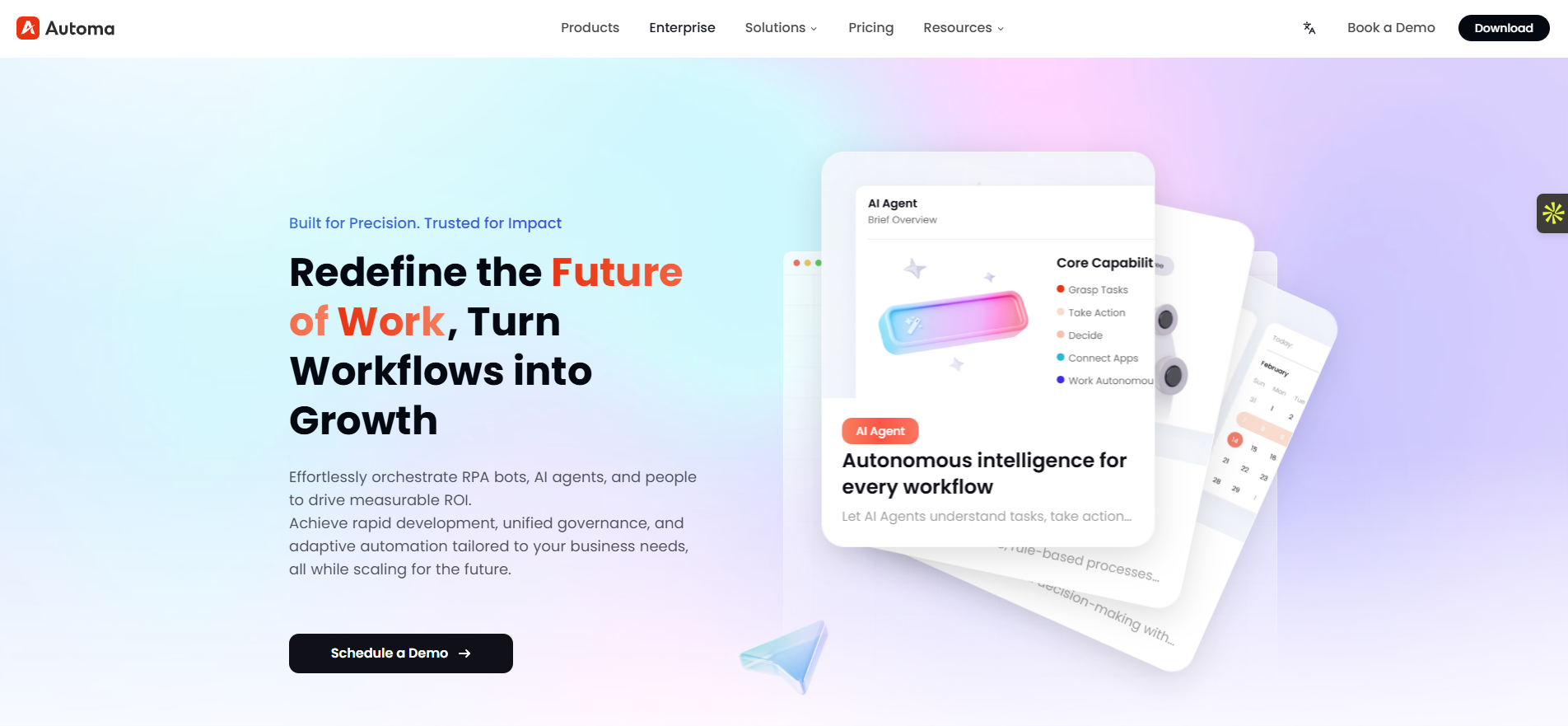
Automa is an AI-driven Robotic Process Automation platform founded in 2025 by former Alibaba, Google, and Oracle experts. It serves over 30,000 global enterprises in retail, manufacturing, and logistics. The platform acts as a digital worker, using AI as the brain and RPA as the hands. It allows users to build intelligent workflows that connect legacy software to modern systems like SAP and Salesforce without writing code.
Automa Key Features
Visual Builder: You build automations by dragging and dropping blocks. You do not need to write code.
Browser Automation: It automatically fills forms, clicks buttons, and takes screenshots on any website.
Data Extraction: You can scrape website data and export it directly to CSV, JSON, or Google Sheets.
AI and LLM Integration: The software uses AI to read text (OCR), solve CAPTCHAs, and process messy data.
Cloud Scheduling: You can set triggers to run your workflows automatically at specific times.
Smart Capture Builder : You type simple text instructions, and the system automatically builds the logic and records your screen clicks.
Automa Pros
Very easy to start: The visual interface helps business users build their first automation in minutes.
Strong for web tasks: It handles repetitive browser work exceptionally well.
Adapts to change: Unlike old bots that break easily, Automa uses AI to understand the goal and adjust to new situations in real time.
No code required: Business users can build complex automations using a simple visual canvas and text commands.
Low cost: The pricing is much cheaper than heavy enterprise tools like UiPath or Automation Anywhere.
Automa Cons
AI review needed: Because it uses large language models, humans must still review the output to prevent data errors.
Requires structured setups: To use the knowledge base well, you must organize and clean your documents before you upload them.
Automa offers a Free Plan for a 1-application limit, 30 minutes of daily runtime, and basic features. The Pro Plan costs $14.50 per month (billed annually) for AI tools and unlimited self-built apps. Automa Enterprise accounts cost an average of $4,000 to $5,000 per year. This tier gives you full API integrations and dedicated support.
UiPath
UiPath builds software robots that read computer screens and click buttons. The platform specializes in Robotic Process Automation (RPA) for large enterprises. It connects older legacy systems that lack modern API connections to newer cloud applications. The software replaces manual data entry with continuous digital workers.
UiPath Key Features
Desktop UI Recording: You record your mouse clicks, and the robot repeats them.
AI Document Reading: It reads scanned documents and pulls out specific text like invoice totals.
Central Orchestrator: IT teams use a central dashboard to start, stop, and schedule thousands of bots.
UiPath Pros
Universal compatibility: It works with almost any old software, even terminal emulators.
Strong governance: It gives IT teams strict control over bot passwords and audit logs.
UiPath Cons
Brittle automations: If a software vendor moves a button, the bot fails and requires human repair.
High setup cost: You need specialized developers to build reliable bots.
Starts around $3,000 to $4,000 per year for a single bot, plus platform fees. Enterprise plans vary based on total usage.
Zapier
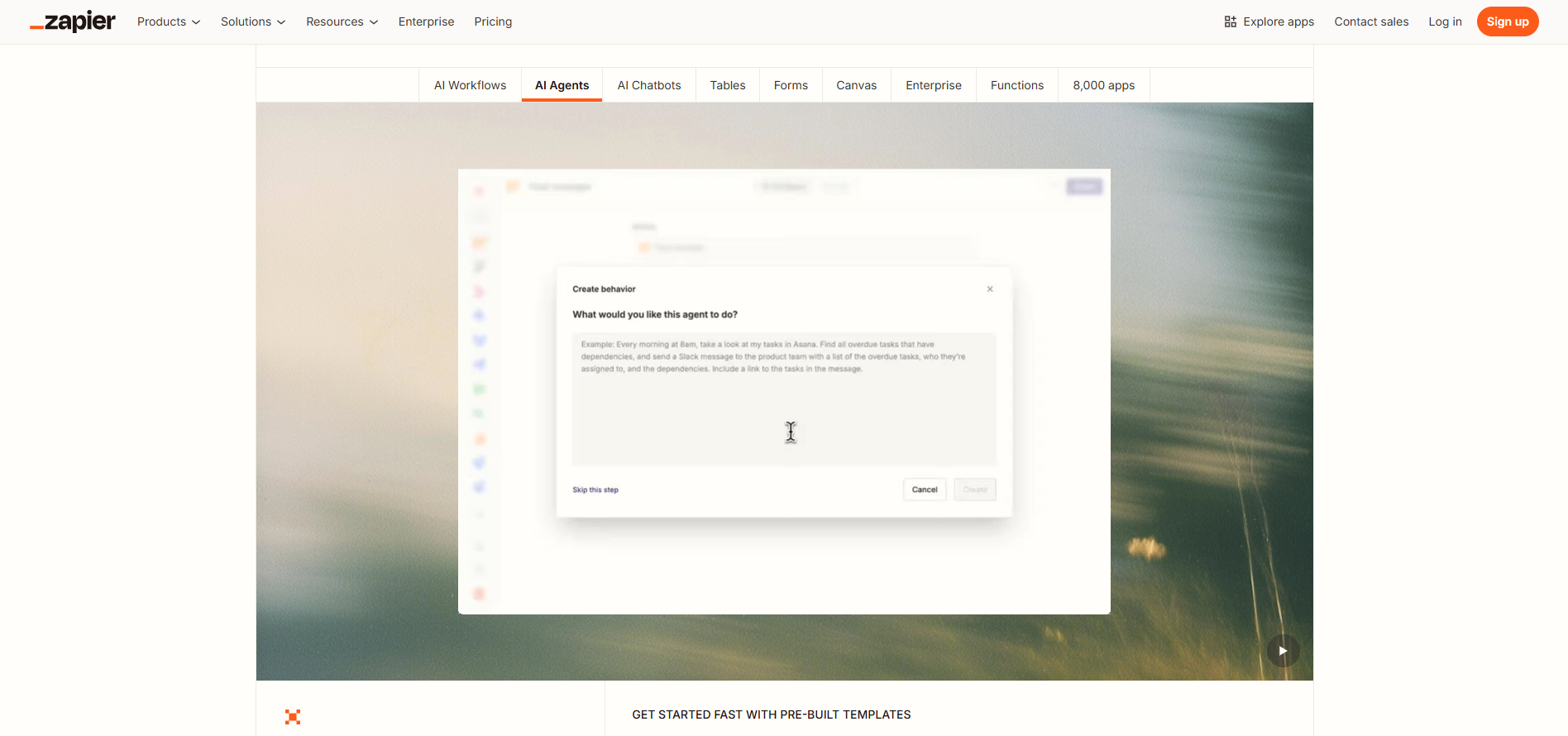
Zapier Enterprise connects thousands of standard web applications quickly. It provides a simple, visual interface that requires zero coding. The platform allows business users to build their own automated rules while giving IT teams central oversight over security.
Zapier Key Features
8,000+ Connectors: Connects almost every modern web app on the market.
Simple Logic: Uses clear standard rules.
Path Branching: Routes data to different apps based on specific text keywords.
Zapier Pros
Extremely fast: Business users learn the tool and build workflows in minutes.
Zero coding: You do not need any technical background to succeed.
Zapier Cons
No legacy support: It cannot read desktop software screens or old mainframe systems.
Weak error handling: It lacks the deep retry logic needed for critical financial data.
Enterprise plans start at $250+ per month. Zapier bills you based on the exact number of automated tasks you run.
Workato
Workato acts as an Integration Platform as a Service (iPaaS) for enterprises. It connects cloud applications behind the scenes. The software uses APIs to move massive amounts of data reliably between different databases. It focuses on complex routing logic and strict data security.
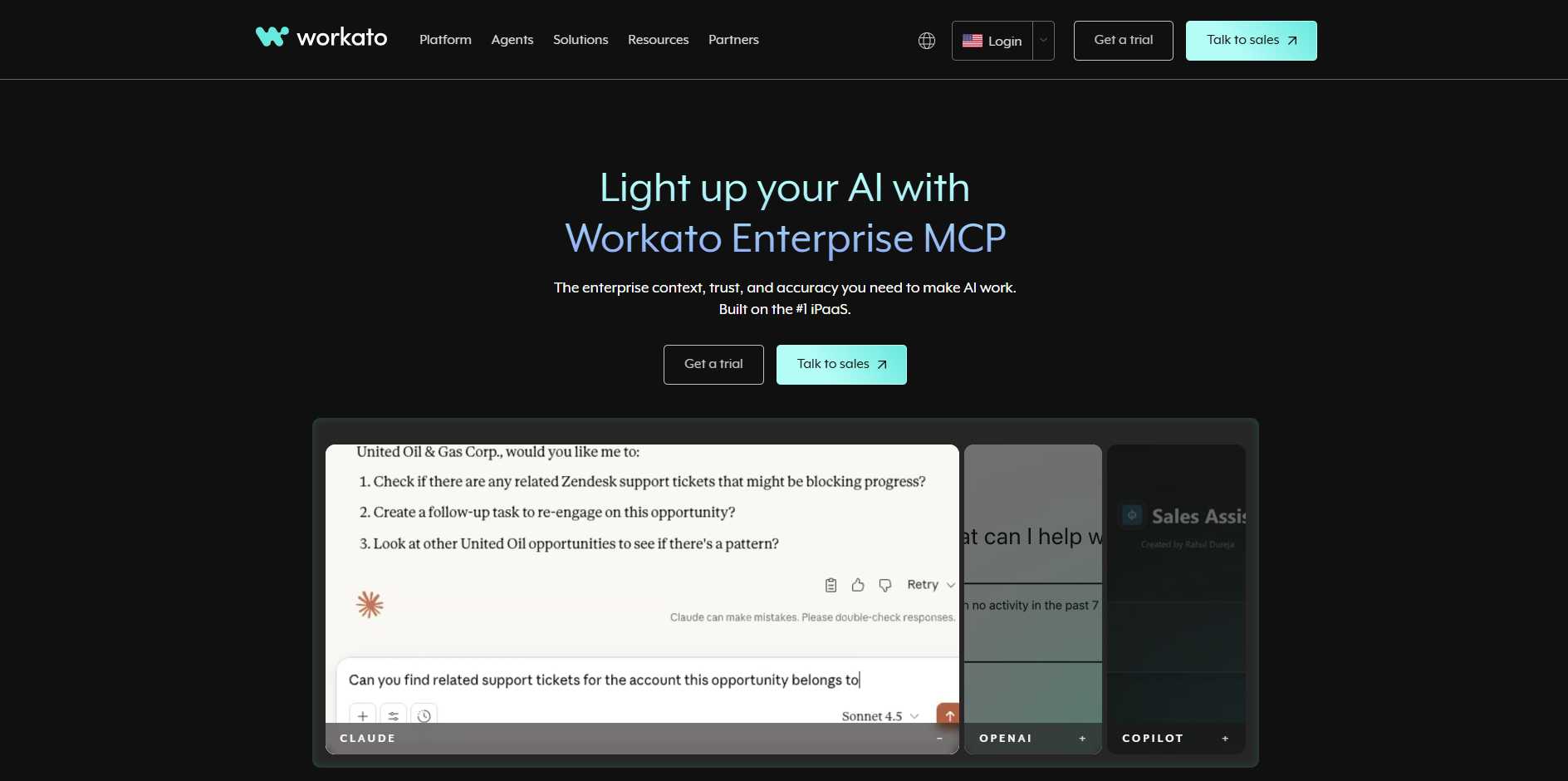
Workato Key Features
Pre-built Connectors: It offers deep API connections for complex apps like SAP and Workday.
Visual Logic Builder: You build data rules without writing raw code.
Automatic Error Retries: If an API drops, Workato waits and tries again automatically.
Workato Pros
Handles complex logic: It easily manages heavy data mapping and conditional rules.
Fast data syncs: It moves millions of rows of data quickly.
Workato Cons
High cost at scale: Workato charges per task. High-volume workflows drain budgets quickly.
Technical learning curve: Business users struggle to use it. You need data engineers to set it up well.
The base workspace costs about $10,000 per year. You also pay a separate fee for each active automated process you run.
MuleSoft
Salesforce owns MuleSoft. The platform builds highly secure API networks for enterprise architecture. It connects heavy on-premise databases to modern cloud applications. The software targets IT developers who need to manage millions of fast data transactions per day.
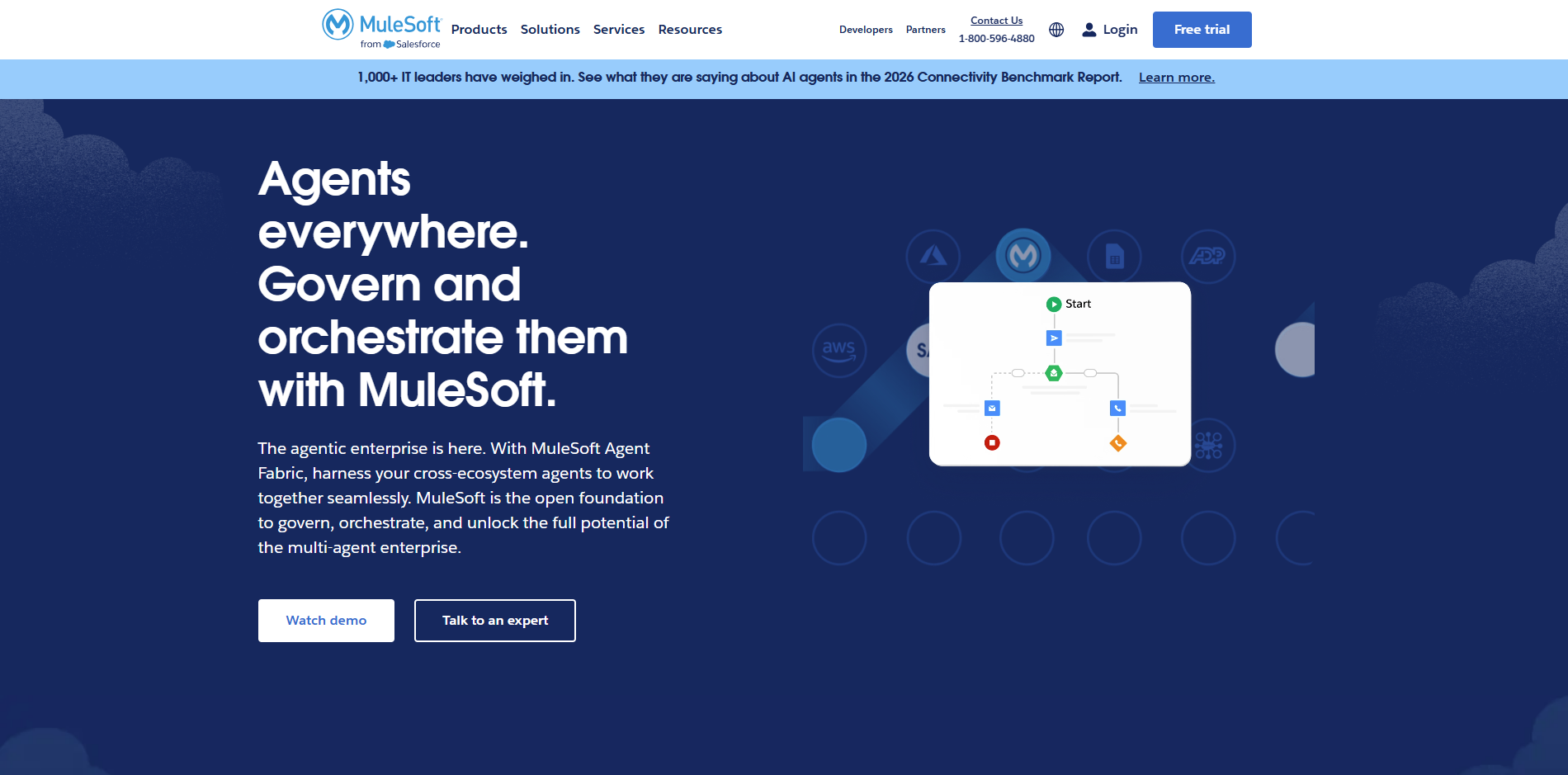
MuleSoft Key Features
Custom API Creation: Developers build their own APIs from scratch.
Anypoint Studio: A heavy development environment for writing complex data maps.
High-Security Data Transfer: Encrypts data to meet strict banking and government standards.
MuleSoft Pros
Extremely secure: Built for heavily regulated industries.
Massive scale: Handles extreme data loads without failing or crashing.
MuleSoft Cons
Requires coding: Business users cannot use it. You must hire highly paid software developers.
Slow deployments: Building API networks takes months, not days.
MuleSoft Pricing
Custom pricing only. It often exceeds $100,000 per year for large enterprise architectures.
ServiceNow
ServiceNow operates as a central workflow engine for large organizations. It routes internal help tickets and multi-step tasks across different departments. The platform specializes in tracking complex approvals, managing IT operations, and maintaining a strict system of record.
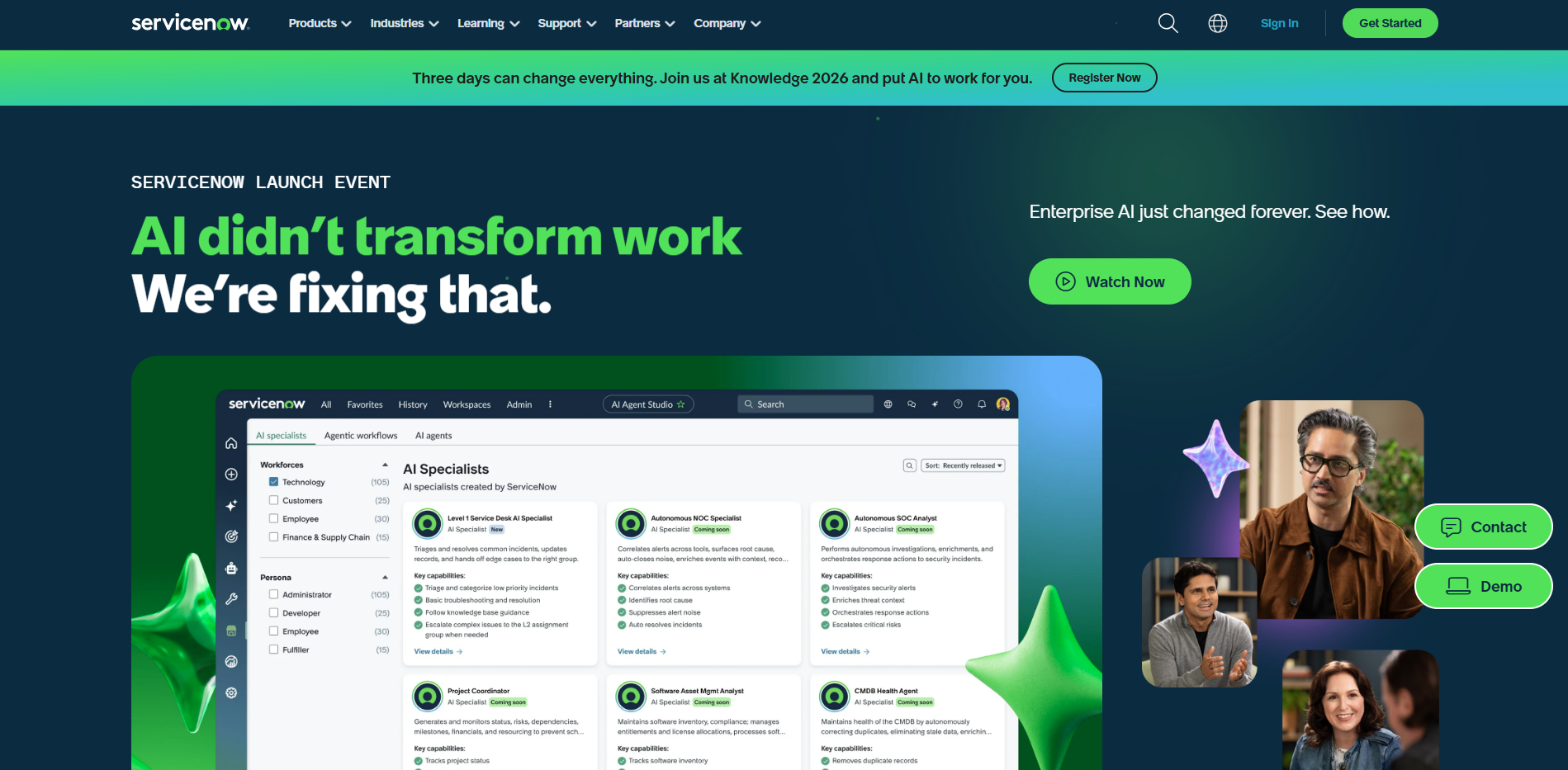
ServiceNow Key Features
Visual Workflow Designer: Maps out complex approval chains.
SLA Timers: Tracks exactly how long tasks sit in specific queues.
Strict Audit Trails: Logs every single click and approval for security audits.
ServiceNow Pros
Excellent human routing : It excels at managing tasks that require human reviews and approvals.
Perfect system of record: It keeps a permanent, unchangeable history of work.
ServiceNow Cons
Heavy platform: It takes months of consulting work to implement properly.
High cost : The license fees price out smaller companies quickly.
ServiceNow Pricing
Custom pricing only. It typically starts at $30,000+ per year for mid-sized enterprise setups.
Microsoft Power Automate
Power Automate is Microsoft's primary workflow and RPA tool. It ties directly into the Microsoft 365 ecosystem. The software allows users to move data seamlessly between standard Office applications and external services. It combines basic screen reading capabilities with modern cloud API connections.
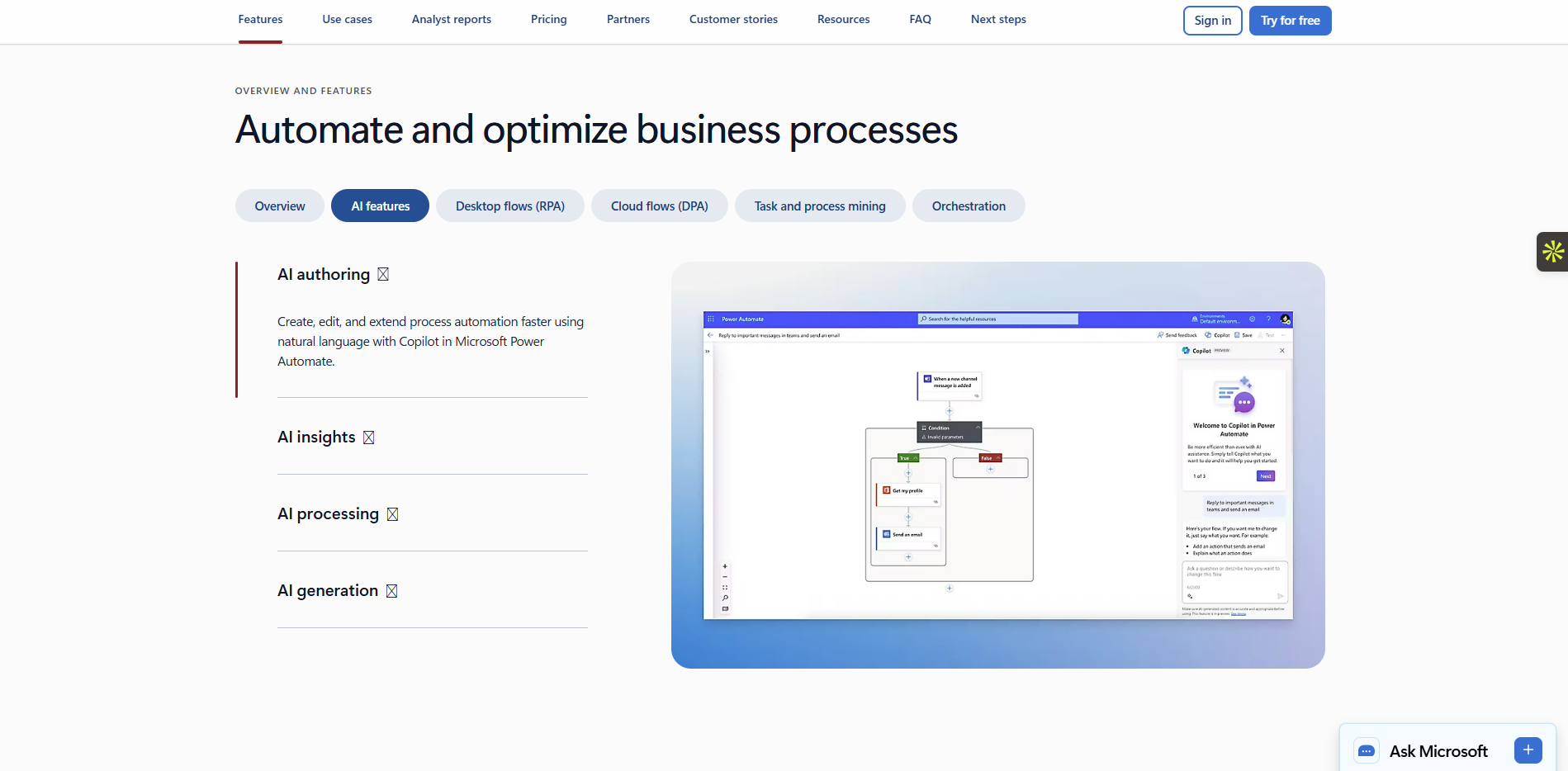
Microsoft Power Automate Key Features
Cloud API Flows: Connects hundreds of cloud services together.
Desktop UI Recording: Reads local desktop screens like traditional RPA tools do.
AI Builder: Pre-trained models read text from standard business forms.
Microsoft Power Automate Pros
Included in Office 365: Many companies already own it for free or at a low cost.
Easy for Microsoft users: It looks and feels exactly like other Office apps.
Microsoft Power Automate Cons
Clunky outside Microsoft: It struggles to connect smoothly to non-Microsoft legacy systems.
Weak exception handling: Finding and fixing errors in complex flows takes too much time.
Microsoft Power Automate Pricing
Premium user plans start at $15 per user/month. Bot licenses for unattended background work cost $150 per bot/month.
Automation Anywhere
Automation Anywhere provides a cloud-native platform for Robotic Process Automation. It allows companies to run digital workers directly from a web browser. The software focuses on rapid bot deployment, document extraction, and central security controls without requiring heavy local software installations.
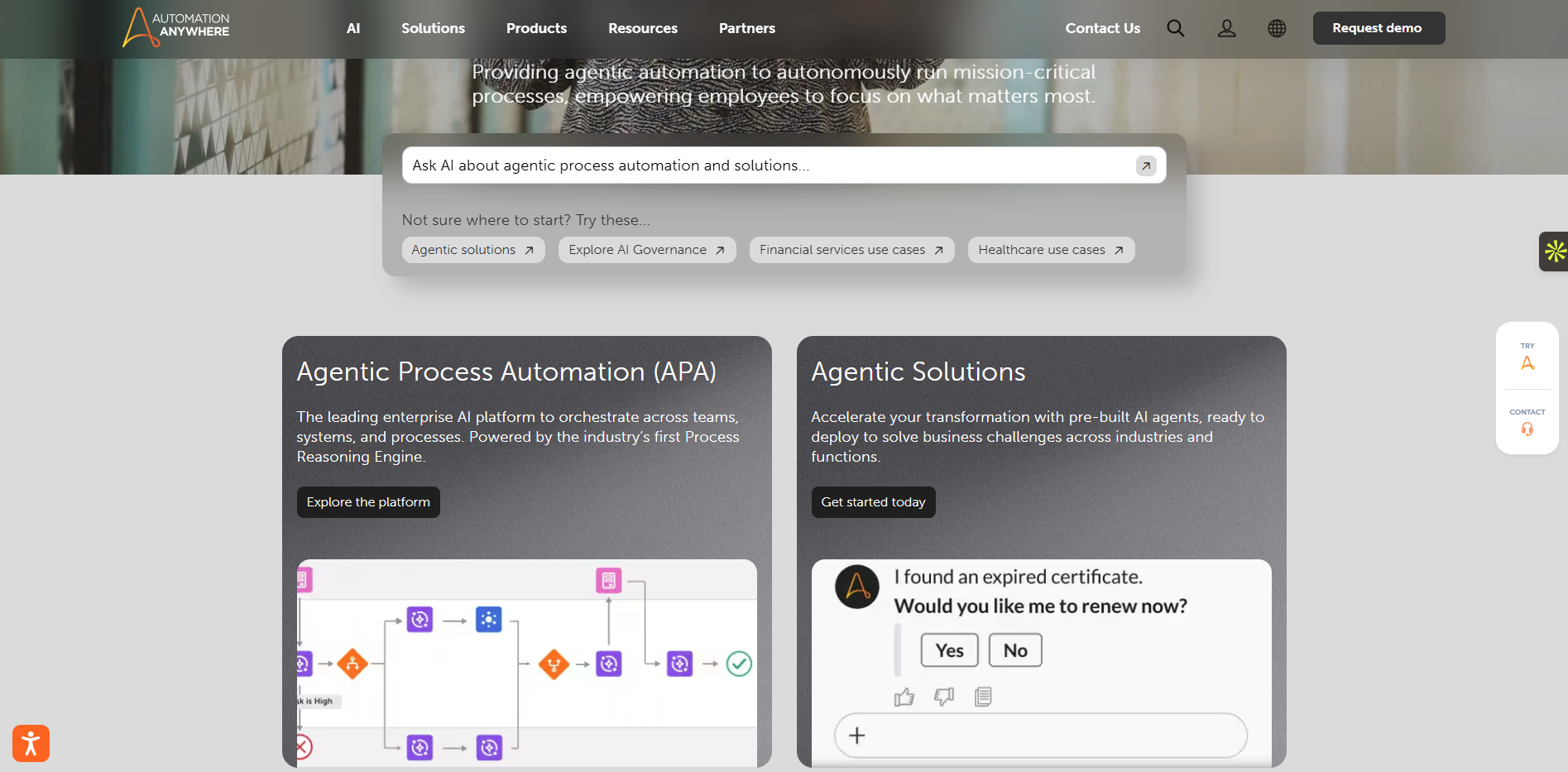
Automation Anywhere Key Features
Web-Based Bot Builder : You build bots directly in your browser.
Document Automation: Extracts data from messy invoices and purchase orders.
Central Security Vault: Stores all bot passwords securely to prevent data breaches.
Automation Anywhere Pros
Cloud-native: IT teams do not need to install heavy software on local employee computers.
Scales quickly: You can spin up multiple bots in minutes using cloud servers.
Automation Anywhere Cons
UI updates break bots: Like other RPA tools, bots fail if website layouts change.
Slow support: Enterprise users report slow response times for technical tickets.
Automation Anywhere Pricing
Starts around $750 per month for basic cloud packages. Large enterprises require custom quotes.
Celonis
Celonis is a process mining software tool. It reads existing system logs to reconstruct a company's actual business workflows. The platform finds hidden bottlenecks, shows where errors happen, and triggers automated fixes to improve overall operational speed.
Celonis Key Features
Process Mining: Reconstructs your actual business process using timestamp data.
Bottleneck Mapping: Visually highlights where work slows down or fails.
Action Flows: Automatically triggers an alert or updates a system when it sees a bottleneck.
Celonis Pros
Provides factual proof: It stops internal guessing. It shows actual data proof of where you lose money.
Targets high-value fixes: Tells you exactly which automation will save the most time.
Celonis Cons
Heavy data prep: You need clean, structured system logs to make it work.
Very expensive: Only large enterprises can justify the cost.
Celonis Pricing
Custom pricing only. It usually starts at $50,000+ per year depending on the volume of data you analyze.
Make
Make is a visual integration platform. It provides a drag-and-drop canvas for building complex automated workflows. The software connects different web applications using APIs and runs multiple data processes simultaneously. It focuses on offering high flexibility at a lower cost.
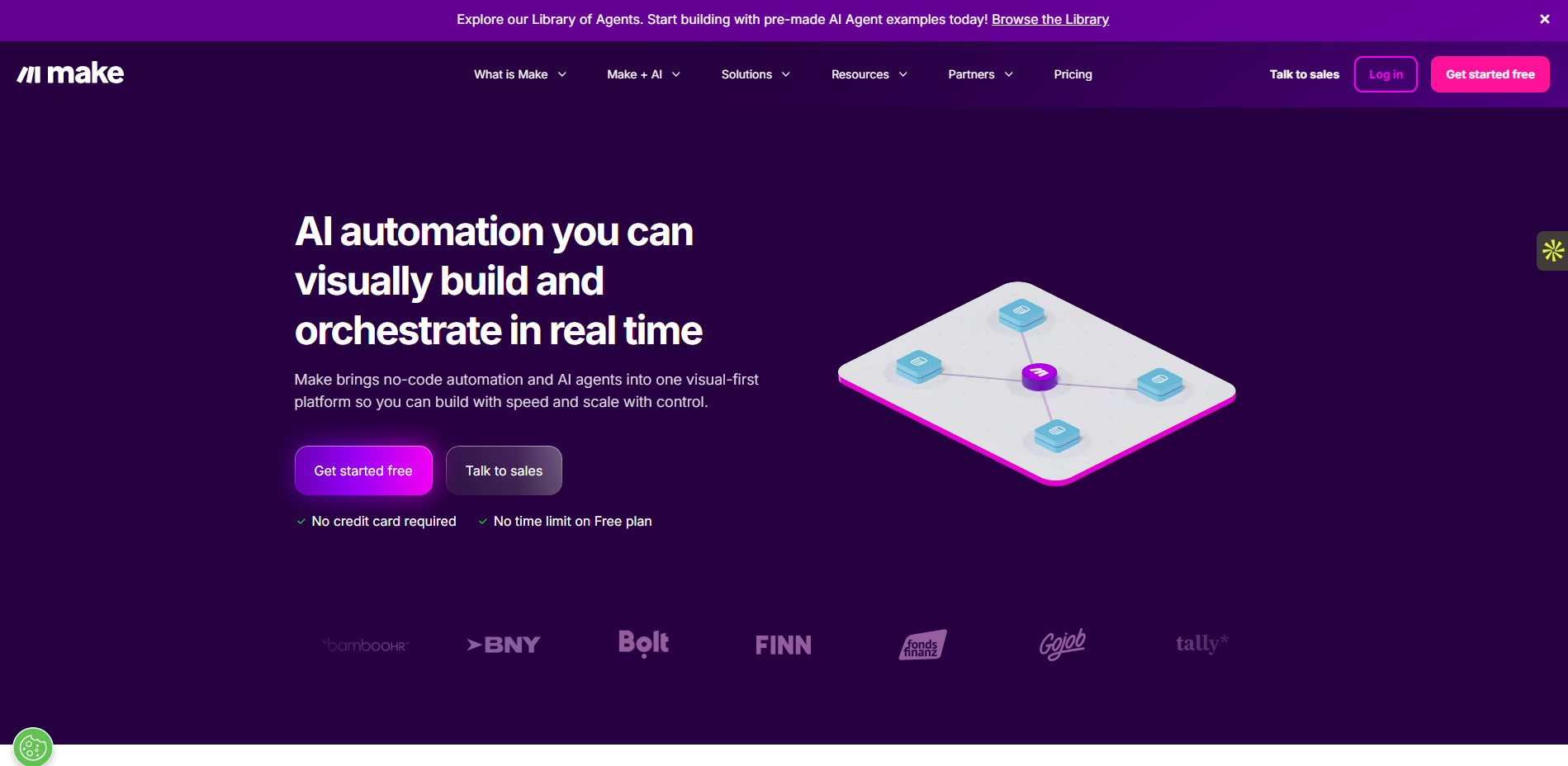
Make Key Features
Visual Canvas: You see exactly how data routes through different branches.
Parallel Execution: Runs multiple steps at the exact same time to save seconds.
Detailed Error Logs: Shows you exactly which data field caused the workflow to fail.
Make Pros
Easy to read: The visual design makes it easy to explain complex processes to managers.
Cost-effective: It offers much cheaper task runs compared to heavier competitors.
Make Cons
Messy canvas at scale: Massive enterprise workflows look cluttered and become hard to manage.
Weak central governance: IT teams struggle to control hundreds of independent users.
Enterprise plans start at roughly $1,000 per month for dedicated servers, advanced security, and high task limits
Must-have features checklist (2026)
When you review software, look past the sales pitch. Check for these specific features that enterprises actually need.
Integrations and connectors: Require deep API access and full webhook support. Require visual data mapping tools and a safe sandbox environment for testing. System-level connections always beat simple export and import tools when you scale.
Exception handling: Look for a central exception queue. Demand rules that automatically retry failed tasks. Ensure you can assign clear owners and time limits (SLAs) to broken workflows. Require root-cause tags and trend reports to fix recurring errors.
Security and compliance basics:Mandate SSO/SAML integration. Require Role-Based Access Control (RBAC) and least privilege settings. Check for data encryption at rest and in transit. Ask for exportable audit logs, vendor risk checks (like SOC 2 reports), and a clear data use policy.
Governance at scale: Look for central bot and runner management dashboards. Separate your environments into development, testing, and production. Require system alerts, formal change approvals, and easy rollback features.
Reporting and ROI tracking: Track hours saved, baseline error rates, and cycle times. Measure your overall throughput and track your exception rate. Demand separate reporting dashboards for business leaders and daily operators.
How to choose automation software for enterprise task?
Follow this simple logic to pick the right tool: Do you have APIs? If yes, use iPaaS. If no, use RPA. Is there a human approval step? If yes, use a Workflow tool. Is the input messy text or images? If yes, add an AI agent.
Enterprises rarely use just one tool. You will likely combine them. A common setup uses iPaaS to move data, workflow rules to manage approvals, limited RPA to read old software screens, and an AI assist to read incoming emails.
Hidden costs: how to estimate total cost?
Many companies fail to calculate the Total Cost of Ownership (TCO) for automation. They only look at the first-year license fee. This approach causes massive budget overruns by year three.
Think of automation software like buying a commercial truck. The software license is the sticker price. The TCO includes the gas, insurance, driver salaries, and mechanical repairs you pay over the next three years.
To calculate an accurate budget, explain these five specific cost areas to your finance team:
Licenses and usage fees
Vendors charge money in different ways. You must match their pricing model to your actual business volume.
Per-bot pricing: Companies like UiPath often charge for each digital worker (bot) you run. This works well if you run a few bots constantly.
Per-task pricing: Companies like Workato or Make charge you for the number of tasks or data syncs you complete. You must estimate your exact volume. If you build a bad loop that runs 100,000 times by mistake, you will drain your budget in days.
Setup and integration costs
You cannot just turn the software on. You must pay experts to build the automations.
Companies often hire outside consultants, like Accenture or Slalom, to map business processes and write the initial code.
These professional service fees often cost two to three times more than the software license itself in the first year.
Training and internal administration
Your internal team must run the system after the outside consultants leave.
You need dedicated platform administrators. You must calculate the internal salary cost of these employees.
A standard enterprise program requires at least one full-time system admin and two internal developers. You also need to buy formal training courses for your business analysts.
Monitoring and break-fix support
Automations break. When an application updates its user interface, UI-based bots fail. When an API changes, data pipelines stop working.
Imagine your company updates your Oracle ERP over the weekend. On Monday, 50 automation scripts fail because a screen layout changed.
You must pay developers to fix this broken code. Industry data shows that maintenance and support consume up to 30% of a total automation budget each year.
Extra platform fees
Vendors often hide extra fees in the fine print of the contract. Look closely at these three areas:
Premium Connectors: Connecting to standard apps like Slack might be free. However, connecting to complex enterprise systems like SAP or Workday often requires a separate, expensive "premium connector" license.
Sandbox Environments: You need a safe, separate environment to test your code before it goes live. Vendors usually charge extra money for this test environment.
Log Storage: Security audits require you to keep logs of what the bots did. Storing your audit logs for more than 30 days often costs additional cloud storage money.
Conclusion
Picking the right automation software prevents costly budget overruns. If you want fast results, use Automa. Automa solves the tension between IT and business teams by combining AI reasoning with visual RPA tools. You do not need to write code to connect your legacy systems to modern apps. Business users can build their first automated workflow in minutes, while IT keeps strict control over data security.
Stop wasting time and money on manual data entry. Download Automa today to start your free plan. You can test the software on your own daily tasks, prove the exact money you save, and scale up across your company when you are ready.
FAQs
Is AI automation safe for regulated data?
Yes, if you configure it correctly. You must use vendors that offer private models. You should block the software from using your data to train public models. Financial companies use tools like MuleSoft or enterprise-grade Automa accounts because these platforms keep data strictly inside secure private walls.
Can we run on-prem or hybrid?
Yes. Many large enterprises require on-premise setups to meet strict security laws. Vendors like UiPath and Automa offer dedicated hybrid models. You can keep your sensitive databases safely on your own local servers while you run the control dashboard in the cloud.
What if we have many ERPs and business units?
You need an integration platform (iPaaS) like Workato. Large global companies often run SAP in Europe and Oracle in Asia. Simple workflow tools fail in this environment.