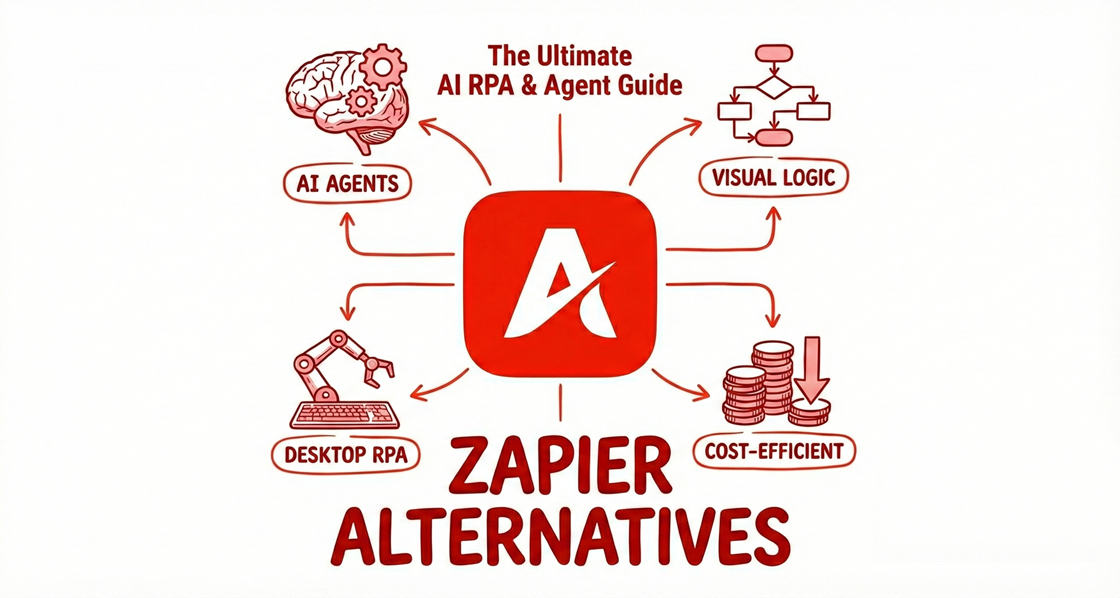
By 2026, the automation landscape has shifted from simple "plumbing" (moving data from A to B) to "Agentic Workflows" (AI that thinks and acts). While Zapier remains the "household name" in automation, savvy business leaders are migrating to platforms that offer more intelligence, better pricing, and less maintenance.
Top 5 Zapier Alternatives at a Glance
If you’re in a hurry, here is the 2026 "Power List" for 0-code business users:
Tool | Best For | AI / Agent Capabilities | Ease of Use | Pricing Model | Key Limitation | Zapier Replacement Level |
Automa | AI-driven browser & app automation | Native AI agents, vision + LLM workflows | ★★★★☆ | Usage-based | Not ideal for pure API-only stacks | Full (AI + browser + apps) |
Make | Complex multi-step workflows | Limited (rule-based, no native agents) | ★★★☆☆ | Ops-based | Can get hard to maintain at scale | Partial (logic-heavy workflows) |
n8n | Developers & self-hosted control | AI via custom integrations | ★★☆☆☆ | Open-source / self-host | Steeper learning curve | Full (with dev resources) |
Microsoft Power Automate | Microsoft-centric enterprises | Copilot + RPA | ★★★☆☆ | License-based | Heavy ecosystem lock-in | Full (enterprise use cases) |
Gumloop | Non-technical AI workflow builders | Prompt-based AI logic | ★★★★☆ | Tiered SaaS | Limited advanced branching | Partial (AI-first tasks) |
Why Look for a Zapier Alternative?
In 2026, Zapier remains the "IBM of automation"—nobody ever got fired for buying it. With over 8,000 integrations, it is the safest bet for a solopreneur needing to connect a Google Sheet to a Mailchimp list. However, for 0-code business leaders in the US market who are scaling AI-driven operations, Zapier’s "simplicity" has started to become a bottleneck. Here is the reality of the 2026 automation landscape:
The Price Tag: The Hidden "Efficiency Penalty"
The most frequent complaint among US startups in 2026 is Zapier’s Task-based pricing. While competitors have moved toward "Operation-based" or "Execution-based" models, Zapier still charges for every single successful step. In a modern AI workflow—where you might summarize a transcript, fact-check it, format it for LinkedIn, and then route it to a CRM—one single "run" can consume 5 to 8 tasks.
The ROI Gap: * Zapier: ~$20/month (billed annually) for a mere 750 tasks.
Make.com: ~$9/month for 10,000 operations.
n8n: Unlimited tasks if you choose to self-host, or a vastly more generous cloud tier.
If your business runs 5,000 automations a month, Zapier could cost you $500+, while an alternative might cost less than $50. For a growing business, that’s $5,400 a year in "automation tax" that could have gone into your ad spend.
Complexity: The "Click Trap" & Maintenance Debt
Zapier was built for a linear world. In 2026, business logic is rarely linear. When you try to build complex, branching paths in Zapier, you fall into the "Click Trap." Zapier uses a "Top-Down" list view. To see what’s happening in a complex workflow with 10 branches, you have to click in and out of nested "Paths." It’s like trying to navigate a city by only looking through a straw.
The Maintenance Nightmare: Imagine your CRM admin adds a "Required" field to your Lead object.
The Zapier Break: Your Zap simply stops working. You receive a generic error email, and you have to manually re-map every single field in the Zap.
Tools like Make provide a "Bird’s Eye" canvas where you can see the entire logic at once. More importantly, 2026 leaders like Gumloop use AI to auto-detect field changes and suggest a one-click fix.
Agentic Gaps: When "If This Then That" Isn't Enough
The biggest shift in 2026 is from "Automations" to "Agents." Zapier is fundamentally stateless—it has the "memory of a goldfish."
No Long-term Memory: Zapier treats every run as the first time it has ever seen your data. It cannot easily "remember" what it told a customer five minutes ago in a previous Zap run without complex external database setups (like Airtable).
Lack of Reasoning: If an AI step in Zapier returns an unexpected result (e.g., a customer asks a question in French instead of English), a standard Zap will likely fail or send a broken response.
2026 alternatives like Lindy or Bhindi are "Agentic." They can pause, "think," and look up historical data before taking the next step. They don't just move data. They handle the context of the work.

The Top 15 Zapier Alternatives of 2026
Automa
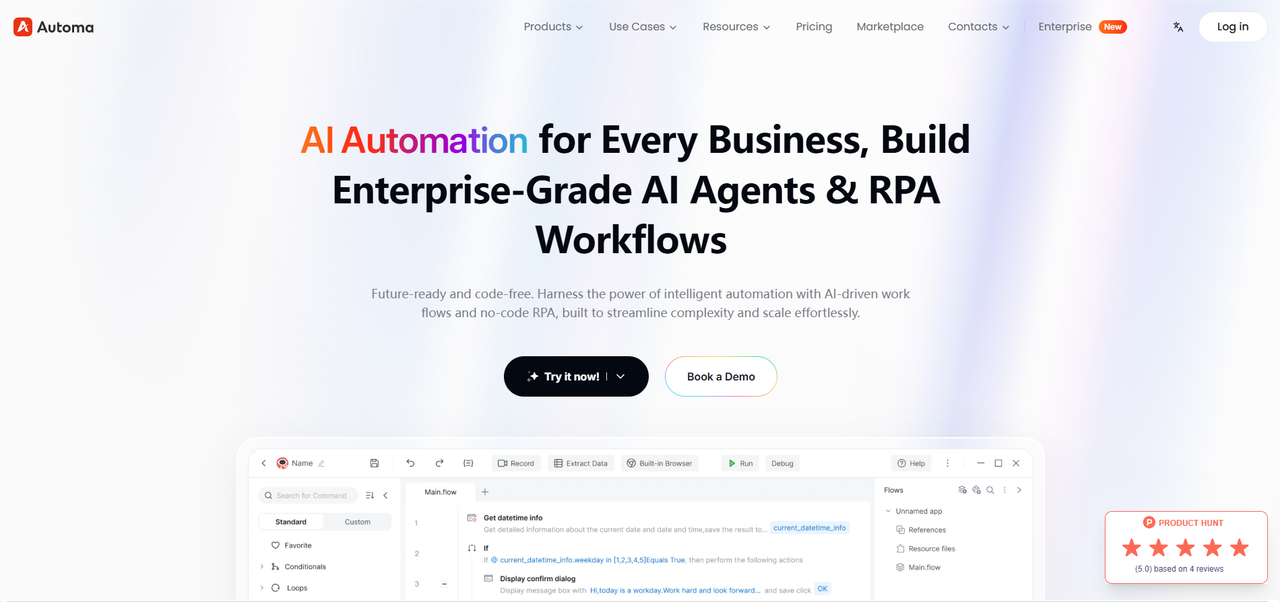
Automa is the 2026 standard for "Software Robots for Everyone." It has evolved far beyond a simple automation tool, effectively breaking the "Browser Sandbox" to extend its reach into every corner of the desktop. The core logic is simple: If a human can perform a task on a computer, Automa can mirror it 1:1. It is the ultimate digital double for 0-code operators managing "dirty work" across legacy ERPs, local Excel deep-dives, and complex e-commerce backends that refuse to provide an official API.
Ease of Use
Moderate. While strictly 0-code, the tool’s sheer power requires users to have a strong sense of business process logic to build stable robots.
Integrations
Universal UI Integration. Through advanced vision and UI recognition, it can interact with any Windows software or Web application.
Pros
Cross-Domain Mastery: WinGo isn't just a "web assistant." it moves seamlessly between desktop software (SAP, Slack, legacy local tools) and all modern browsers in a single workflow.
High Logic Resilience: Features industry-leading error handling. If a page loads slowly or an unexpected pop-up appears, WinGo "waits" or "closes" the interference like a human would, rather than crashing like a traditional API connector.
Deep Visual Logic: Supports complex nested loops, multi-layered conditional logic, and data cleaning—handling business process intricacies that Zapier simply cannot comprehend.
Cons
Local Environment Dependency: To run local bots, your machine must remain powered on. It lacks the "set-and-forget" cloud isolation of tools like Make (unless utilizing their cloud execution version).
Hardware Resource Consumption: Running high-volume data scraping or massive processing tasks consumes local CPU and RAM, which can impact multitasking performance on the same device.
Pricing
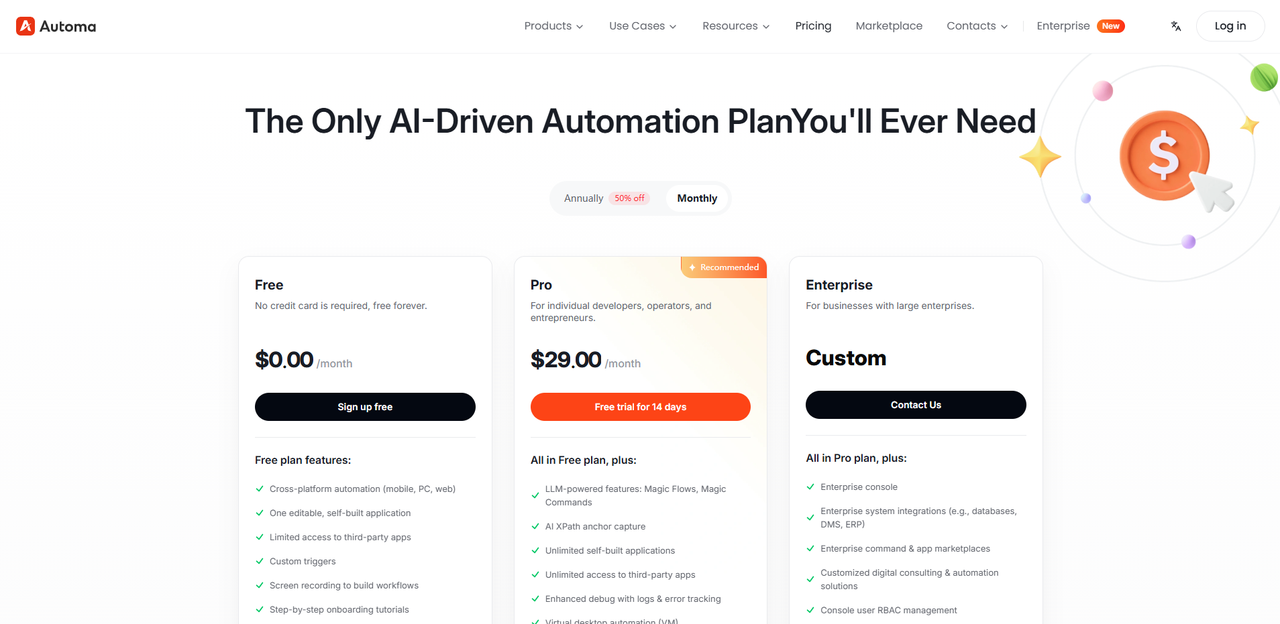
Automa has lowered the professional entry barrier to $30.00/month. Its 2026 strategy focuses on liberating RPA from expensive IT labs and putting it into the hands of every office professional.
Model: Subscription / Concurrent Bot Executions.
Threshold: Typical Monthly Team Cost: ~$150 – $300 (supporting 5 high-frequency bots working simultaneously).
Value Point: Zero "Task Tax" on local workflows—high-density desktop automation consumes local hardware power rather than expensive cloud credits, drastically lowering the cost of scale. See Automa's detailed 2026 pricing based on concurrent bot executions and its model for zero "task tax" on local workflows.
Market Verdict: Product Hunt 5.0/5
Make
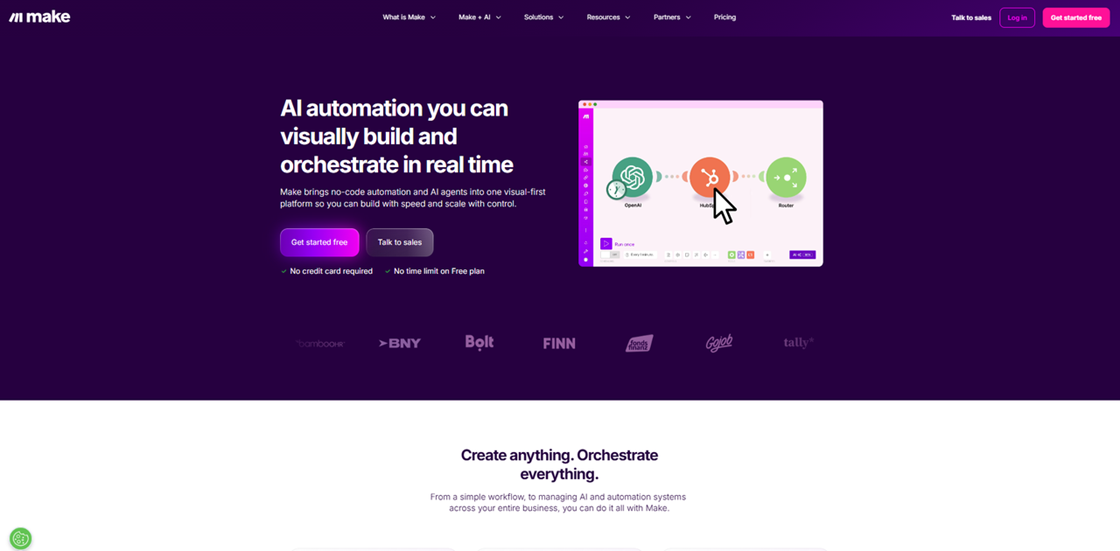
Make remains the "LEGO of Automation." It is the definitive choice for US marketing ops who need to visualize data moving through 50+ branching paths on an infinite canvas without the prohibitive "Task Tax" of legacy platforms.
Ease of Use
Moderate. The "Aha!" moment comes when you realize you can visually drag data from one app to another. However, the learning curve for "Iterators" and "Aggregators" is real.
Integrations
1,600+ Native Apps. It is exceptionally deep in its support for developer tools, databases (SQL, MongoDB), and complex marketing APIs.
Pros
Visual Debugging: You can watch data move through the "bubbles" in real-time, making it significantly easier to troubleshoot complex logic than Zapier’s list view.
MCP Server Synergy: In 2026, Make's support for Model Context Protocol (MCP) means your local AI agents can command 1,600+ apps directly.
Operation-Based Pricing: You pay for successful runs, not for every "internal step" like a filter or a router, providing a much higher ROI for complex flows.
Cons
The Logic Hurdle: It requires a "logical" mindset—you must understand how data bundles and arrays work, or you'll get lost in the "bubbles."
Stability Fluctuations: Occasionally experiences latency issues when connecting to obscure 3rd party APIs with high response times.
Pricing
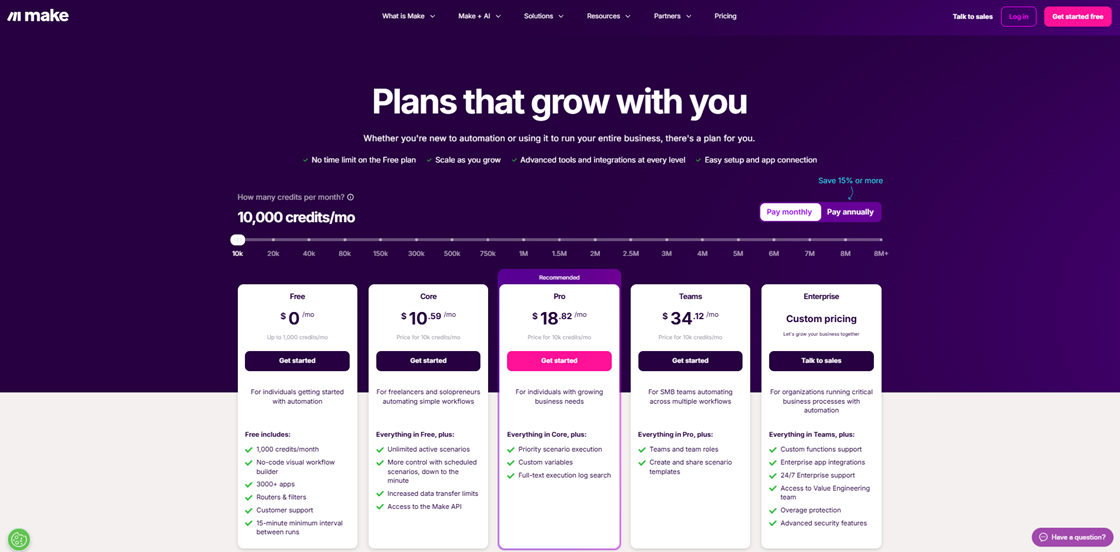
The Core plan starts at $10.59/month (annual). Make’s 2025 update introduced dedicated AI Credits, allowing users to connect their own AI keys without markup.
Model: Operation-based (1 step = 1 op) + Optional AI Credits.
Threshold: Growing Ops Cost: ~$29 - $99/month for teams handling 10k-50k multi-branching operations.
Value Point: The visual logic champion. Specifically cheaper for complex flows with 20+ internal filters and branches. Visit Make's official site to explore its operation-based pricing and optional AI credits.
Market Verdict: G2: 4.6/5 | Capterra: 4.8/5
n8n
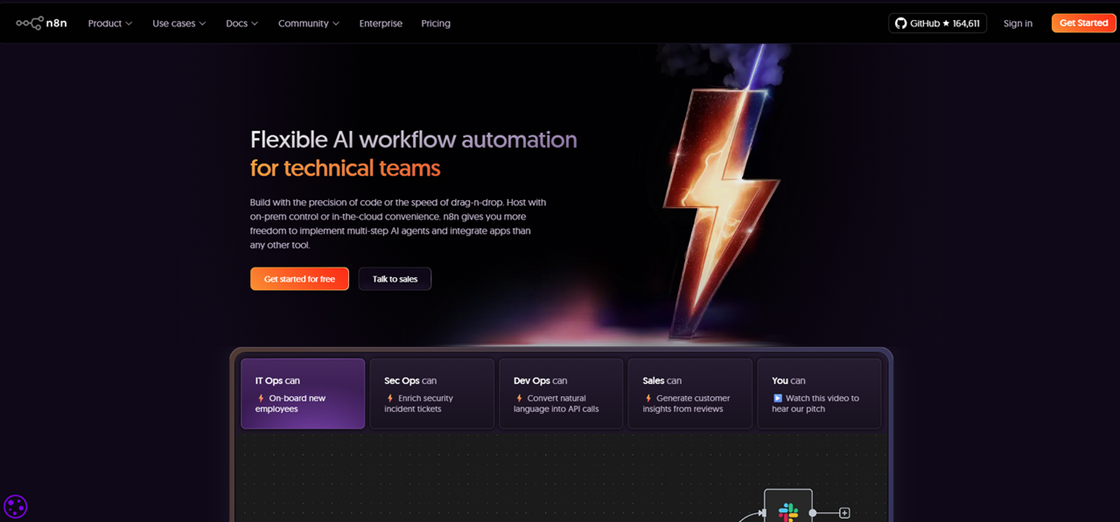
n8n is the "Low-Code" hero of 2026. It bridges the gap between simple connectors and complex developer tools, offering a "Fair-code" model that appeals to US firms demanding total data sovereignty.
Ease of Use
Moderate. The UI is clean but professional. It feels like an IDE for automation. Best for those who aren't afraid of technical details like "Webhook headers" or "JSON mapping."
Integrations
1,100+ Native Integrations and a powerful "Generic API" node that makes connecting to any web-enabled software a 5-minute task.
Pros
Agentic AI Nodes: Features native "LangChain" nodes that allow you to build AI agents capable of "Chain-of-Thought" reasoning and memory within the workflow.
Unlimited Complexity: No arbitrary "task limits" on the self-hosted version. You are only limited by your server's hardware.
Enterprise-Grade Versioning: Robust tools to roll back changes and manage complex development lifecycles in a production environment.
Cons
The JSON Cliff: You will eventually have to interact with "Raw Data" (JSON). For business users who are "code-allergic," this can be a dealbreaker.
Hosting Responsibility: If you self-host, you are in the IT department. You are responsible for server uptime, backups, and security.
Pricing
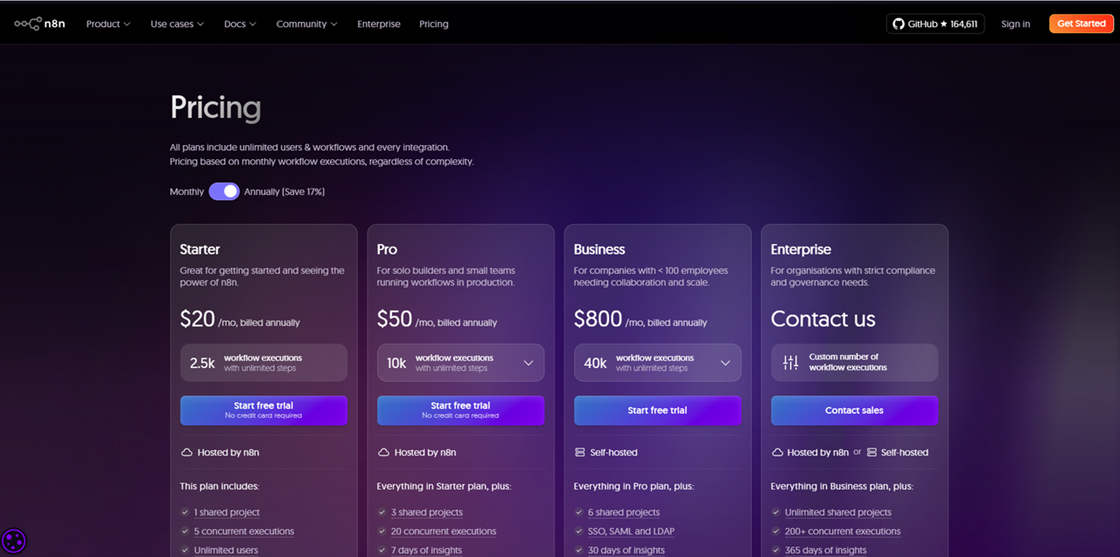
n8n Cloud starts at $20.00/month. However, its core appeal remains the $0/month self-hosted edition, which has no artificial task limits.
Model: Execution-based (1 run = 1 execution, regardless of steps).
Threshold: Power User Cost: ~$120/month for cloud users running 5k+ mission-critical AI executions.
Value Point: Absolute marginal cost efficiency. Choosing to self-host reduces your software fees to zero while retaining enterprise AI power. Choose between n8n Cloud plans or download their fully-featured free self-hosted edition.
Market Verdict: G2: 4.8/5 | Capterra: 4.6/5
Microsoft Power Automate
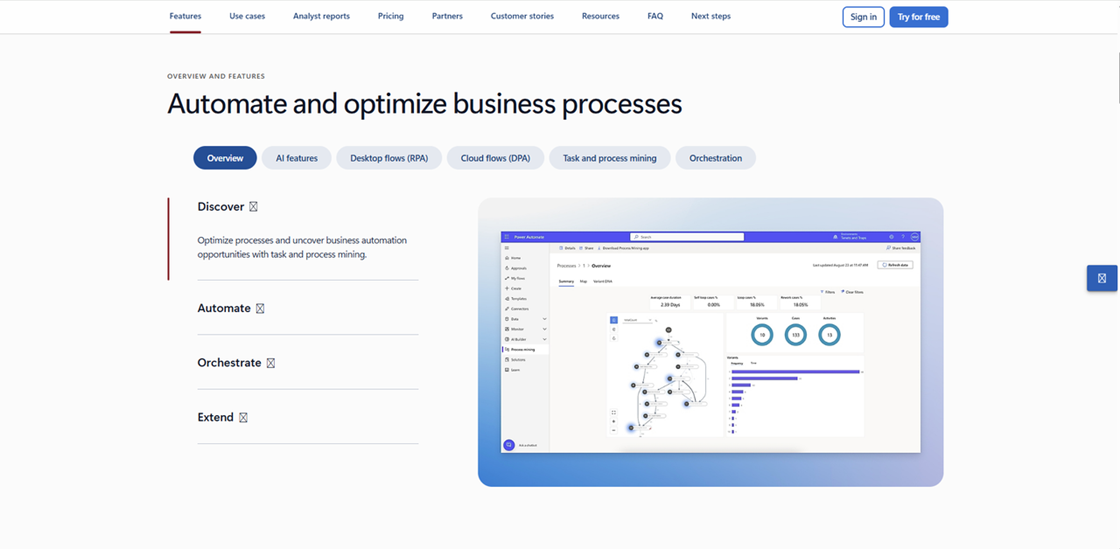
Power Automate is the native choice for corporate environments. It is the only tool that seamlessly bridges legacy Windows desktop software with modern cloud AI agents under a single security umbrella.
Ease of Use
Moderate. The 2026 Copilot makes building simple "automated emails in Outlook incredibly fast" flows easy, but the deeper interface remains corporate and sometimes sluggish. The transition between "Cloud Flows" and "Desktop Flows" can be jarring for beginners.
Integrations
1,000+ Apps, heavily weighted toward the Microsoft 365/Azure ecosystem. It is the only tool that offers a truly native experience for Windows File Explorer, SharePoint, and Teams.
Pros
Desktop RPA Mastery: Native ability to automate "Old World" software on your Windows desktop that lacks an API by mimicking mouse clicks and keyboard strokes.
Copilot Orchestration: The 2026 Copilot allows corporate users to build enterprise-grade flows via a simple natural language chat.
High Compliance: Meets the strictest US federal and corporate security standards (SOC2, HIPAA) right out of the box.
Cons
Sluggish UI: The platform feels heavy and corporate, with significantly slower loading times than nimble SaaS competitors.
Ecosystem Lock-in: Integration with non-Microsoft tools (like Google Workspace or Slack) feels like an afterthought and is often more difficult to set up.
Pricing
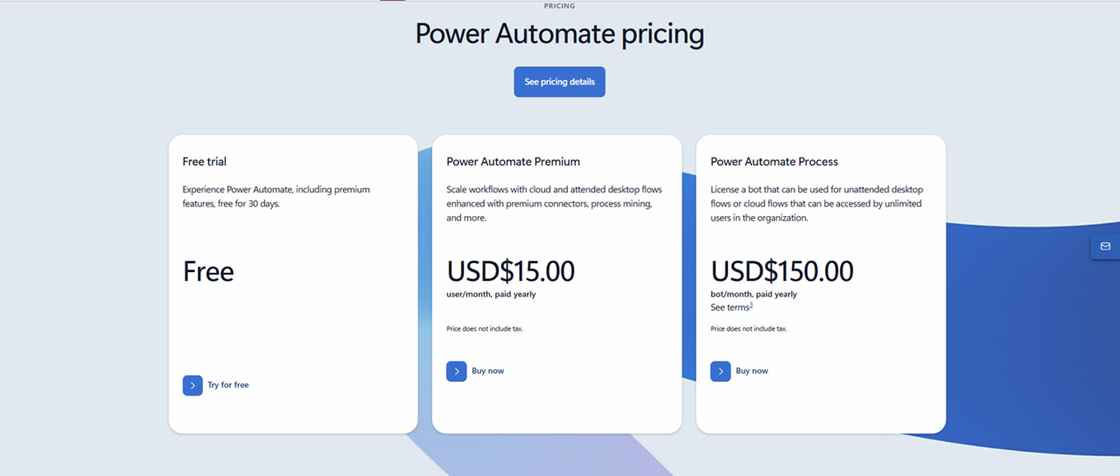
The Premium plan is $15.00/user/month. It is designed to be a "line item" in a corporate budget rather than a variable usage fee.
Model: Seat-based Subscription.
Threshold: Corporate Team Cost: ~$15 - $150/month for 1-5 licensed "Citizen Developers."
Value Point: The safest bet for Office 365 teams—you get unlimited cloud and desktop flows for a predictable monthly "seat" price. Check Power Automate's per-user pricing on Microsoft's site for predictable seat-based costs within the 365 ecosystem.
Market Verdict: G2: 4.4/5 | Capterra: 4.4/5
Gumloop
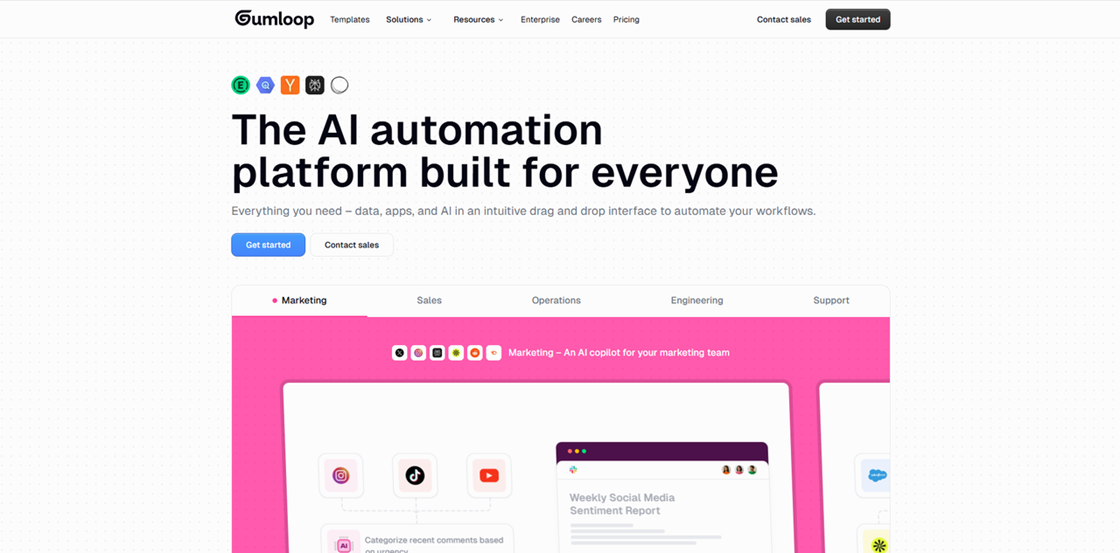
Gumloop is the 2026 industry disruptor that has effectively killed "If-This-Then-That" logic. It is designed for operators who want to build complex AI agents—like researchers who scrape LinkedIn and synthesize data—using only natural language.
Ease of Use
Extremely High. It features a "Chat-to-Build" interface. You never start from a blank canvas. You start from an AI conversation. The "Aha!" moment happens in seconds, not hours.
Integrations
115+ Native Connectors covering major CRM, Sales, and Marketing stacks. However, its "AI-Assisted HTTP" node makes its reach effectively Infinite, as the AI can figure out how to talk to any public API.
Pros
Prompt-to-Workflow: Simply state your goal in English, and the platform auto-assembles the logic nodes, removing 90% of the manual building process.
High AI ROI: Specifically built for long-running tasks like deep research or long-form drafting that often time out on standard API connectors.
Built-in Scraping: No need for 3rd party scraper subscriptions. High-end scraping nodes are baked directly into the AI workflows.
Cons
Credit Transparency: Estimating the exact "Credit" cost for complex agents can be tricky for new users, leading to budget surprises in the first month.
Integration Count: Relies more on AI-assisted API calls than having 8,000 "official" icons to click, which can feel less "plug-and-play."
Pricing
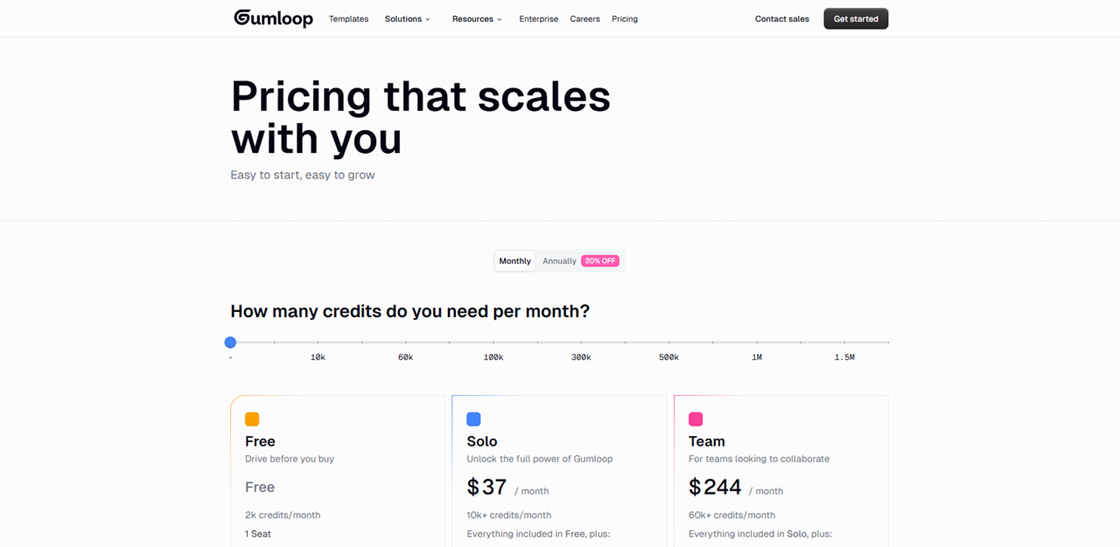
The Solo plan starts at $37.00/month, which allocates 10,000 credits for high-end AI reasoning. Unlike legacy tools, Gumloop doesn't count "steps". It measures the actual compute power used by your agents.
Model: Credit-based (Usage scales with AI intensity).
Threshold: Medium Team Cost: ~$244/month for a dedicated AI Ops team running 60k+ credits.
Value Point: You are paying for "Intelligence" and results, not for the pipes. It is the only platform where long-running AI research stays cost-effective. Learn how Gumloop's credit-based pricing charges you for AI intelligence, not simple steps.
Market Verdict: Product Hunt 5.0/5
Lindy
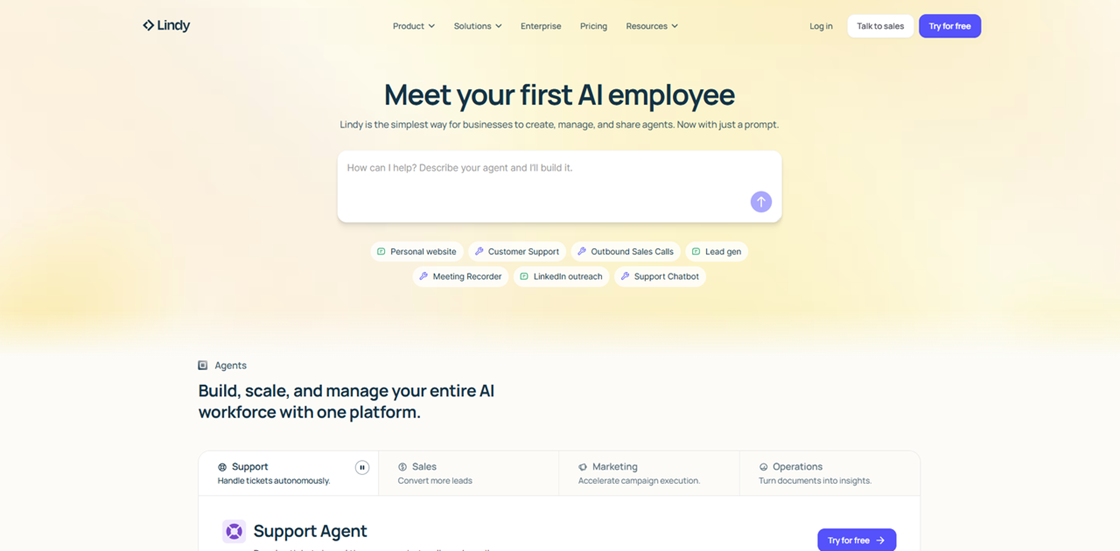
Lindy isn't just an automation tool. It’s an AI Agent builder designed for US teams that want digital "employees" rather than static scripts. In 2026, it is the premier platform for creating agents with long-term memory that can handle customer support and sales outreach autonomously.
Ease of Use
Very High. Training a Lindy agent is like onboarding a human. You provide a job description and documentation, and the agent "learns" the role via a natural language builder.
Integrations
4,000+ App Integrations through deep partnerships and a sophisticated "Computer Use" feature that allows agents to interact with any web-based software regardless of API availability.
Pros
Long-Term Memory: Unlike Zapier, which "forgets" context after every run, Lindy agents learn from past interactions to improve their decision-making.
Native Computer Use: Features an improved 2026 "Screen-reading" capability that allows agents to navigate any web UI exactly like a human would.
Autonomous Phone Calls: Its "Gaia" update enables agents to make and receive phone calls for appointment scheduling or lead qualification in natural voice.
Cons
Credit-Based Uncertainty: Billed on a credit system where complex reasoning tasks can consume budget faster than expected.
Black Box Reasoning: It can occasionally be difficult to audit exactly "why" an agent made a specific decision compared to node-based tools.
Pricing
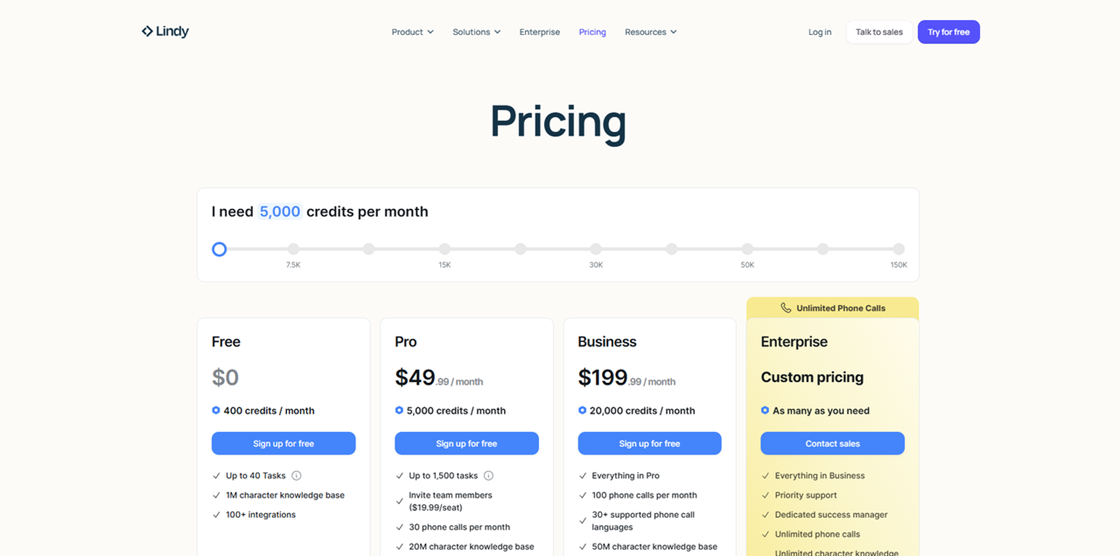
Lindy treats its agents like staff, with plans starting at $49.99/month per agent. This is a "Digital Salary" model designed to replace dedicated human roles.
Model: Subscription (Per Agent / Employee-based).
Threshold: Small Agency Cost: ~$150 - $450/month to deploy a 3-agent team (Sales, Support, and Admin).
Value Point: At roughly $1.60 per day, a Lindy agent offers a 99% cost reduction compared to a human VA for repetitive web-navigation tasks. Explore Lindy's unique "digital salary" per-agent subscription pricing and calculate its ROI versus a human VA.
Market Verdict: G2: 4.9/5 | Capterra: 3.5/5
Pabbly Connect
Pabbly is the undisputed king of Cost-Efficiency. It is the go-to for US agencies running millions of lead-gen tasks who are tired of being penalized by Zapier’s "Task Tax."
Ease of Use
High. It is a near-perfect clone of Zapier’s interface. If you can use one, you can use the other in 5 minutes. The setup is a linear, step-by-step process that is very friendly for non-tech marketers.
Integrations
1,500+ Native Connectors. It covers almost everything Zapier does but at a fraction of the cost for high-volume users.
Pros
Zero "Internal Task" Fees: You are not charged for filters, routers, or formatters. You only pay for the final action, which can slash your automation bill by 50% or more.
Predictable ROI: The lifetime deal model eliminates the monthly "subscription fatigue" for scaling startups.
Intuitive Logic: The interface is essentially a "Zapier Clone," allowing you to migrate your entire stack in hours with zero learning curve.
Cons
Lagging AI Features: Lacks the "Agentic" reasoning and self-healing features found in 2026's top-tier tools like Gumloop.
Dated Interface: The UI is functional but lacks the modern visual polish and "drag-and-drop" fluidity of its competitors.
Pricing
Pabbly offers a disruptive dual-model: highly aggressive monthly subscriptions and a legendary Lifetime Deal (LTD) that eliminates recurring fees entirely.
Model: Subscription (Monthly/Yearly) + Lifetime Buy-in.
Subscription Tiers (Yearly Billing):
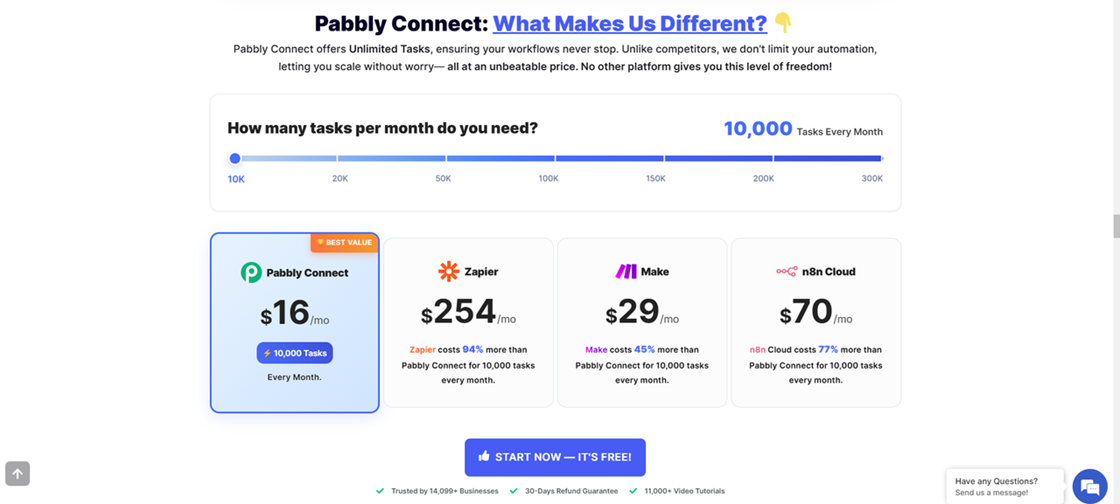
Standard: $16/mo (10,000 tasks).
Pro: $33/mo (20,000 tasks).
Ultimate: $67/mo (50,000 tasks).
Unlimited (2026 Feature): ~$69/mo for Unlimited Tasks, effectively making high-volume automation a flat-fee utility.
Value Point: Triggers and Internal Tasks are FREE. Unlike Zapier, you are not charged for Filters, Routers, Formatters, or Iterators. You only pay for the final "Action," making your task quota last 3-5x longer.
Market Verdict: G2: 4.3/5 | Capterra: 4.5/5
Activepieces
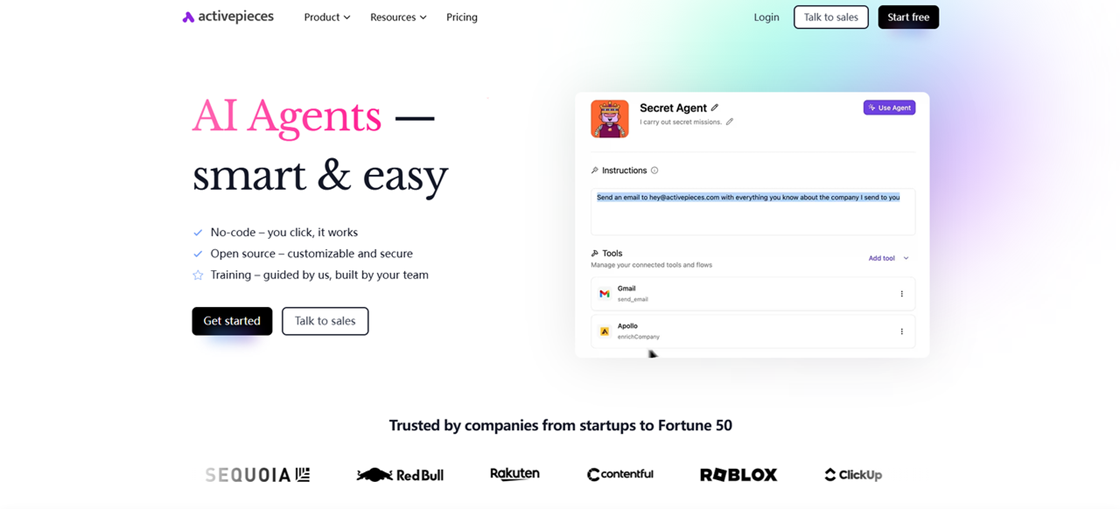
Activepieces is the open-source answer to Zapier. It provides a modern, high-polish experience for mid-market firms that want "Human-in-the-Loop" safety for their AI workflows.
Ease of Use
High. It boasts the cleanest modern UI in the category (G2 Ease of Setup: 9.1). It combines the simplicity of Zapier with the transparency of an open-source tool.
Integrations
500+ Pieces, with an extremely active community adding new ones weekly. It includes deep support for the latest AI models and "Approval" nodes for Slack and Email.
Pros
Human-in-the-Loop: Flows can "pause" for human approval before critical actions (e.g., sending an AI-drafted quote), providing a vital safety net.
Self-Hosting Freedom: A Community Edition is available for free, giving you total control over your data and performance.
Code-Level Control: Allows you to drop in TypeScript or Python blocks when native nodes can't handle the task.
Cons
Small Integration Library: With ~500 pre-built "Pieces," it still trails the massive libraries of Zapier or Make.
Variable AI Output: AI-generated agents may require significant tuning to produce consistent results compared to more established platforms.
Pricing
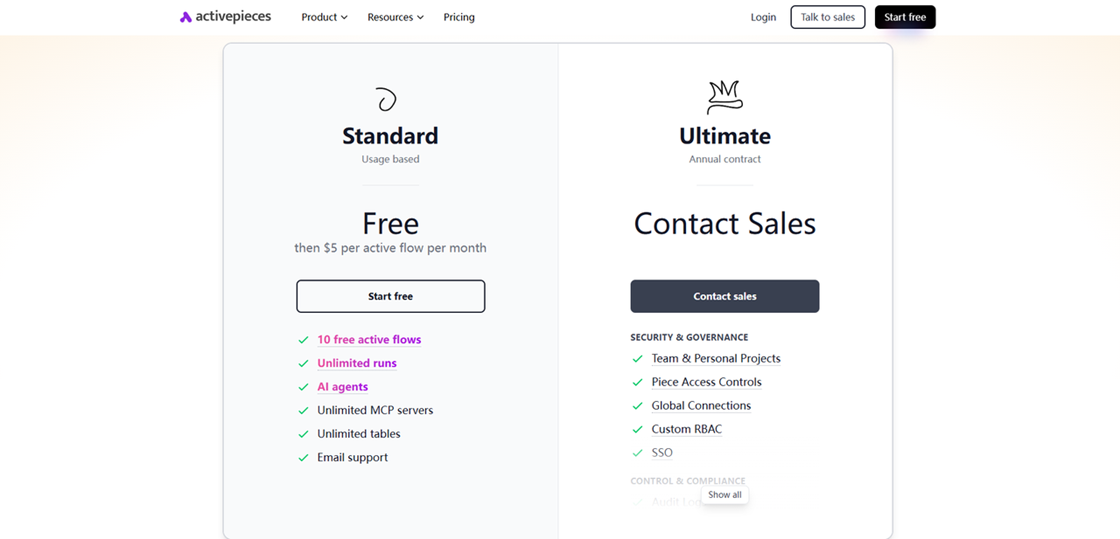
Cloud hosting starts at $15.00/month. It is the middle ground between Zapier’s ease and n8n’s open-source DNA.
Model: Subscription / Per Active Flow.
Threshold: Startup Ops Cost: ~$15 - $50/month for running 10-20 mission-critical flows with approval steps.
Value Point: Enterprise-grade "Human-in-the-Loop" checkpoints at a fraction of the cost of Workato. Explore Activepieces' cloud pricing per active flow or get their open-source free self-hosted version.
Market Verdict: Product Hunt 5.0/5
Workato
Workato is the "Industrial Grade" choice. It handles millions of data rows with a level of security and governance that makes it the only viable choice for Fortune 500 US companies.
Ease of Use
Moderate. While no-code, the sheer scale of the tool requires an internal "Automation Lead." It uses a "Recipe" metaphor that is easy for business users to read, but the underlying data mapping is strictly enterprise-grade.
Integrations
1,000+ Deep Connectors specifically optimized for Salesforce, SAP, NetSuite, Snowflake, and Oracle. It specializes in "Order-to-Cash" and "Hire-to-Retire" enterprise syncs.
Pros
Zero Data Loss: Built for mission-critical financial and healthcare data syncs where a single missed record is a disaster.
Recipe Copilot: Its AI helps "Citizen Developers" in big companies build complex integrations between Salesforce and SAP without coding.
World-Class Governance: Offers robust auditing, role-based access control (RBAC), and centralized dashboards for massive organizations.
Cons
Prohibitive Cost: The high entry price makes it entirely out of reach for SMBs and solo founders.
Technical Overhead: Despite being "low-code," it often requires professional services or a dedicated "Automation Lead" to manage.
Pricing
Workato does not list prices publicly. Entry-level contracts typically start at $10,000/year. It is priced as "Infrastructure," not "Software."
Model: Custom / Recipe-based Enterprise Negotiation.
Threshold: Standard Enterprise Deployment: ~$15,000 - $30,000/year.
Value Point: You are paying for a 0-error guarantee and Fortune 500 compliance that justifies the massive premium.
Market Verdict: G2: 4.7/5 | Capterra: 4.6/5
OttoKit
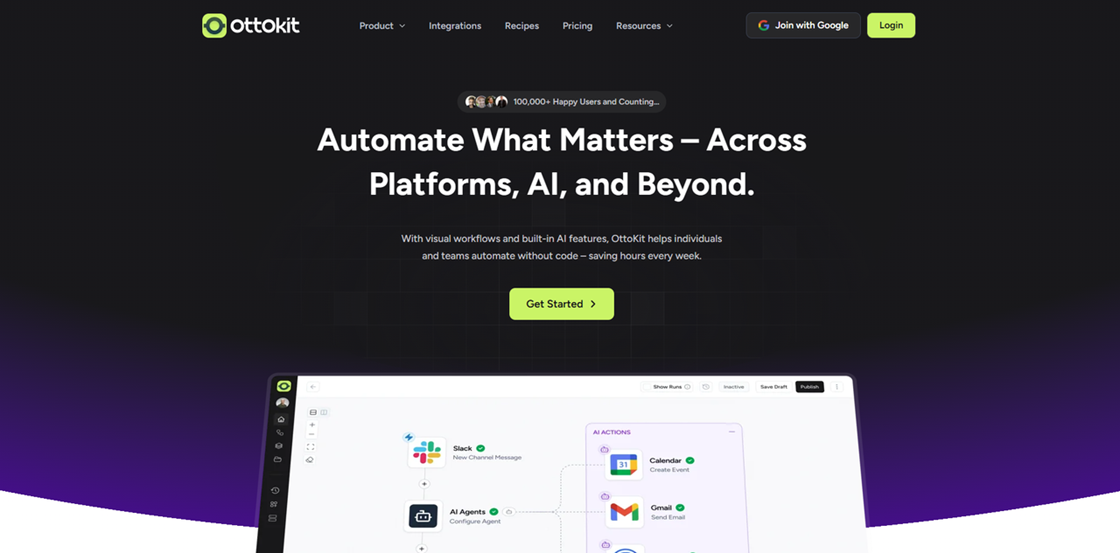
OttoKit (formerly SureTriggers) is the undisputed king of WordPress stack. It is the essential choice for e-commerce founders running WooCommerce or LearnDash who need native, deep-level events.
Ease of Use
Very High. It lives directly inside your WordPress admin dashboard. The UI is clean, and because it "sees" your plugins natively, there is no complex API key hunting for WP tools.
Integrations
1,220+ Native Connectors with a specialized focus on WordPress plugins like Elementor, WooCommerce, and LearnDash.
Pros
WordPress Native: "Sees" deep-level plugin events (like a specific course lesson completion) that standard API connectors often miss.
BYOK (Bring Your Own Key): Allows you to connect your own OpenAI/Anthropic API key to pay wholesale prices for AI tokens, bypassing SaaS markups.
Real-Time Data Sync: Ensures that your inventory and customer notifications stay perfectly synchronized across all WP plugins.
Cons
Platform Lock-in: The tool's primary value is strictly tied to WordPress. Its SaaS-to-SaaS capabilities are less robust than Make or Pabbly.
No "Agent" Brain: It remains a linear automation tool, lacking the long-term memory or autonomous reasoning of "Agentic" competitors.
Pricing
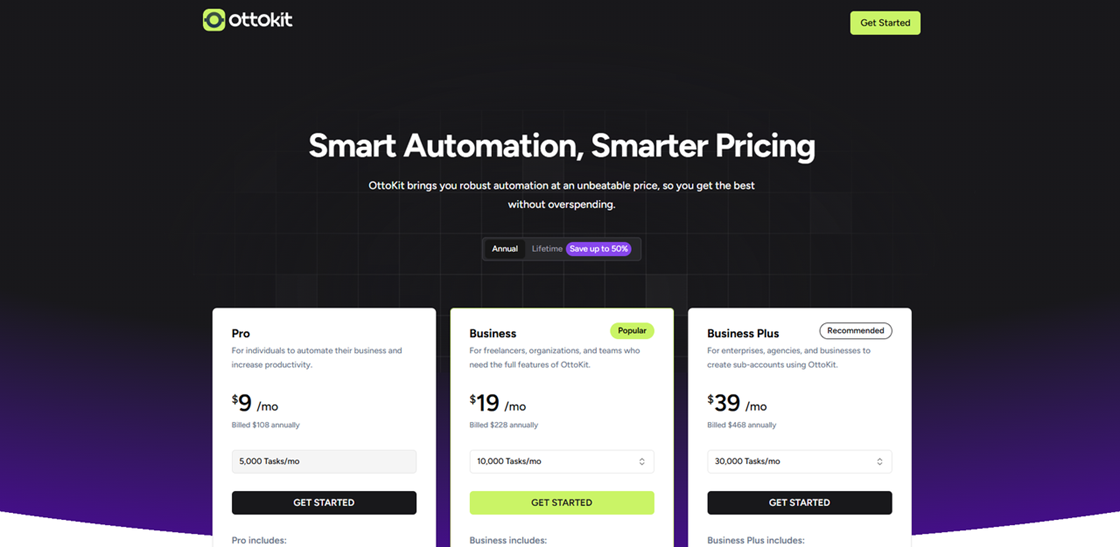
Paid tiers start from $9.00 per month (annual). OttoKit’s BYOK (Bring Your Own Key) model ensures you never pay a markup on AI tokens.
Model: Task-based (Free internal WordPress triggers).
Threshold: WooCommerce Store Cost: ~$19 - $39/month for 10k-50k native plugin syncs.
Value Point: Leverages your own API keys to keep AI costs at wholesale rates for your WordPress ecosystem. View OttoKit's task-based pricing for WordPress and its BYOK (Bring Your Own Key) model to save on AI costs.
Market Verdict: G2: 4.8/5
IFTTT
IFTTT remains the master of IoT and Mobile. It is the simplest bridge for connecting your physical life (smart office, phone GPS) to your basic business apps.
Ease of Use
Extremely High. The interface is built for mobile users. You choose a "This" (Trigger) and a "That" (Action). There is almost zero learning curve.
Integrations
900+, with a unique focus on smart office hardware (Philips Hue, Nest) and mobile OS features (GPS, SMS, Photos).
Pros
Hardware Mastery: The best tool for connecting physical devices (smart lights, smart plugs, phone sensors) to business triggers.
Mobile-First UX: A robust mobile app that excels at location-based triggers (e.g., tracking mileage or office arrivals).
Speed and Simplicity: The fastest "setup-to-run" time of any tool on this list for basic 1-to-1 connections.
Cons
Too Simplistic: Cannot handle the multi-branching or complex data parsing required for serious business operations.
Rigid Logic: The "If This Then That" structure is outdated for 2026's dynamic, AI-heavy workflows.
Pricing
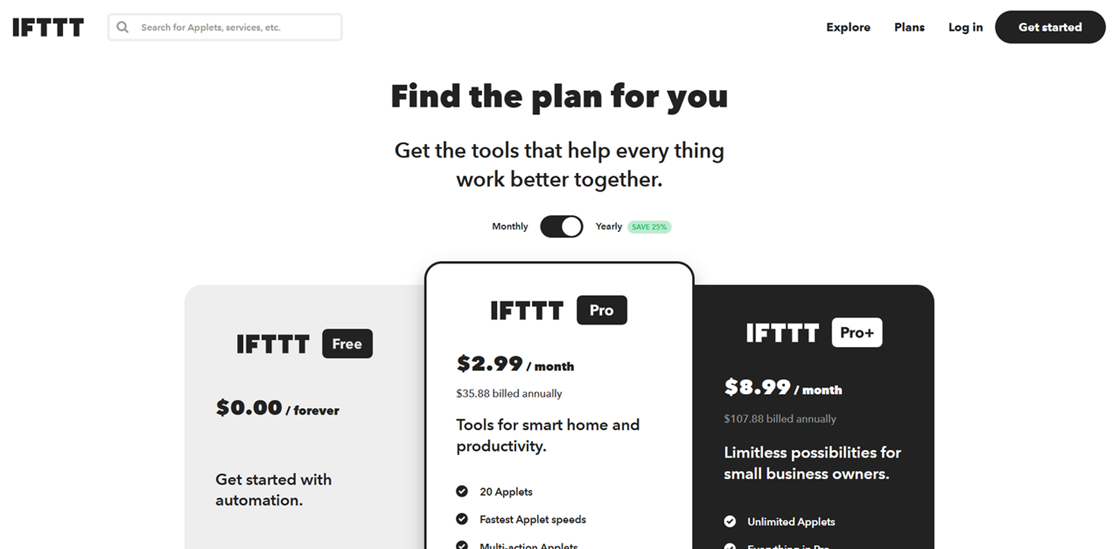
The Pro plan is $2.99/month. It remains the most accessible automation entry point on the market.
Model: Applet-based Subscription.
Threshold: Solopreneur Cost: ~$3 - $15/month for smart-office and mobile-GPS connections.
Value Point: The lowest possible barrier to entry for connecting hardware devices to your digital workday.
Market Verdict: G2: 4.5/5 | Capterra: 4.6/5
Celigo
Celigo is for businesses where a single failed data sync means lost revenue. It is an "iPaaS" specialized for mid-market e-commerce operations (Order-to-Cash) where 100% accuracy is mandatory.
Ease of Use
Moderate to Low. Built for data analysts and e-commerce managers. The interface is grid-based and focused on "Data Mapping" and "Transformation Rules" rather than a friendly flow.
Integrations
200+ Deep SmartConnectors specifically for NetSuite, Shopify, and Amazon—focused on "Order-to-Cash" accuracy.
Pros
Self-Healing AI: Automatically detects and corrects data formatting errors (like malformed addresses) that would break standard "Zaps."
#1 in Satisfaction: Consistently ranked #1 in G2’s 2026 iPaaS reports for customer support and reliability.
Specialized SmartConnectors: High-depth logic built specifically for syncing NetSuite, Shopify, and Salesforce.
Cons
Technical UI: Uses a "heavy," grid-based interface that isn't built for casual, non-technical hobbyists.
Expensive Entry: Primarily aimed at established businesses with high transaction volume and a budget for professional middleware.
Pricing
Mid-market tiers start at ~$600.00/month. It is priced as "E-commerce Insurance."
Model: Tiered Subscription (Order-to-Cash focus).
Threshold: High-Volume Store Cost: ~$1,000 - $1,500/month for NetSuite-to-Shopify syncs.
Value Point: One prevented financial sync error pays for the entire year's subscription. Contact Celigo for custom mid-market quotes based on their tiered subscription model for "e-commerce insurance."
Market Verdict: G2: 4.7/5 | Capterra: 4.6/5
Bhindi
Bhindi is the first "Intent-based" automation OS. It’s not about moving data. It's about Background Agents that learn your business habits and proactively complete missions—without you ever setting a manual trigger.
Ease of Use
High. Bhindi operates through a single command center. You don't build "wires". You assign "missions" to shadow agents. It is the ultimate "set-and-forget" tool.
Integrations
300+ Proprietary Background Agents that mimic human behavior across crypto, fintech, and marketing. Its MCP integration allows it to connect to any platform adopting the 2026 standard protocol.
Pros
Proactive Orchestration: It doesn't wait for a "trigger." It monitors your digital workspace and acts when it senses a mission—like summarizing competitor news—needs completing.
Agent-to-Action: Built specifically for the "Agentic Future," it handles Oauth and API flows internally so your agent can actually do things in your stack.
Natural Language Core: Built for users who want to give instructions (e.g., "Keep my CRM updated") rather than build logic boards.
Cons
"Black Box" Troubleshooting: Because agents are autonomous, it can be harder to audit their internal decision-making process.
Emerging Platform: As a newer player, its community library and long-term stability records are still being established.
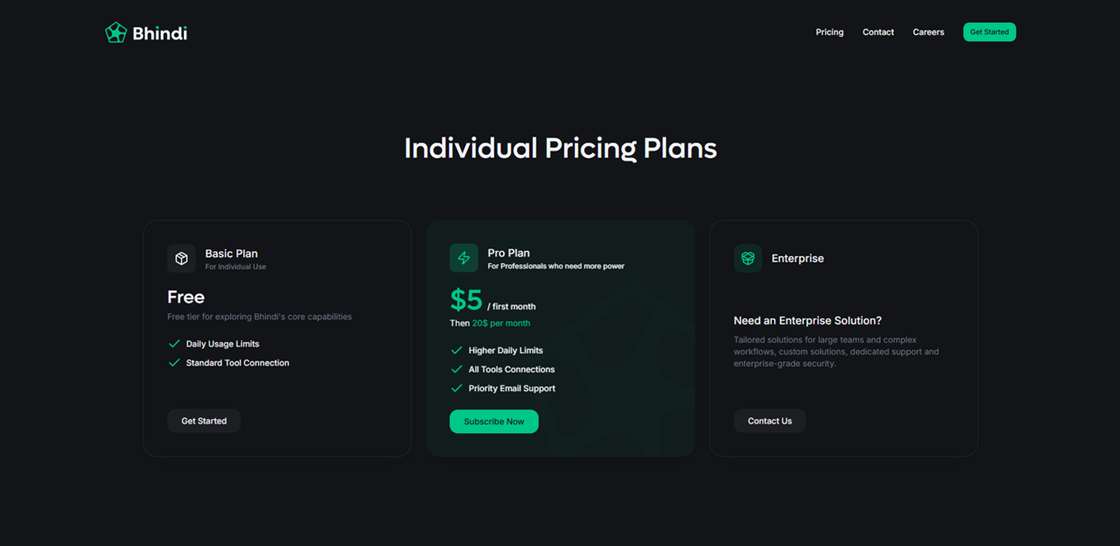
Pricing
The Pro plan is fixed at $20.00/month, offering a low-friction entry into the "Intent-to-Action" era. It eliminates the anxiety of "per-run" costs for background agents.
Model: Subscription (Agent-based / Unlimited "Missions").
Threshold: Power User Cost: ~$20 - $100/month as you add specialized background personas.
Value Point: Proactive agents that work 24/7 based on your habits, meaning you never pay a "trigger fee" again. Check Bhindi's straightforward fixed monthly "intent-based" pricing for proactive background agents.
Market Verdict: G2: 4.8/5 (Emerging) | Product Hunt: 4.9/5
Parabola
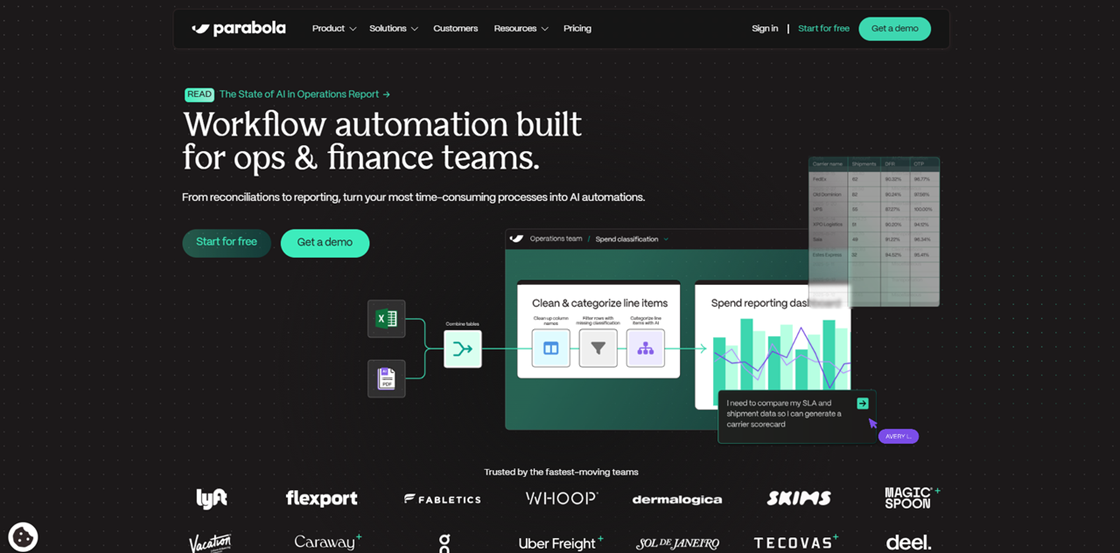
Parabola is for teams drowning in "Dirty Data." If your workday involves hours of Excel cleaning and PDF extraction, Parabola is your visual savior.
Ease of Use
High. If you understand how a spreadsheet works (columns and rows), you will find Parabola intuitive. It uses a drag-and-drop builder to "Clean," "Filter," and "Deduplicate" data visually.
Integrations
50+ Native Connectors plus the ability to import data from any API, CSV, or Webhook. It excels at extracting data from messy PDF invoices and emails.
Pros
Visual Spreadsheet Logic: If you understand Excel, you understand Parabola. It shows every step of the data transformation process visually and logically.
AI Data Extraction: Incredible at pulling structured data from messy PDFs, unstructured emails, and convoluted web pages.
Affordable Scale: Much more accessible for small businesses than enterprise tools like Dell Boomi or Tray.io.
Cons
Not Real-Time: Best for Batch Processing (e.g., hourly runs) rather than instant notifications.
Import Delays: Some users report occasional hang-ups when exporting large datasets to Google Sheets.
Pricing
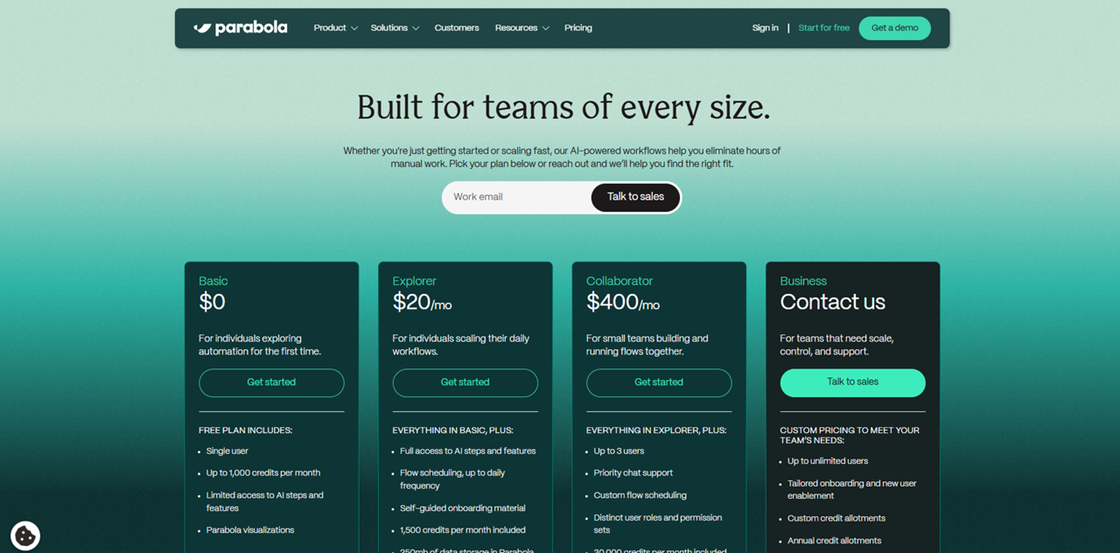
The Explorer plan starts at $20.00/month. It is priced to replace the "Data Analyst's time" rather than a simple API call.
Model: Subscription / Data-Row Processing.
Threshold: Ops Reconcile Cost: ~$150 - $300/month for teams processing 100k+ rows of daily "dirty" data.
Value Point: Replaces hours of manual spreadsheet hell for less than the price of a daily cup of coffee. See Parabola's transparent pricing based on data rows processed as an alternative to manual cleaning.
Market Verdict: G2: 4.9/5 | Capterra: 4.67/5
Whalesync
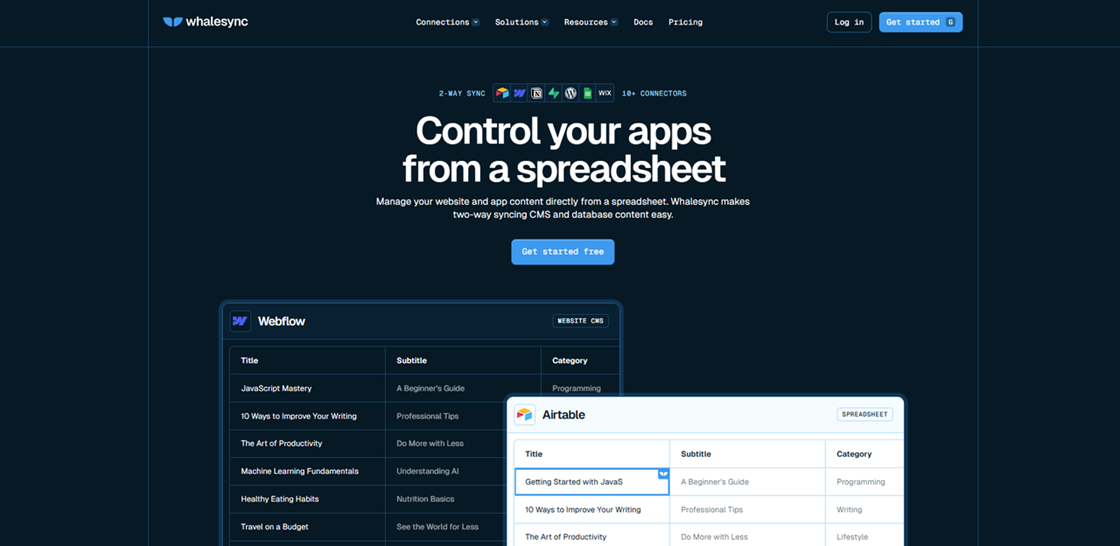
While Zapier "moves" data once, Whalesync mirrors it forever. It is the definitive standard for Programmatic SEO and keeping multiple no-code databases perfectly in sync.
Ease of Use
Extremely High. You don't build "logic". You map fields. "This column in Airtable equals that field in Webflow." Once mapped, you turn it on and never look at it again.
Integrations
~50 High-Depth Connectors (Airtable, Webflow, Notion, HubSpot, Salesforce). It is the only tool on this list that handles record deletions perfectly across these apps.
Pros
True 2-Way Sync: Updates data in one app and sees it instantly reflect in the other (bi-directionally), avoiding "sync loops."
Programmatic SEO King: Essential for builders who use Airtable as a backend and Webflow as a frontend CMS.
State Management: Perfectly handles record deletions and updates, ensuring your databases are never out of sync.
Cons
Specialist Focus: It only does "syncing." It will not send emails or post to social media like a general-purpose automation hub.
Selective Library: Only supports a specific set of high-depth connectors (~50 apps), meaning you may still need a tool like Make for niche integrations.
Pricing
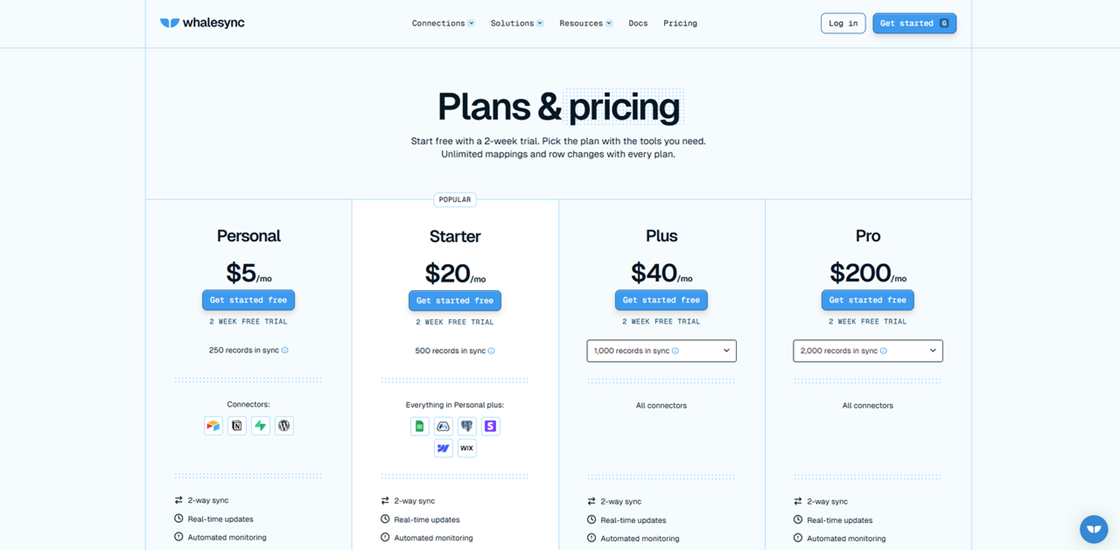
The Starter plan is $39.00/month, billed based on the number of "actively managed records" rather than sync frequency.
Model: Record-based (Bi-directional Mirroring).
Threshold: Programmatic SEO Cost: ~$63 - $129/month for sites mirroring 2k-5k records.
Value Point: The only specialist tool that mirrors data bi-directionally without the risk of creating infinite, expensive sync loops. View Whalesync's record-based pricing for bi-directional sync to keep your databases perfectly aligned.
Market Verdict: G2: 4.9/5 | Product Hunt: 4.8/5
How to choose the right Zapier alternative?
The 2026 Decision Matrix
Align your technical background with your operational environment to narrow the field instantly:
Technical Profile | Deployment Needs | Recommended Tool |
0-Code / Marketing | Pure Cloud (Ease of Use) | Gumloop or OttoKit |
Visual / Ops Lead | Cloud or Hybrid (Control) | Make or Activepieces |
IT / Low-Code | Self-Hosted (Privacy) | n8n or Automa |
Enterprise IT | Compliance / Secure Cloud | Workato or Power Automate |
Three Critical Selection Dimensions for 2026
When testing a candidate platform, evaluate it across these three modern dimensions:
Intelligence: Agentic vs. Linear Does the tool support "Agentic" reasoning, or is it strictly "Linear"? Agentic tools like Lindy and Bhindi possess long-term memory and contextual reasoning, allowing them to handle open-ended tasks like an actual employee. Linear tools, while faster for simple syncs, follow a rigid, pre-set path that breaks when the input varies.
Human-in-the-Loop (HITL): The Safety Net Can you embed human approval nodes? For processes involving customer communication, content publishing, or high-stakes decision-making, the ability to pause and wait for human verification is non-negotiable. Activepieces and n8n excel here, providing a dashboard for approvals that ensures AI never speaks out of turn.
Input Tolerance: Dirty Data & No-API Scenarios Can the tool handle "messy" reality? Can it handle invoice automation from messy PDFs? This is a two-fold requirement:
Unstructured Data: If you are dealing with cluttered PDFs, emails, or spreadsheets, you need advanced extraction and cleaning power—Parabola is the specialist here.
No-API Access: For legacy software or websites without an API, you require browser-based RPA or desktop automation capabilities. Automa or Microsoft Power Automate are your solutions.
Your 7-Day Verification Plan
Theory meets practice in this one-week sprint to lock in your 2026 stack:
Define Core Use Cases: Select 1–2 of the most frequent or complex workflows that are currently driving you away from Zapier.
Shortlist Rapidly: Use the Decision Matrix and the three dimensions above to narrow your candidates down to 2–3 tools.
Execution Test: Utilize free tiers or trial periods to build your core flows. Focus on build speed, runtime stability, and debugging difficulty when an error occurs.
Simulated Cost Analysis: Based on your test usage, calculate your projected monthly cost in a production environment. Ensure the "Credit" or "Operation" model aligns with your growth projections.
By following these steps, your choice will no longer be based on marketing promises, but on data-driven experience.

AI RPA vs. Traditional API
To understand why 0-code business leaders are shifting toward AI RPA (like Automa or Gumloop), you need to understand the fundamental difference between a Static Contract and Dynamic Intent.
The "Contract" (API) vs. The "Eyes" (AI RPA)
Traditional API: Think of an API as a legal contract. For two apps to talk, they must agree on every comma and bracket. If the software developer changes a single field name in the backend, the "contract" is void, and your Zap breaks.
AI RPA: AI-driven RPA doesn't need a contract. It has "eyes." By using Computer Vision and Semantic Recognition, an AI RPA tool "sees" the "Submit" button just like a human does. If the button moves from the left side of the screen to the right, or if the code behind it changes, the AI simply re-locates it and keeps working.
The Coverage Gap: The "Un-automatable" 90%
Traditional API: You are at the mercy of the developer. If a niche real estate portal or old accounting software doesn't provide an official API, you are stuck with manual data entry. In 2026, it is estimated that less than 15% of all business-relevant web data is accessible via a comprehensive, free API.
AI RPA: There are no "gatekeepers." If you can access it through a browser or a desktop app, you can automate it. AI RPA allows you to bridge the gap between "New World" SaaS and "Old World" legacy systems without waiting for a developer to build a connector.
The Brain vs. The Pipe
Traditional API: APIs are "Dumb Pipes." They move data from Point A to Point B. They don't care if the data is a shipping address or a poem. They just transport the string of text.
AI RPA: Modern RPA is the "Muscle" for an AI "Brain." Because these tools are built for the AI era, they natively handle Unstructured Data. They can "read" a messy PDF invoice, "reason" that the tax was calculated incorrectly, and "act" by flagging it in your ERP—all in one fluid motion.
The Comparison at a Glance
Feature | Traditional API (Zapier Style) | AI RPA (2026 Agentic Style) |
Stability | High, until the backend changes. | High, because it "re-sees" UI changes. |
Setup Speed | Minutes (if the app is supported). | Hours (to train the initial bot vision). |
Flexibility | Rigid. Restricted to "Official" fields. | Total. Can do anything a human can click. |
Maintenance | The Breakage Trap: Constant manual re-mapping. | Self-Healing: AI auto-adjusts to new layouts. |
Data Type | Structured (JSON/XML) only. | Unstructured (PDFs, Images, Video, Text). |
Conclusion
The era of "If This Then That" is being replaced by the era of "Objective and Action." Whether you are automating invoice processing or building a fleet of AI agents, choose the tool that scales your intelligence, not just your task count. As you decide on your next automation partner, remember that the most expensive tool is not the one with the highest subscription—it is the one that forces you into a "maintenance trap" of broken workflows and manual data cleaning. If your data is your most sensitive asset, take the leap into self-hosting with n8n. If your work bridges the gap between local software and the web, Automa is your universal workhorse.
Automation is no longer a "set and forget" utility. It is a competitive advantage. Choose the tool that scales not just your tasks, but your intelligence.
FAQs about Zapier alternative
Is there a completely free alternative to Zapier?
Yes, but with a trade-off between "convenience" and "control." In 2026, for desktop-heavy tasks, the Automa Personal Edition allows for unlimited local bot executions, making it the best free choice for automating legacy software and local Excel files.
Why is Zapier so expensive?
Zapier’s pricing model is built on the "Task Tax" architecture. Every single step in a workflow—whether it's a simple filter, a data formatter, or an actual action—counts as a "task." In a modern AI-driven world, a single workflow might involve 10-15 internal steps to research, verify, and summarize data. On Zapier, this consumes your quota instantly. Furthermore, Zapier’s "Premium App" gatekeeping forces users into higher tiers just to access basic tools like Salesforce or Shopify.
Can AI agents replace Zapier workflows?
Largely, yes—and they are doing so at a rapid pace. Traditional Zapier workflows are "Linear": If A happens, then do B. If the input changes slightly, the workflow breaks. AI Agents are "Goal-Oriented." Instead of building 10 rigid steps, you give the agent a mission: "Find the contact info for this lead and draft a personalized email based on their latest LinkedIn post."
The agent uses reasoning to decide which tools to use and how to handle obstacles. While linear workflows are still better for simple, high-speed data syncing (like adding a lead to a spreadsheet), AI agents are superior for any task requiring context, research, or decision-making.