

What problem this workflow solves?
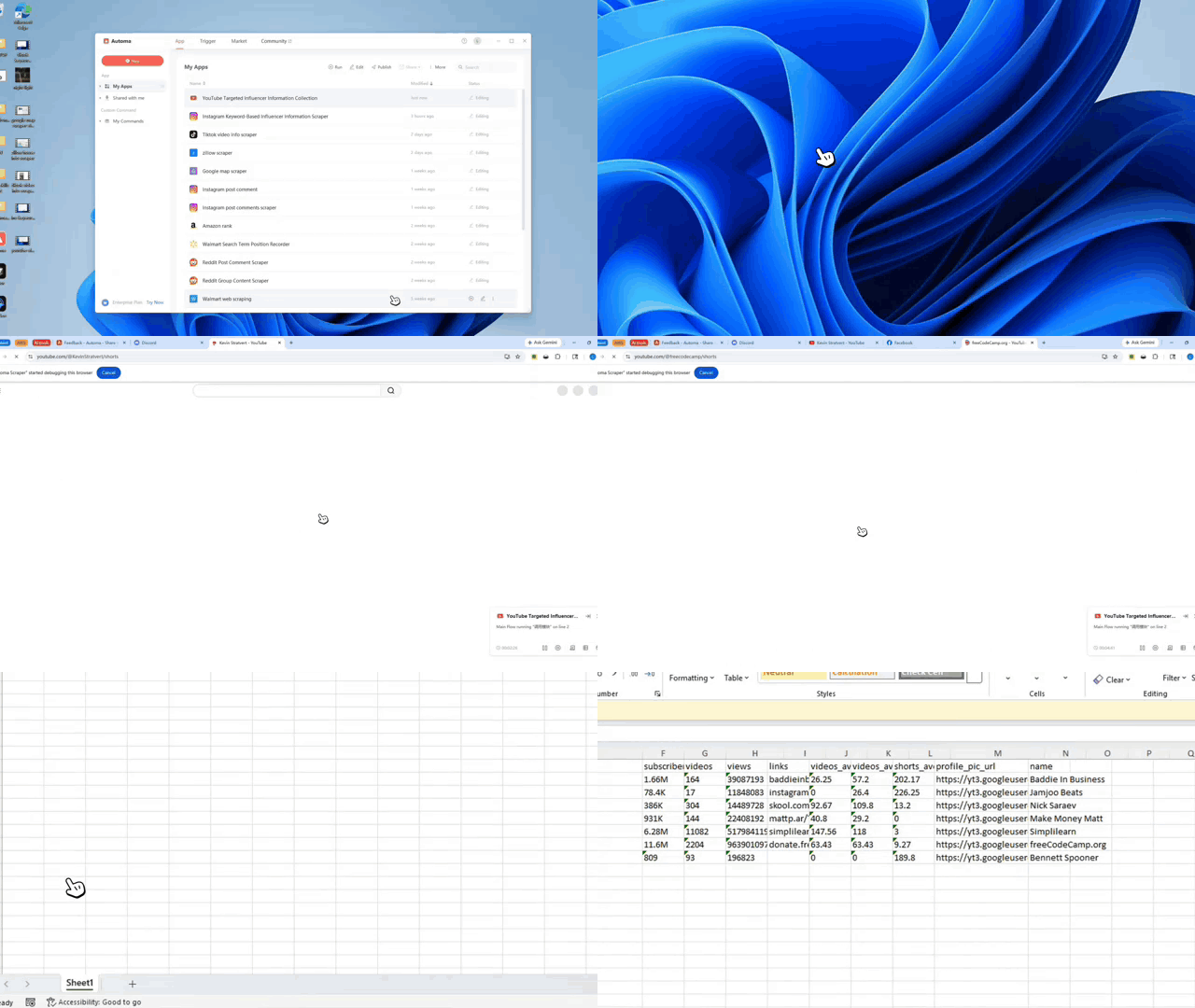
Finding the right YouTube creators takes many hours of boring work. Most people search for channels one by one. They click on profiles and copy numbers like subscriber counts into a spreadsheet. This youtube influencer scraper fixes that problem. It finds channels and gathers data automatically. This tool stops human mistakes and keeps all your data in one neat list. You can save hours of time when building a list for your next marketing project.
Key challenges solved include
- Slow research: No more manual searching.
- Messy data: All info follows one format.
- Scale issues: Easily build large creator lists.
- Manual work: The system extracts data for you.
What does this workflow do?
This creator data tool pulls specific info from YouTube and puts it into a clear file. It uses a core program to read your search terms and find matching creators. It turns messy raw information into a clean, ready-to-use dataset. The system handles the logic so you can focus on using the results.
Main capabilities include
- Auto-processing: It scans YouTube influencer data fast.
- Logic execution: A central module runs the task.
- Data cleaning: It turns raw input into structured lists.
- Storage: It saves results for your next steps.
Who is this for?
Marketing teams and growth hackers use this tool to find partners faster. It helps anyone who builds large lists of creators for ads. If you spend your day moving data from YouTube to a spreadsheet, this tool helps you. It also works as a youtube email finder to build contact lists for campaigns.
Typical users include
- Influencer marketing specialists
- Social media managers
- Startup growth teams
How does it work?
The process follows four simple steps. It works like a factory line for data.
- Setup: You assign your input data to a variable.
- Scan: The system calls the main program module.
- Process: The tool runs the data collection logic.
- Save: It stores the final list in a result variable.
The Environment Checklist
Check these four things before you start. If your setup is correct, the workflow will run smoothly.
- Install: Use the latest version of Automa.
- Login: Sign in to the web and desktop apps.
- Authorize: Grant the app permission to run.
- Modules: Ensure all dependencies are loaded.
Need help customizing?
You can change this tool to fit your goals. If you need more data or different logic, help is available.